View your account information, badges, and subscriptions
Open your accountClick Account at the top of the sidebar. Your account page shows your profile, your favorite markets and reports, your level, and links to your badges and digest. The Housing Hub name is the one we use to greet you.
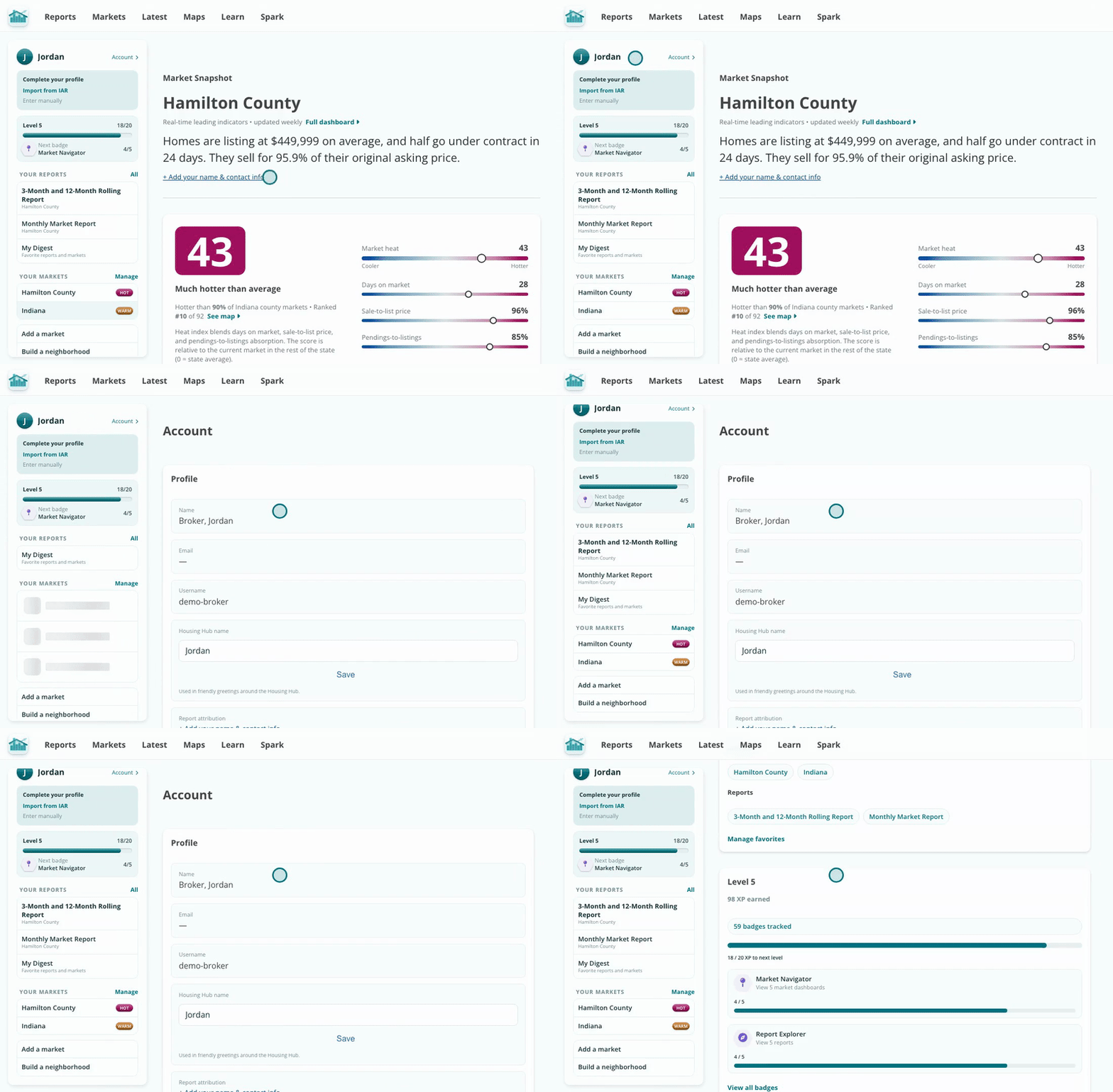
Everything about your Hub account in one page.
Click Manage favorites, or Manage next to Your Markets in the sidebar. Check the reports and markets you use most and click Save favorites. They appear in the sidebar on every page.
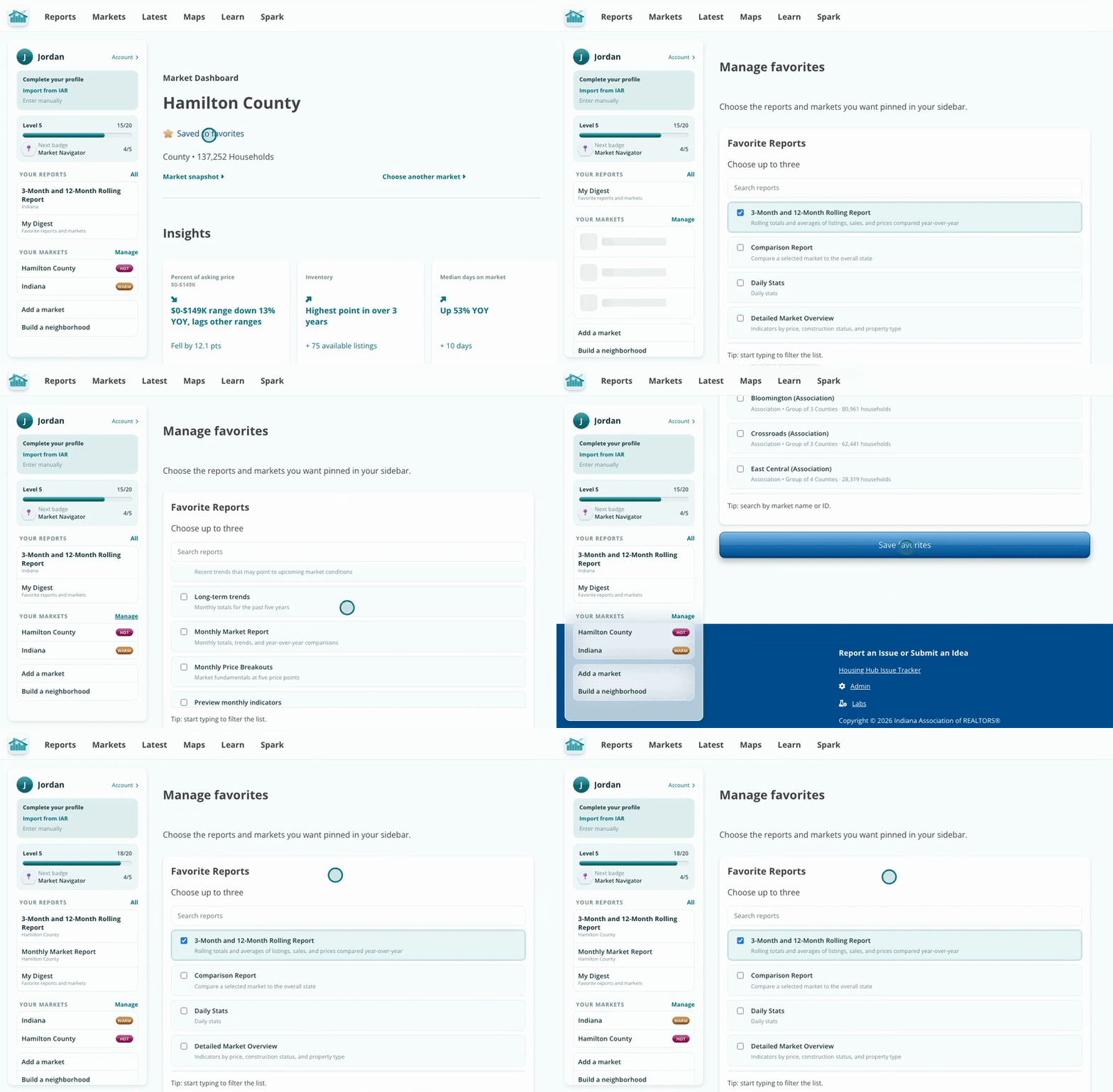
Favorites ride along in your sidebar.
Click View all badges to see your level and the badges you are closest to finishing. You earn XP by finishing badges, and every badge tracks something you already do, like building reports, saving favorites and asking Spark.
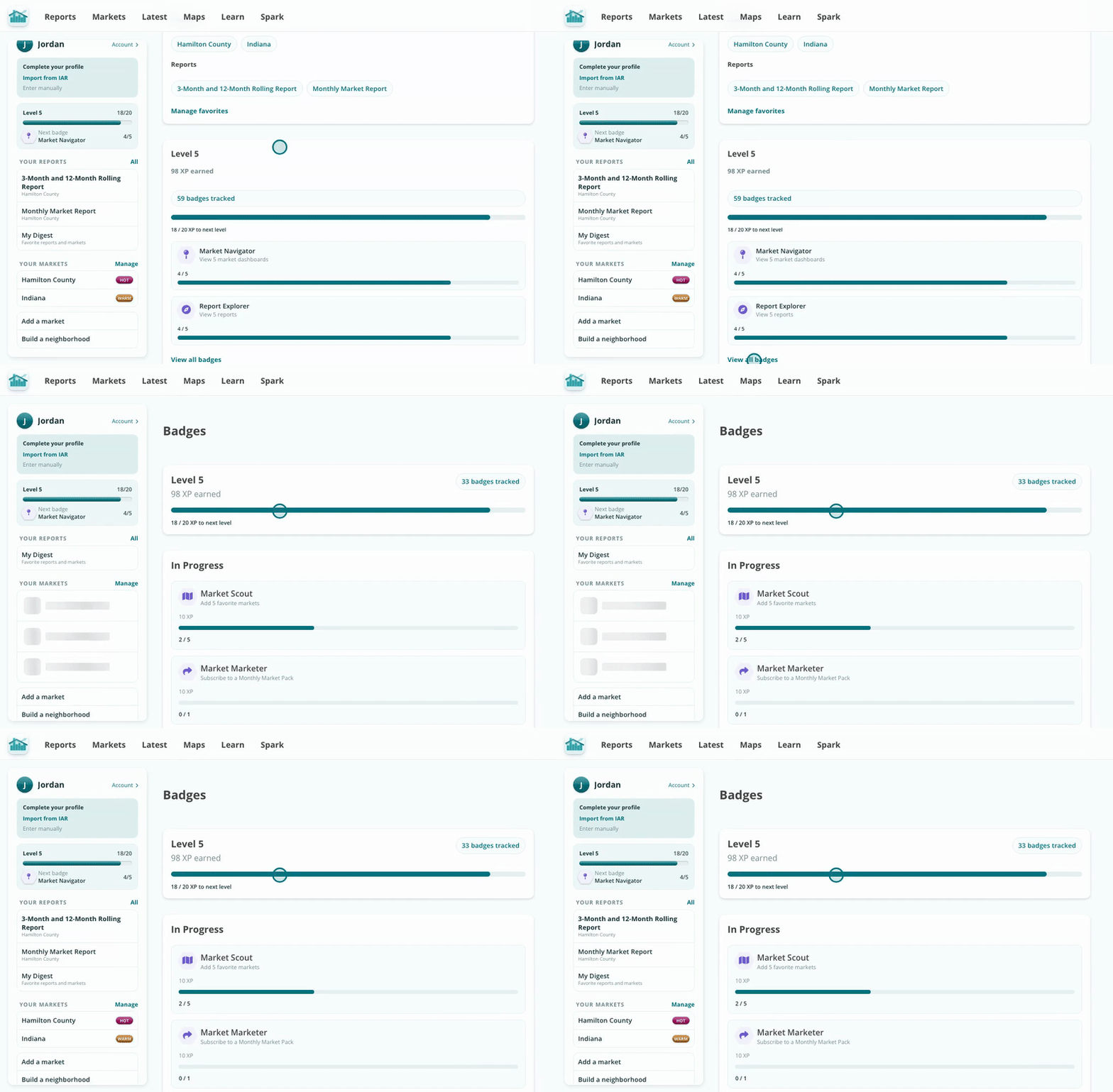
The In Progress list shows what is almost done.
Click View digest and subscriptions to see the latest version of each report you subscribe to, for each of your markets. Subscriptions are for one report in one market, so subscribe again to follow another market.
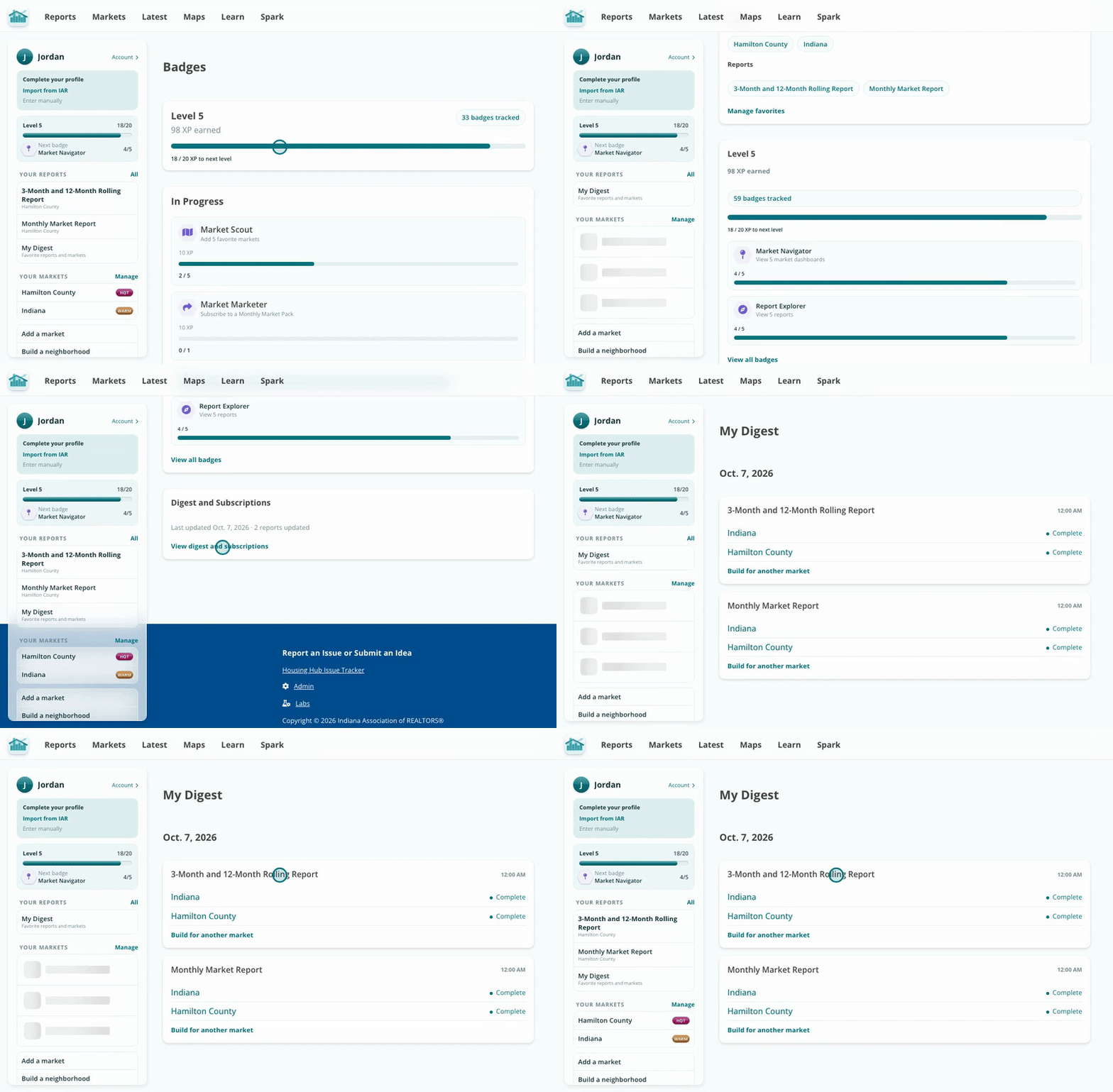
Your subscribed reports, newest first.
Favorites and subscriptions put the markets and reports you use most one click away, and your digest collects the newest version of each in one place.
Your first favorite market also shows up as a one-click start on a new Spark chat.