Your home base in the Housing Hub
Click Markets in the navigation bar or the View Market Dashboard tile on the homepage.
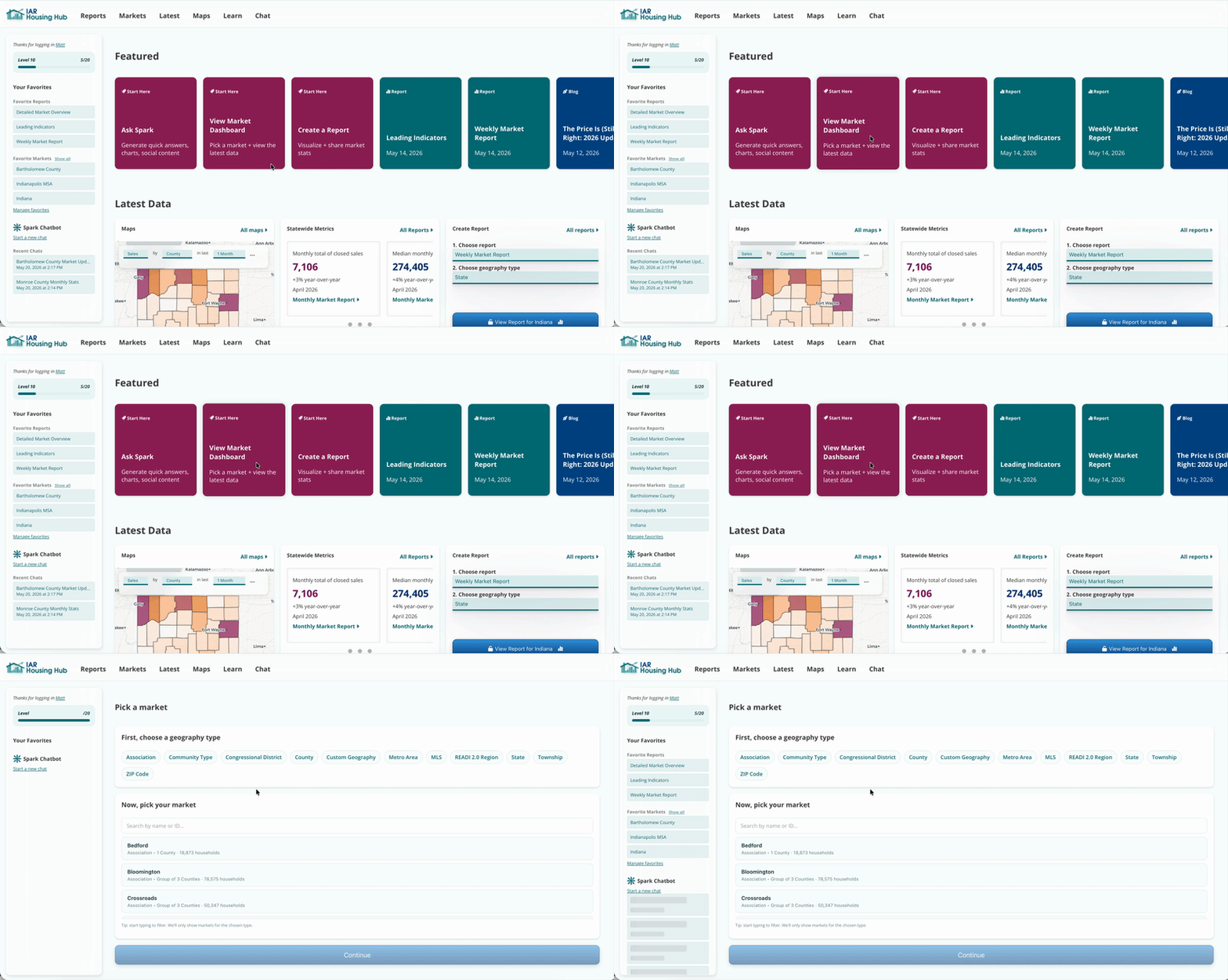
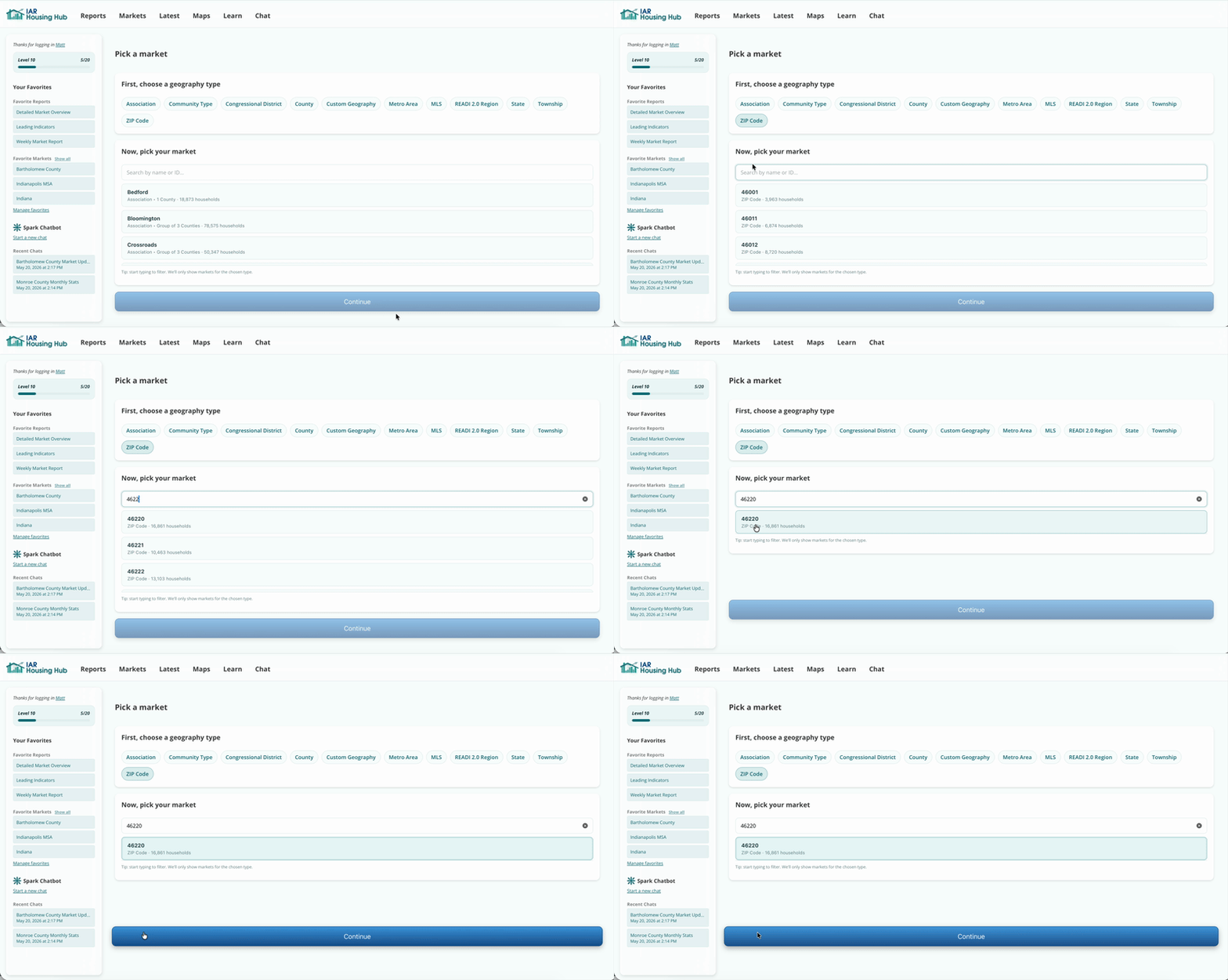
Filter by geography type. Search for your geography, and select it from the list.
Each Market Dashboard has a row of Insight Cards. These show you important trends in this market. Click one to view a chart you can download and share.
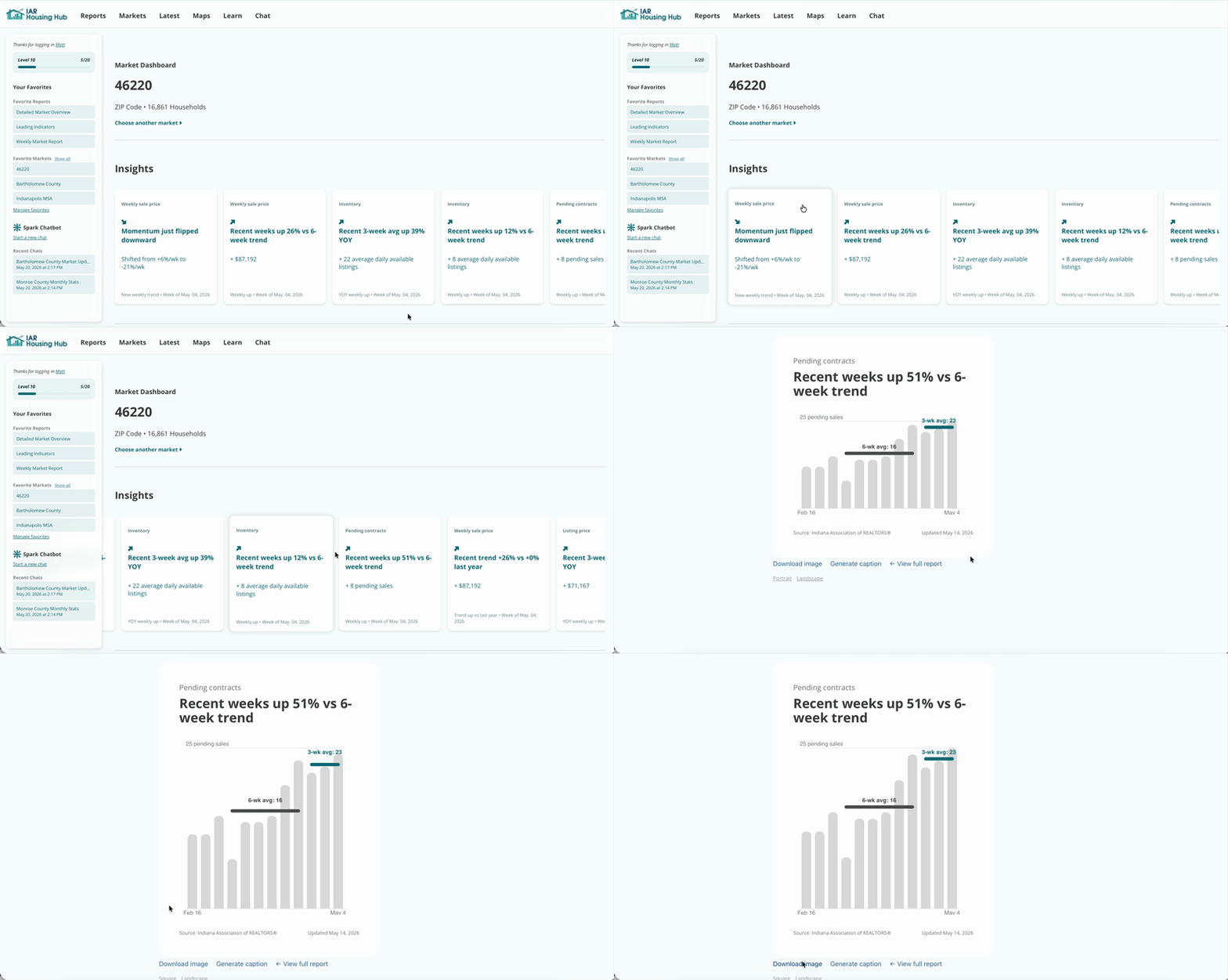
Insight Cards can be viewed and downloaded as square, portrait, or landscape images. Portrait or square is best for Instagram.
Understand your market at a glance, and launch the latest monthly or leading indicator (weekly) report from here.
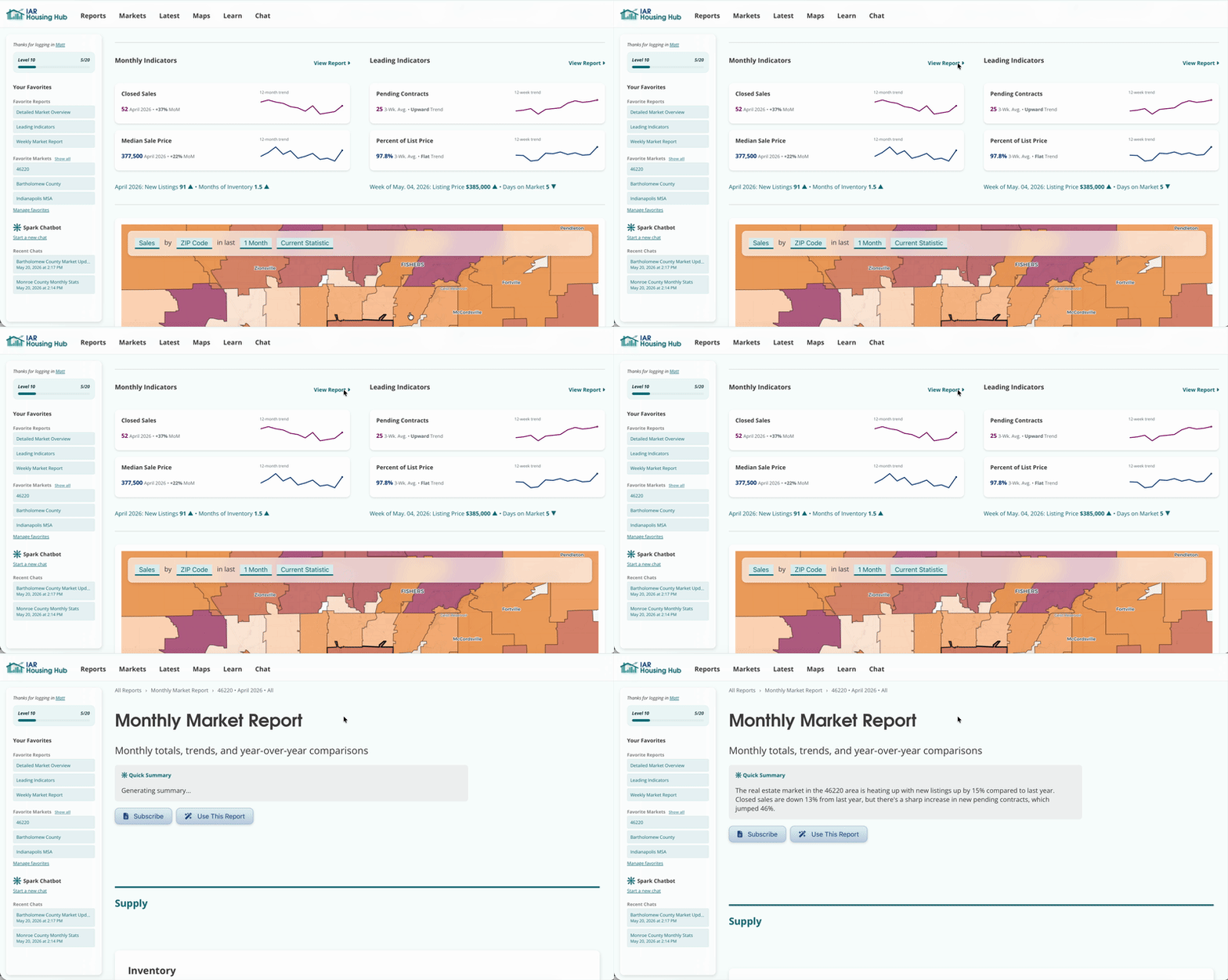
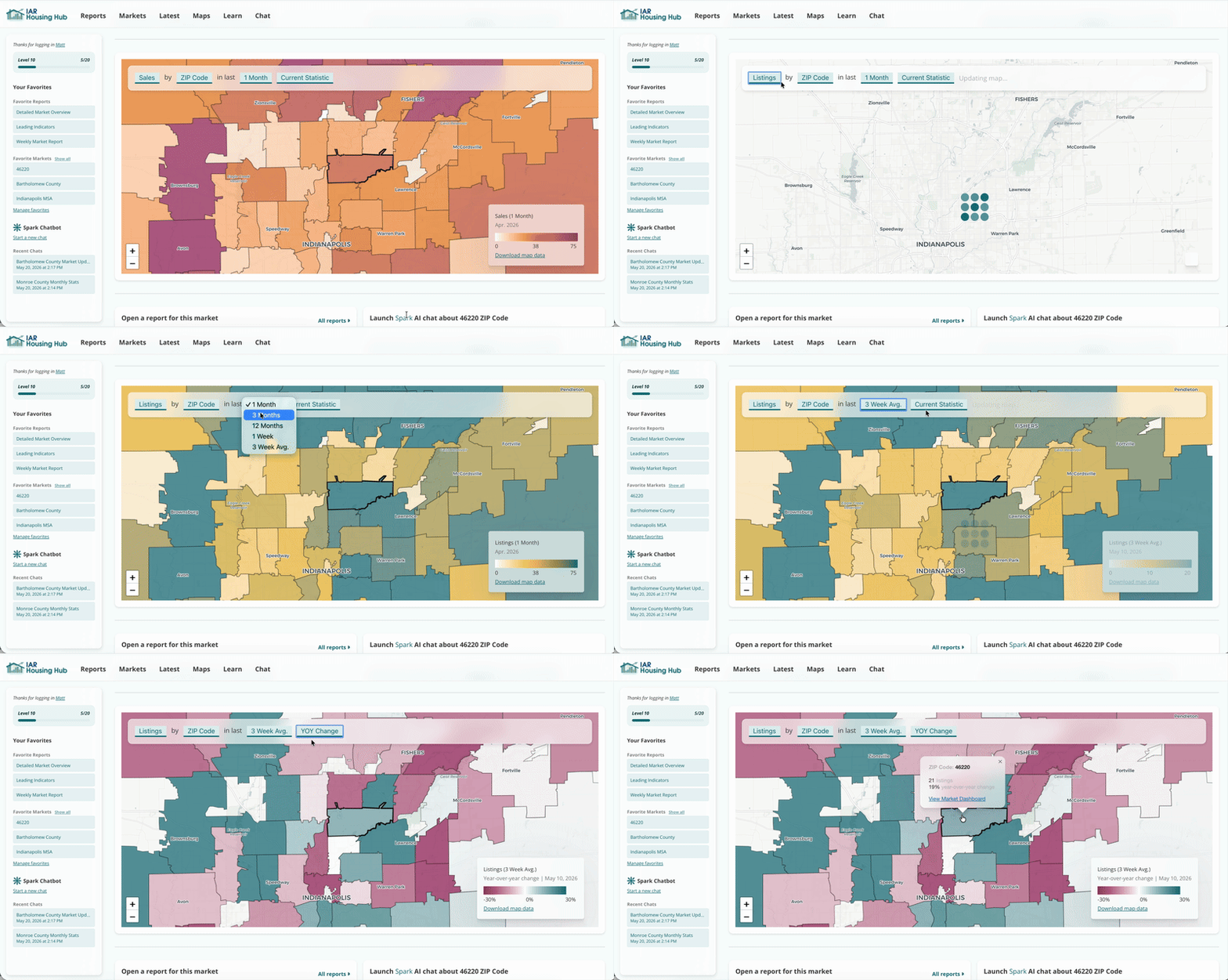
Your market is highlighted. Change the indicator and the time period on the map. You can change from current statistic to year-over-year trend.
Pick a report and open the latest version for your selected market.
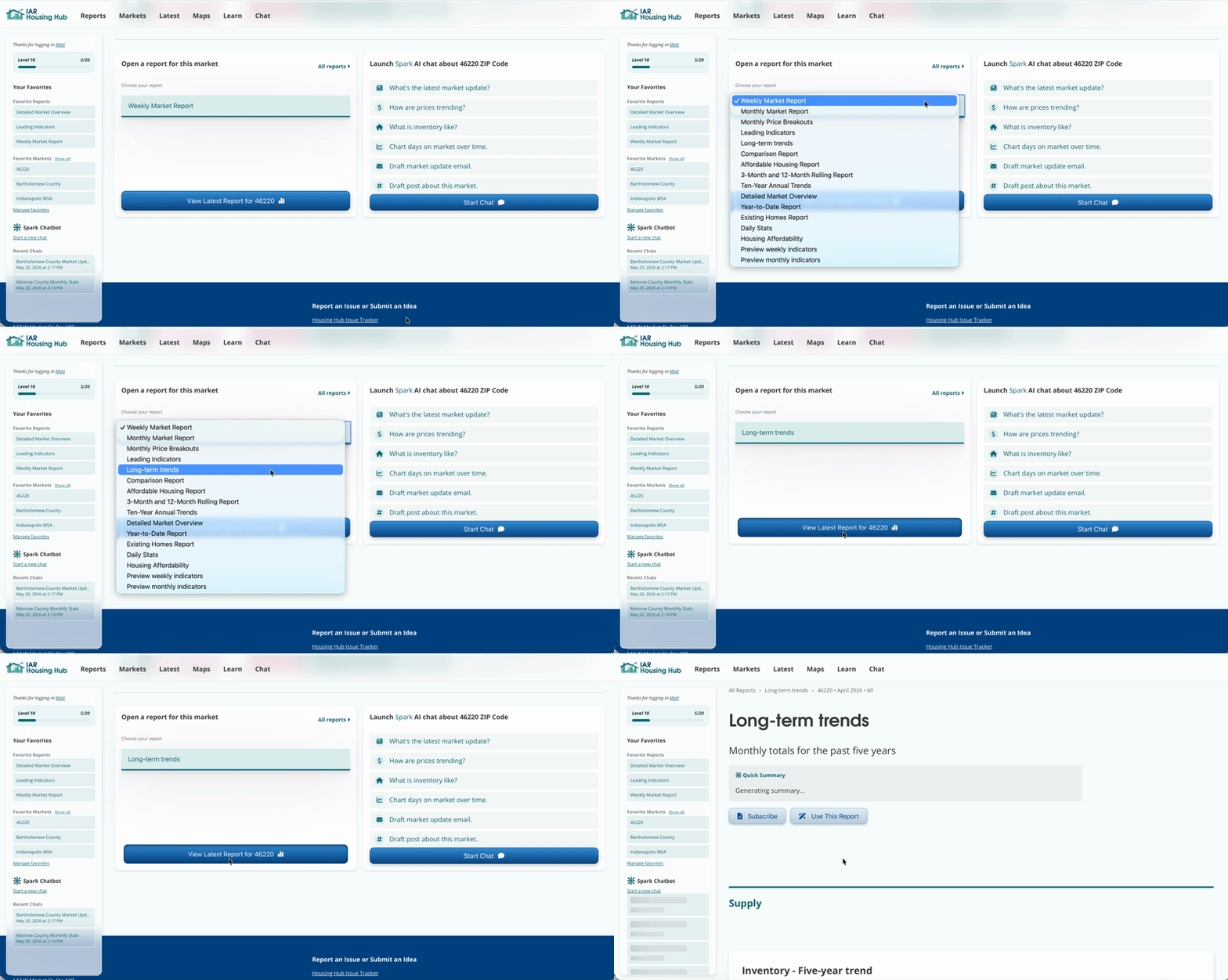
These prompts launch a chat about your market with Spark in one click.
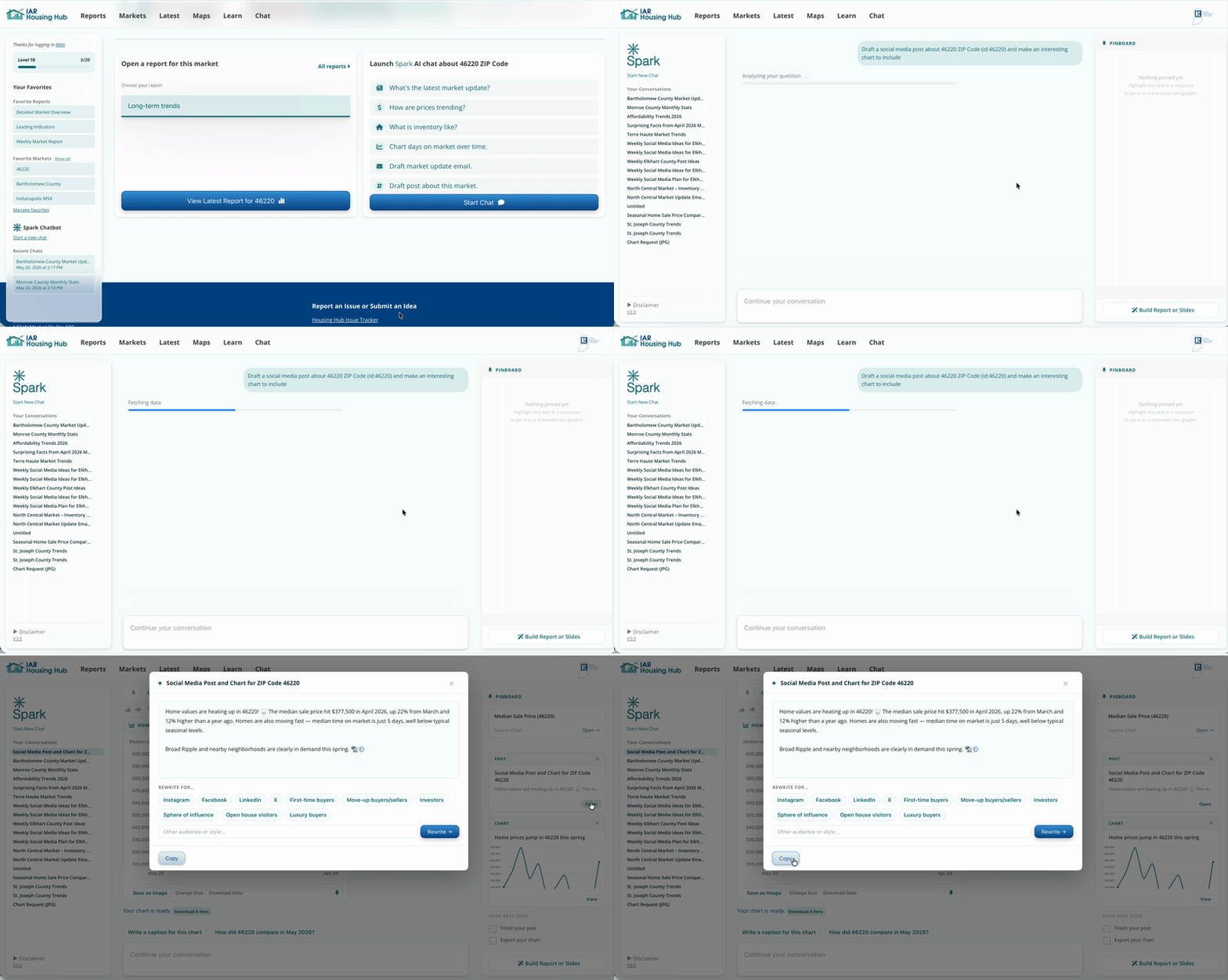
If Spark generates a post or an email, you can open it to edit the contents, copy the post, or send the email.
Save your favorite markets to get to their dashboard in one click.