
Ask Spark for a deck, edit the slides, and download PowerPoint or PDF.
Open SparkAsk for a market update deck for your market. Plan first turns itself on for a deck, so Spark outlines the story, then draws each chart and pins it to your pinboard.
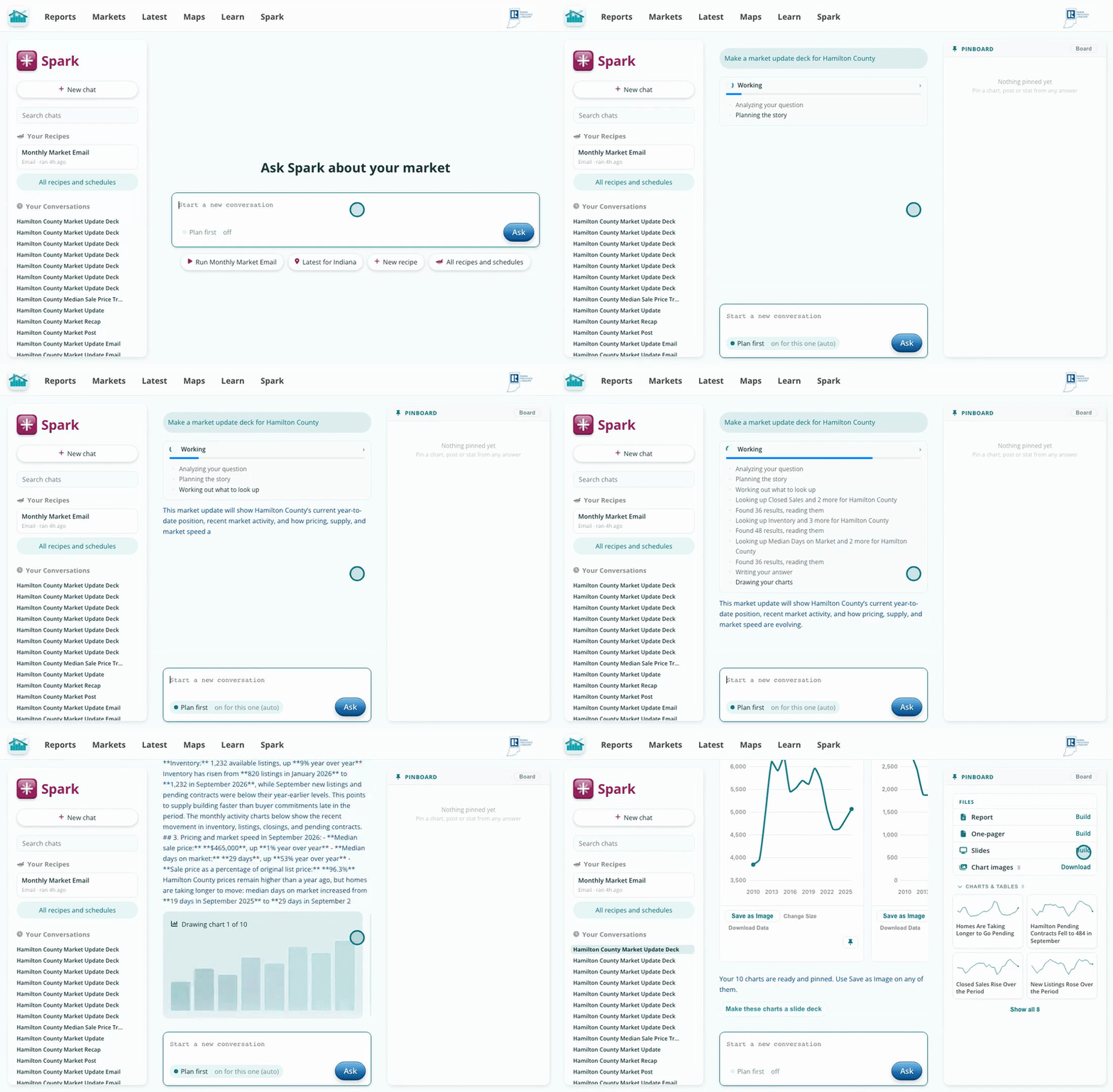
One request, a full set of charts, all pinned.
At the top of your pinboard, under Files, click Build next to Slides. Spark lays your pinned charts out as a 16:9 deck with a title slide, a contents slide and a headline on every chart.
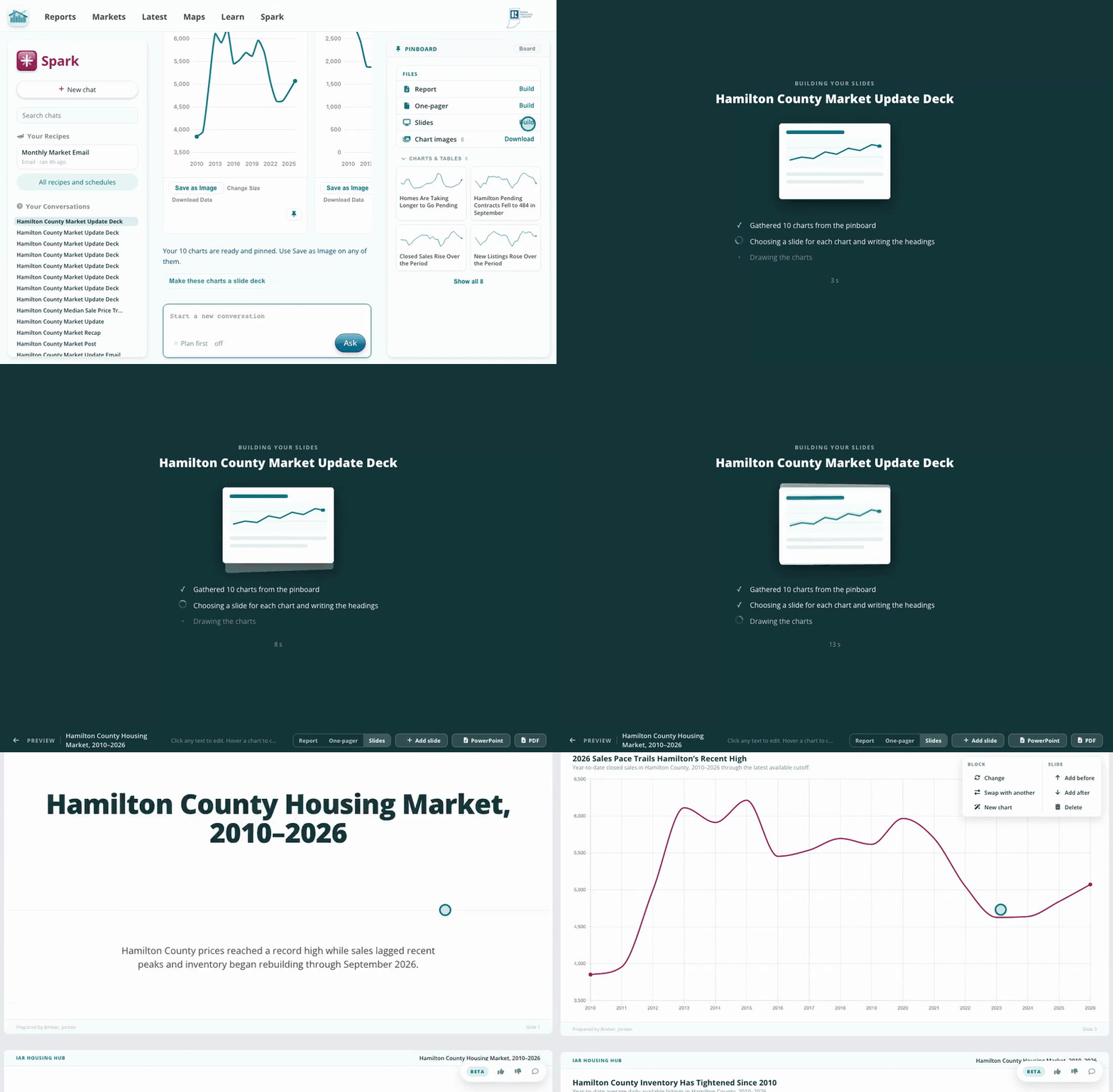
Files, then Slides, then Build.
Click any headline to retype it, or use the menu beside a block to change a chart, swap slides, or add and delete slides. When it looks right, click PowerPoint for an editable deck, or PDF to present from any reader.
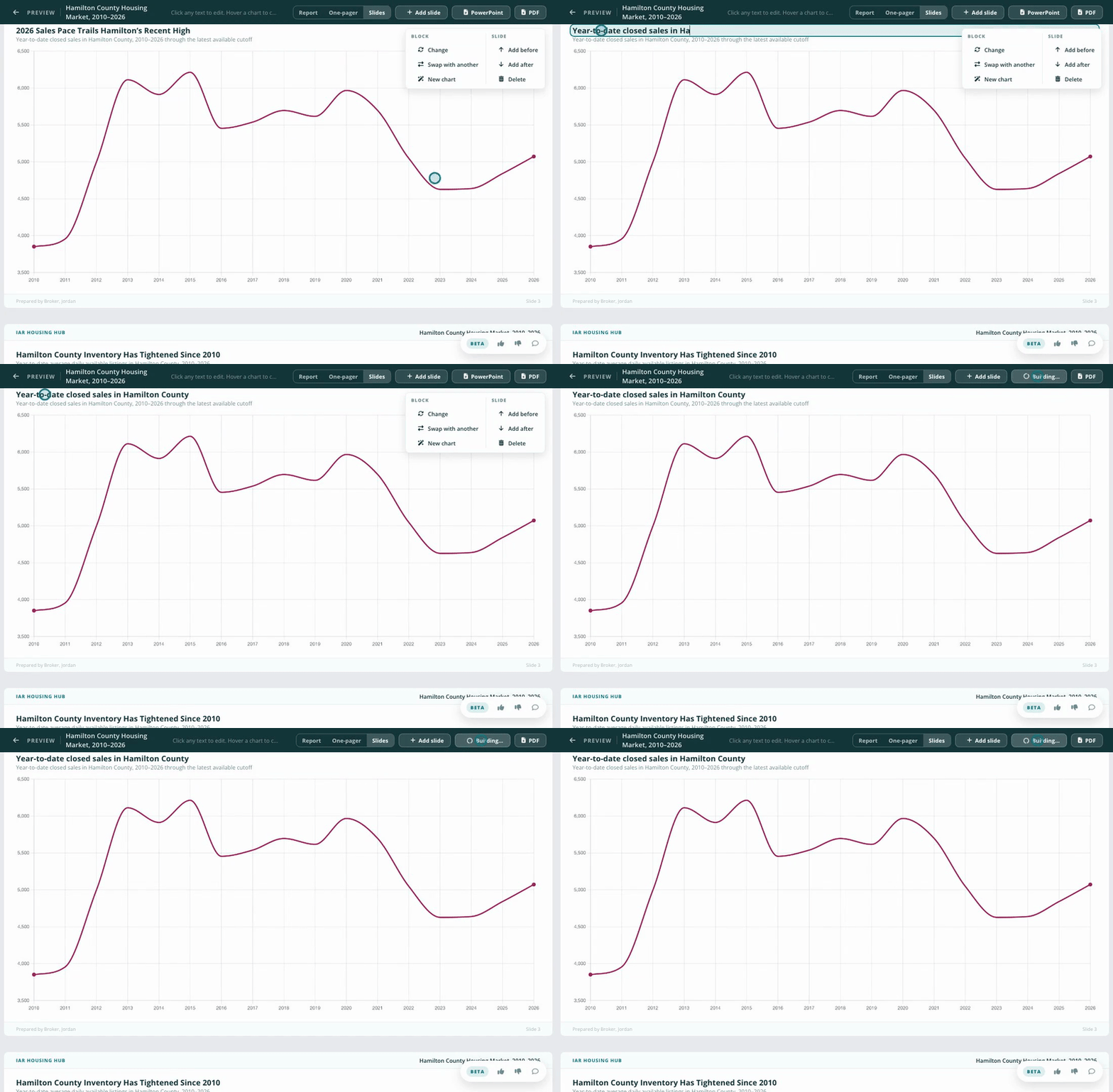
Edit on the slide, then download PowerPoint or PDF.
Back in the chat, tell Spark what to change: drop a slide, rename a chart, move a slide up. Spark edits the deck and links to the updated version, ready to download again.
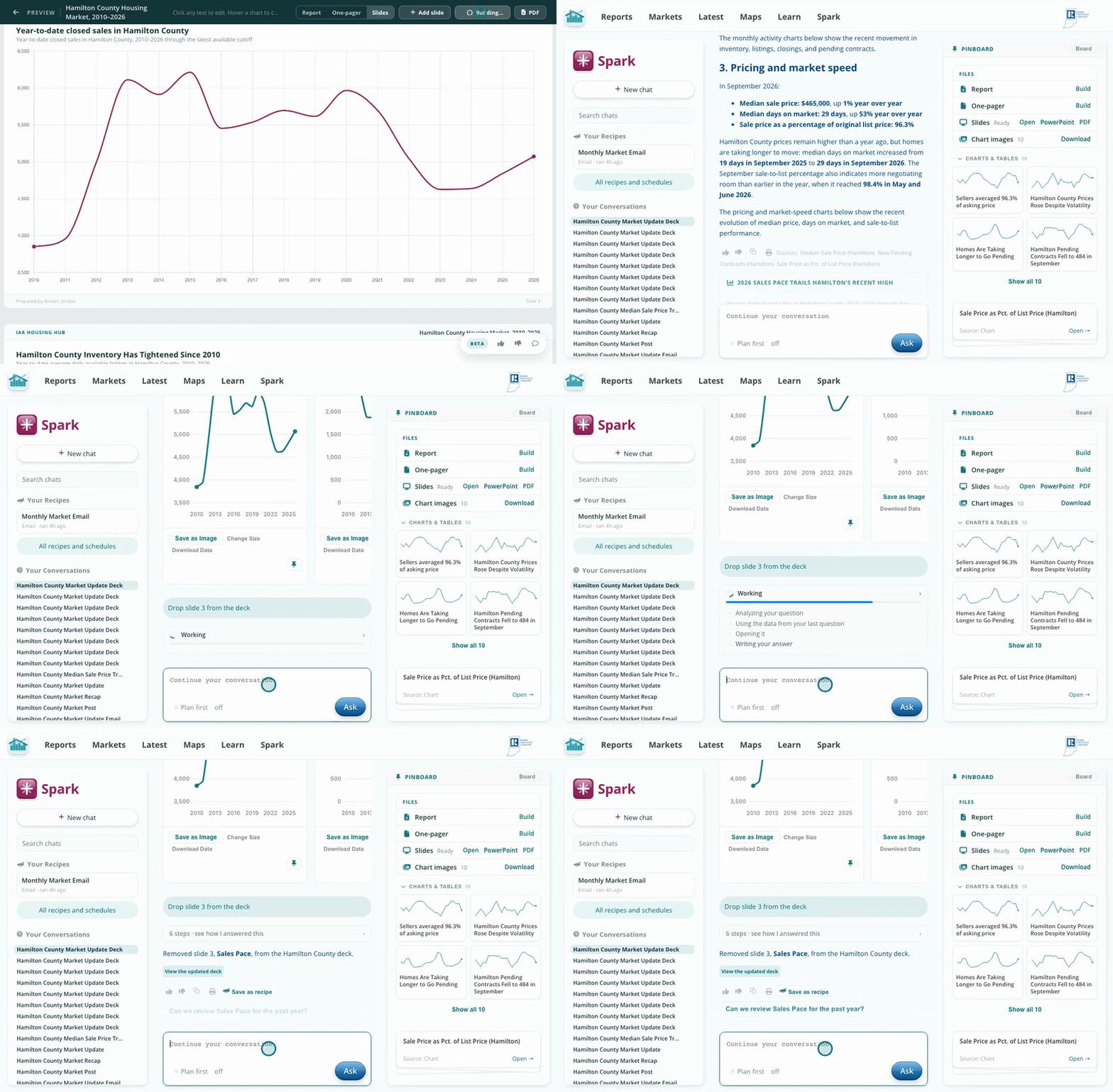
"Drop slide 3" is all it takes.
The hard part of a market presentation is pulling the numbers together and making them look sharp. Spark picks the charts, writes a headline for each one and lays out the slides, so you spend your time on the conversation, not on formatting.
Build the deck first, then ask for changes. Spark can only edit a deck that already exists.