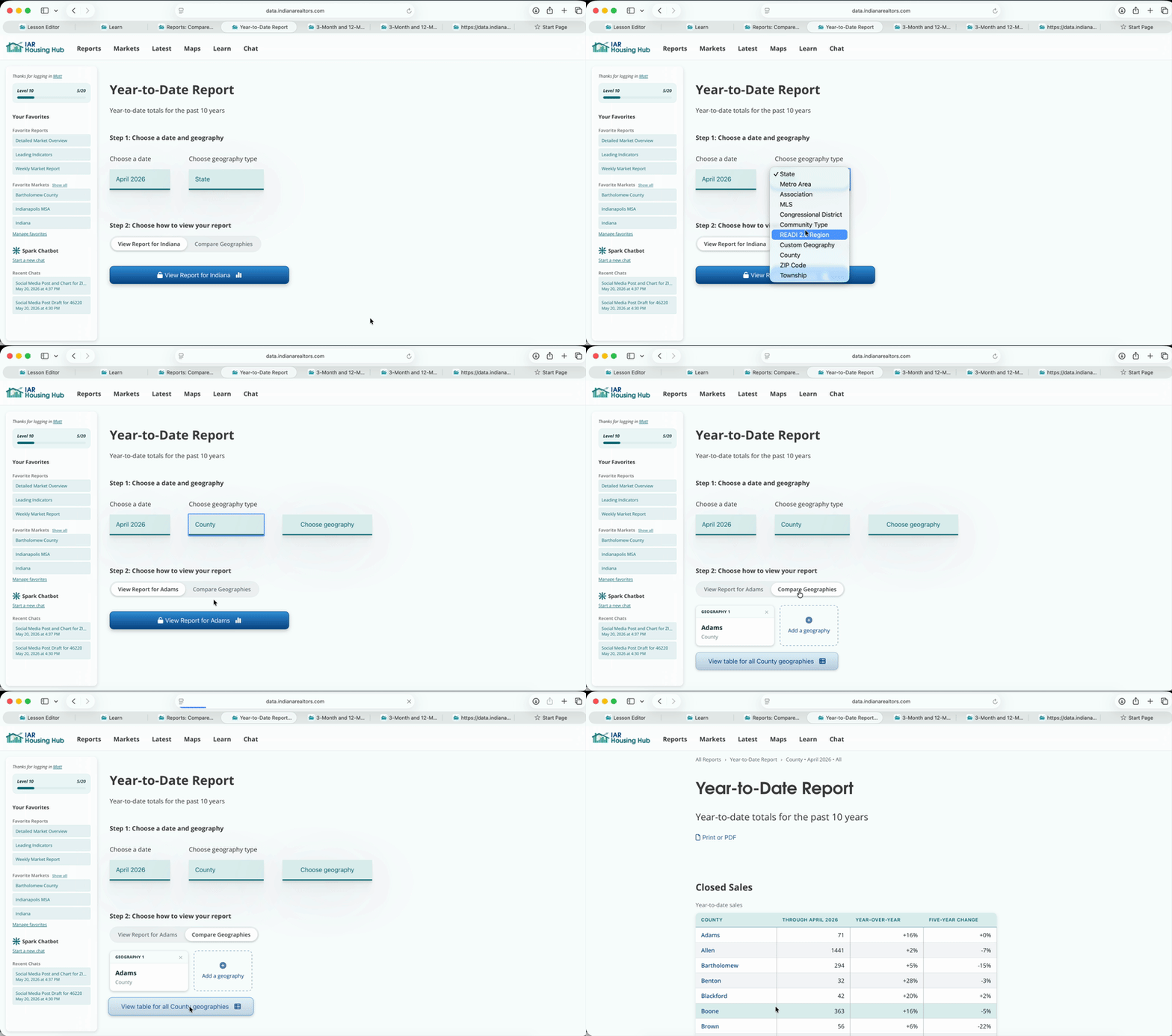
View a table of all counties, ZIP Codes, or other places
When you're building a report, choose a geography type. Then click "Compare Geographies" and click the "View Table" button. This works for any geography type, not just counties.
Scroll through each table to view all counties. Click a header at the top of a column to sort the table.
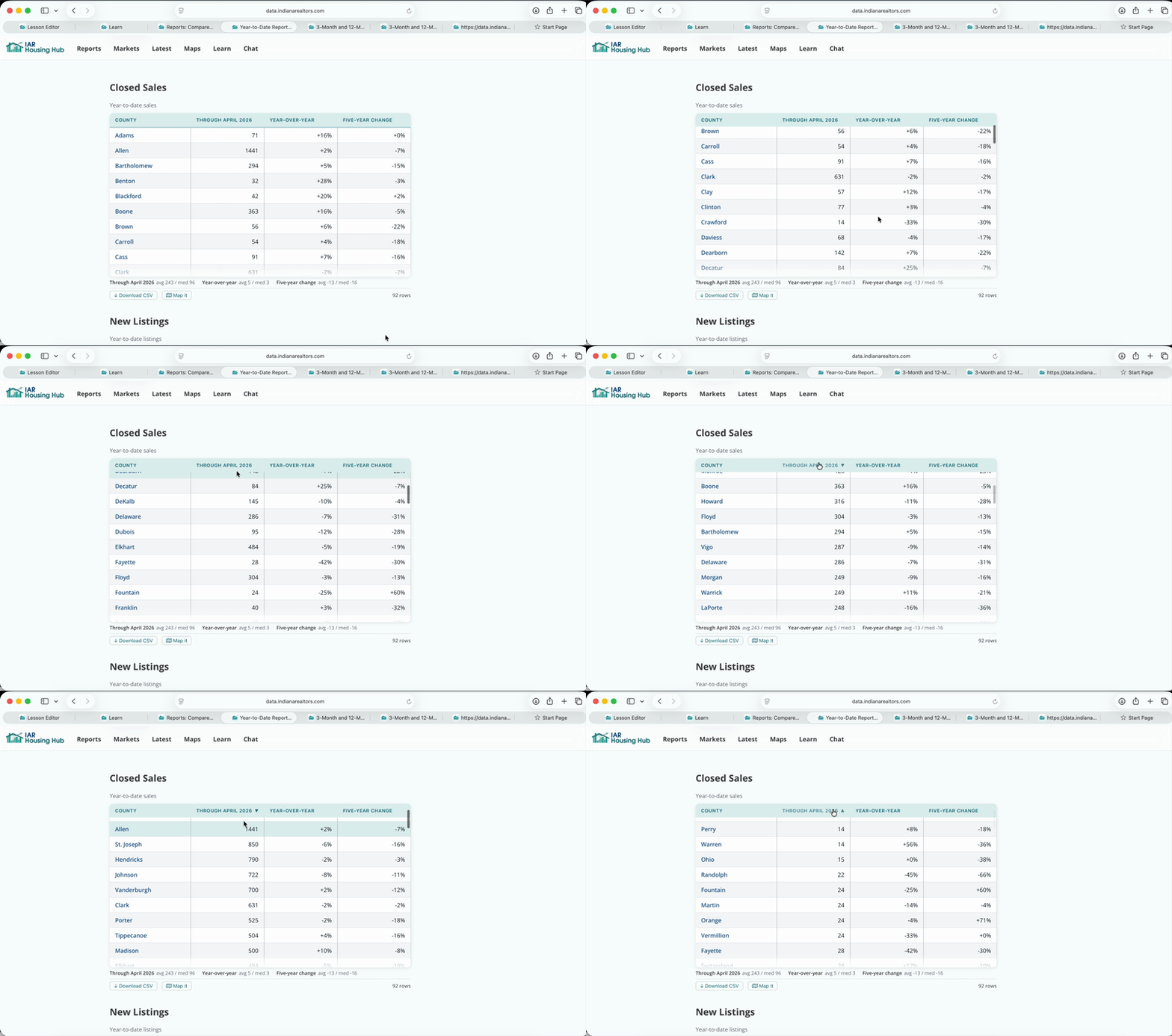
Beneath the table, you can see a summary of the data: the averages and medians for each column.
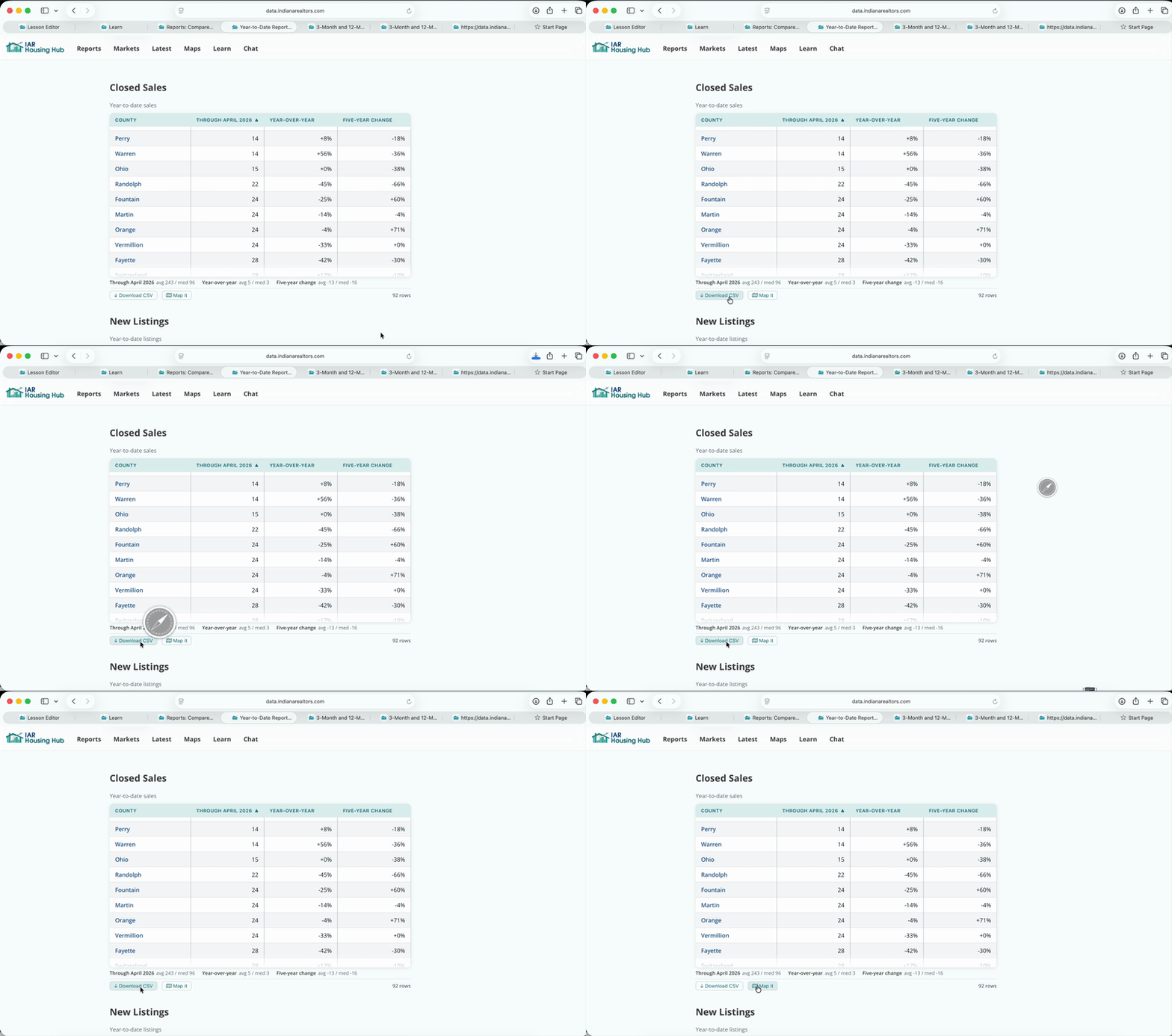
To use this table in Excel, click "Download CSV".
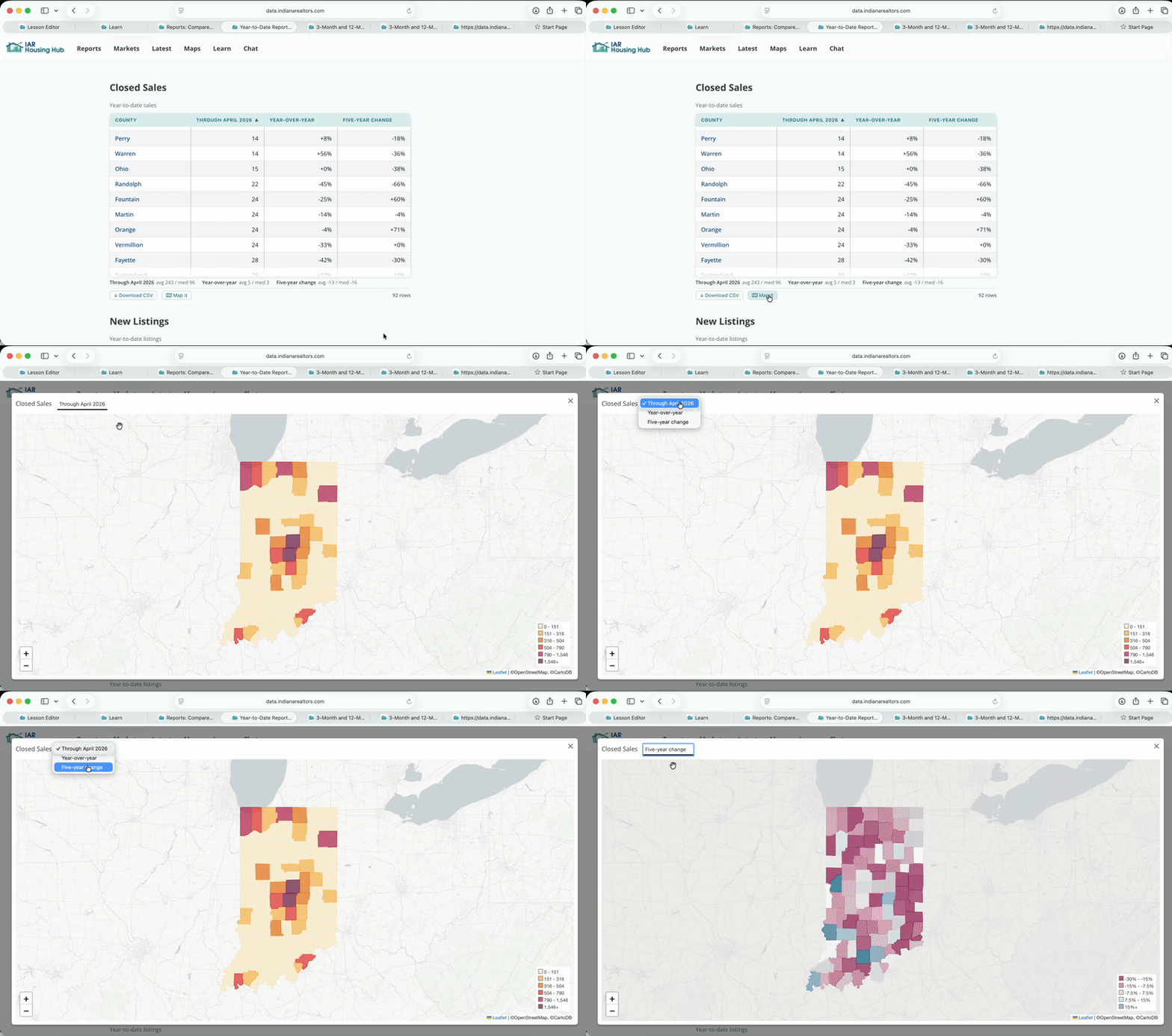
Click "Map It". Change the indicator with the menu above the map.