
Use Spark to create a PDF report from the contents of your pinboard
Open SparkStart from a Spark chat with a few charts and facts on the pinboard. Under Files at the top of the pinboard, click Build next to Report. Spark lays your pins out as an 8.5x11 report you can edit and download as a PDF.
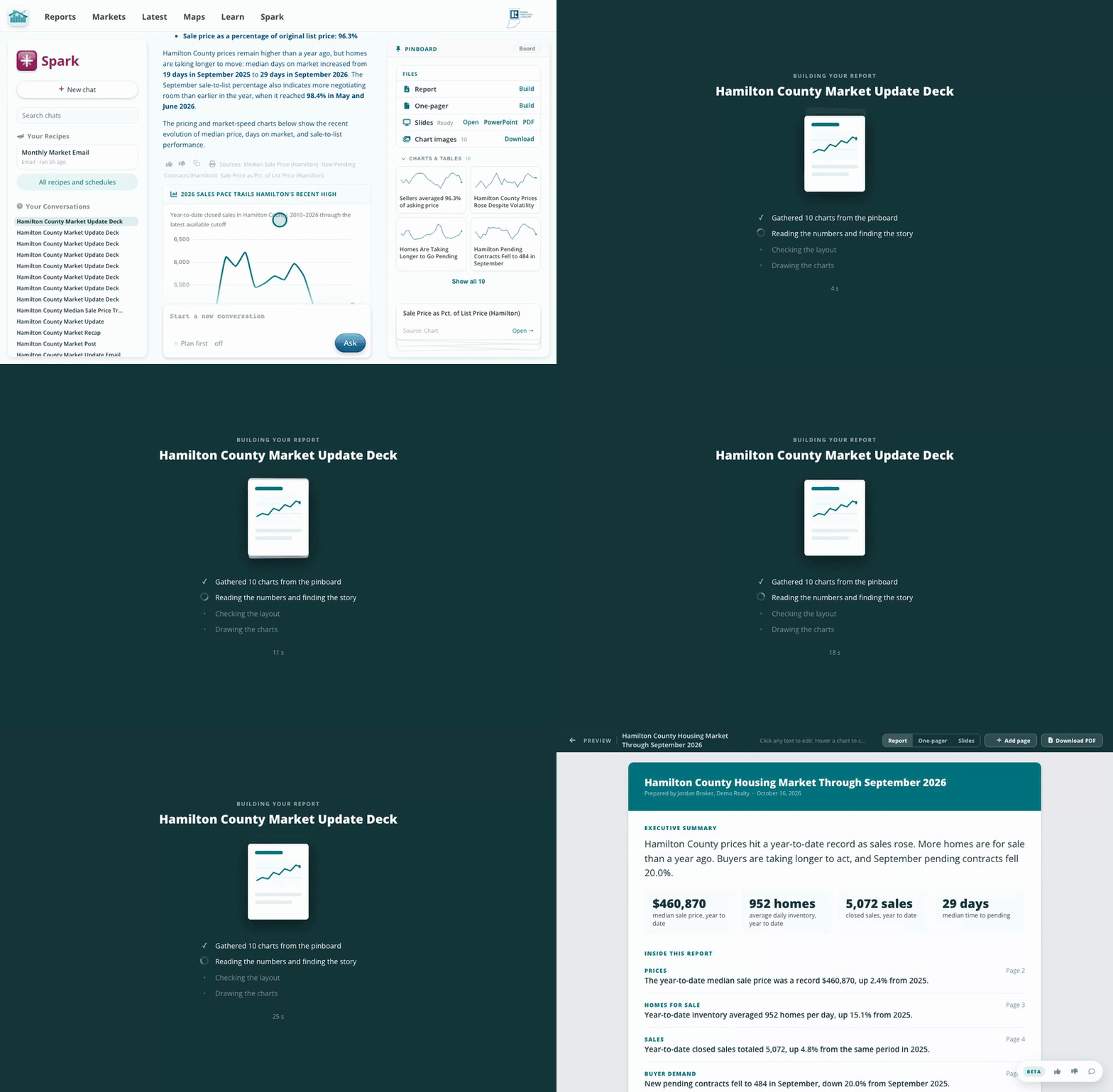
Files, then Report, then Build.
Click any text to type your edits; they save automatically. Select a paragraph for the AI options, Shorter, Longer, Simpler or Regenerate, and for bold, italic, underline and size.
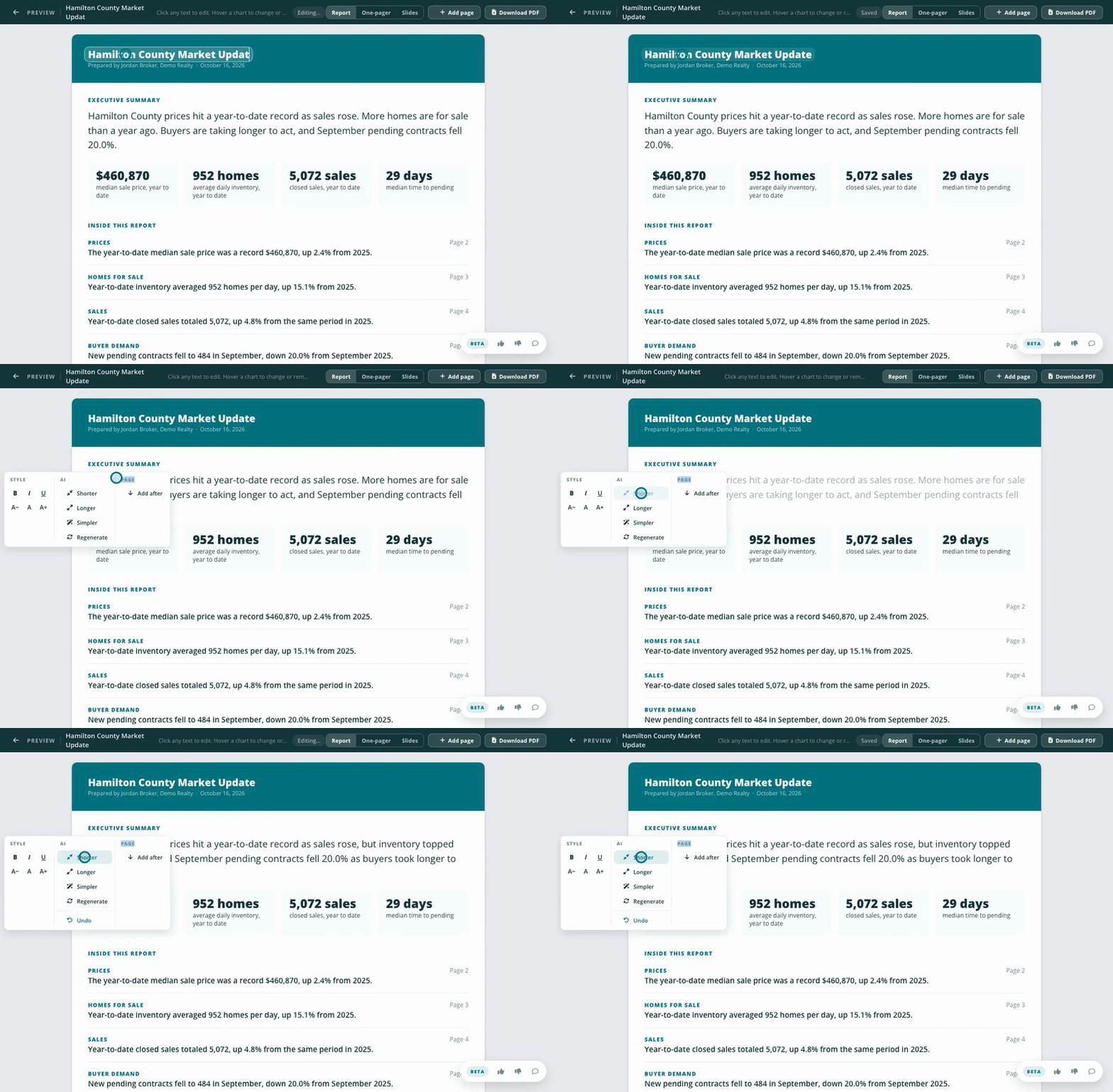
Let Spark tighten a paragraph, or type your own.
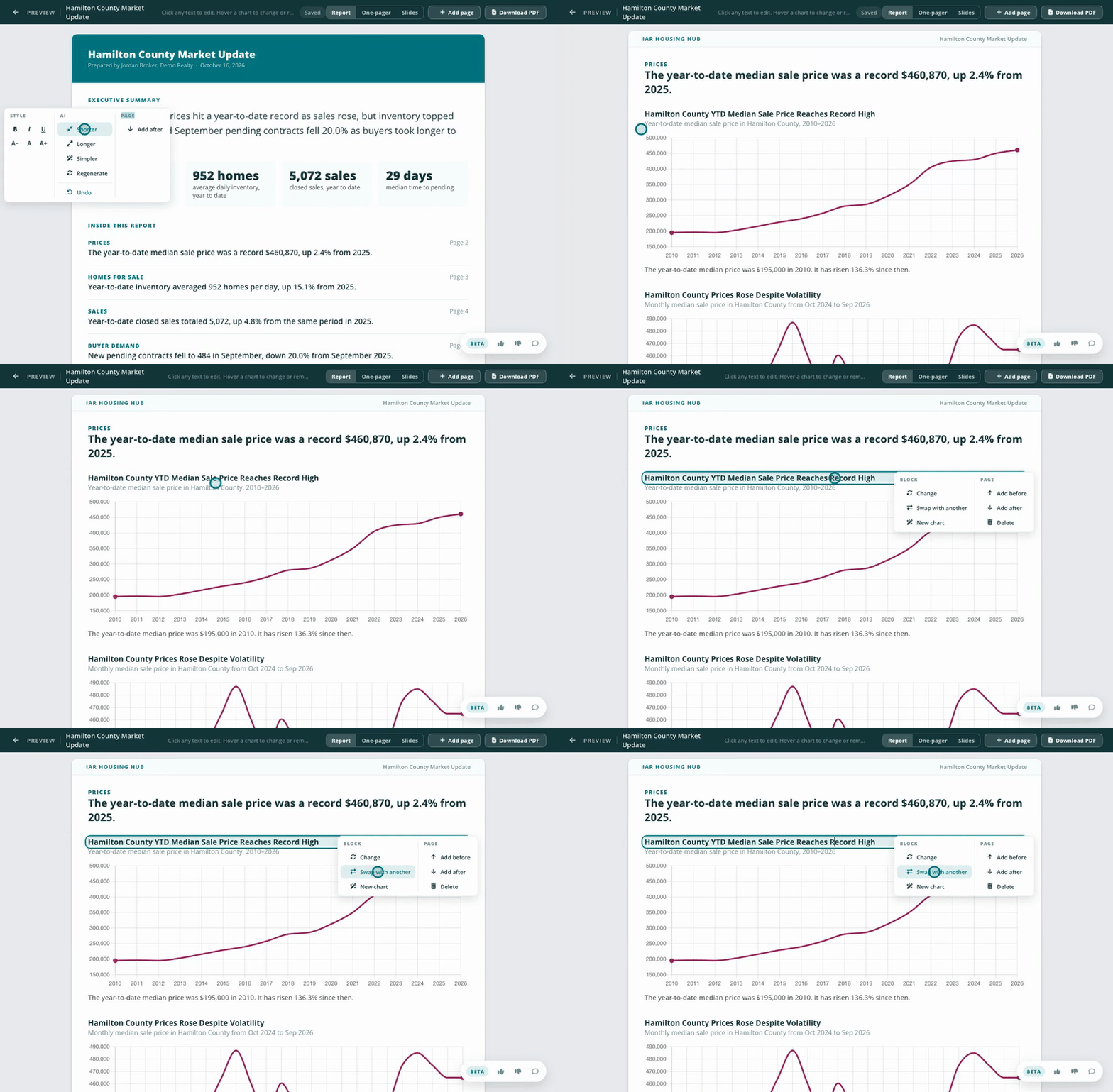
Click a chart or fact block to open its menu. Change picks different unused content or removes the block, Swap with another trades its place with another block, and New chart asks Spark for one. Under Page you can add a page before or after, or delete one.
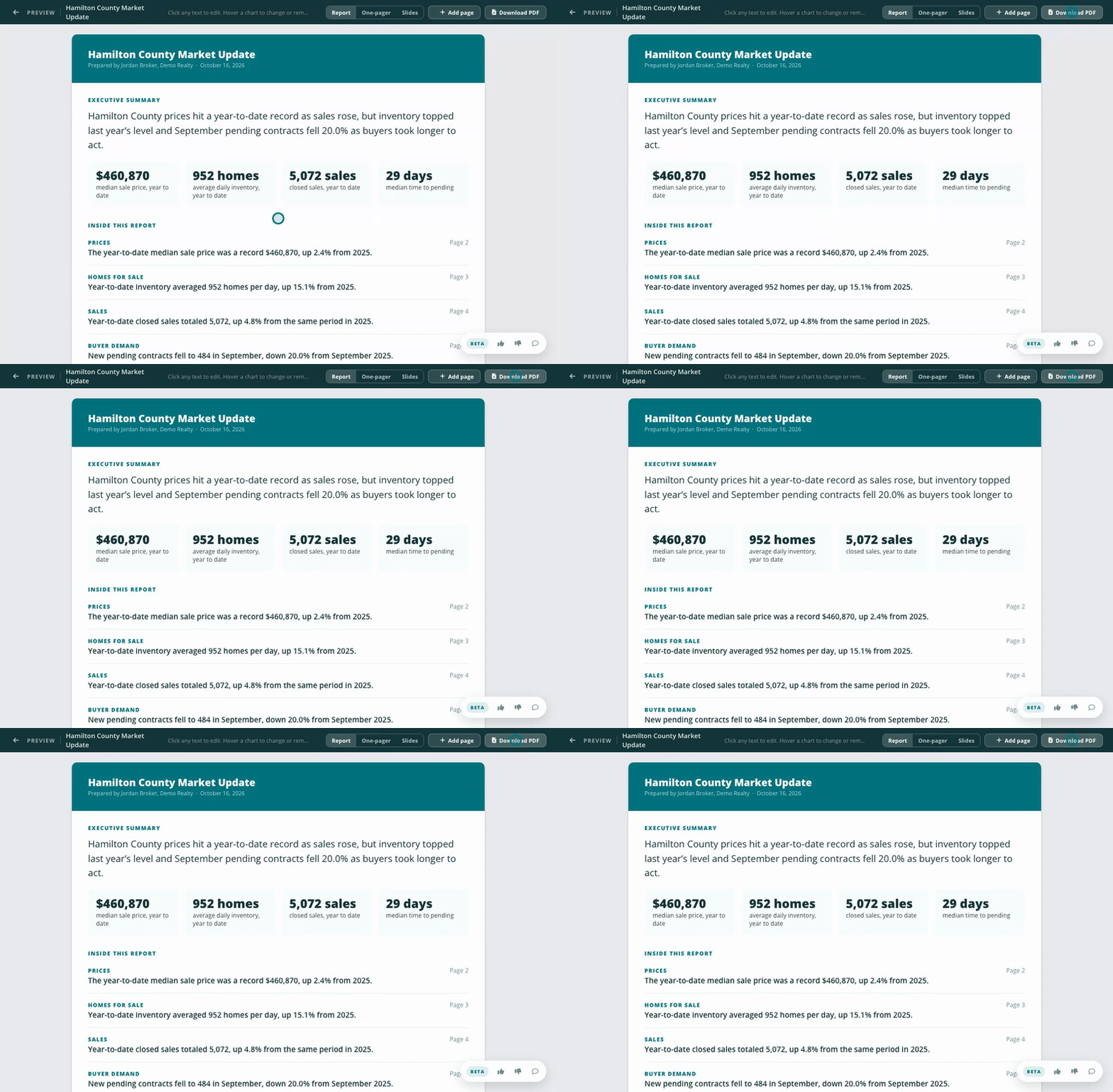
Click Download PDF and the report saves to your downloads folder. Read it over before you share it.
Read and review everything before you share it. AI can make mistakes, and you want the report to carry your voice where it counts.