 Reports
Markets
Latest
Maps
Learn
Chat
Reports
Markets
Latest
Maps
Learn
Chat
The fastest way to create a clean market update using just a few key metrics.
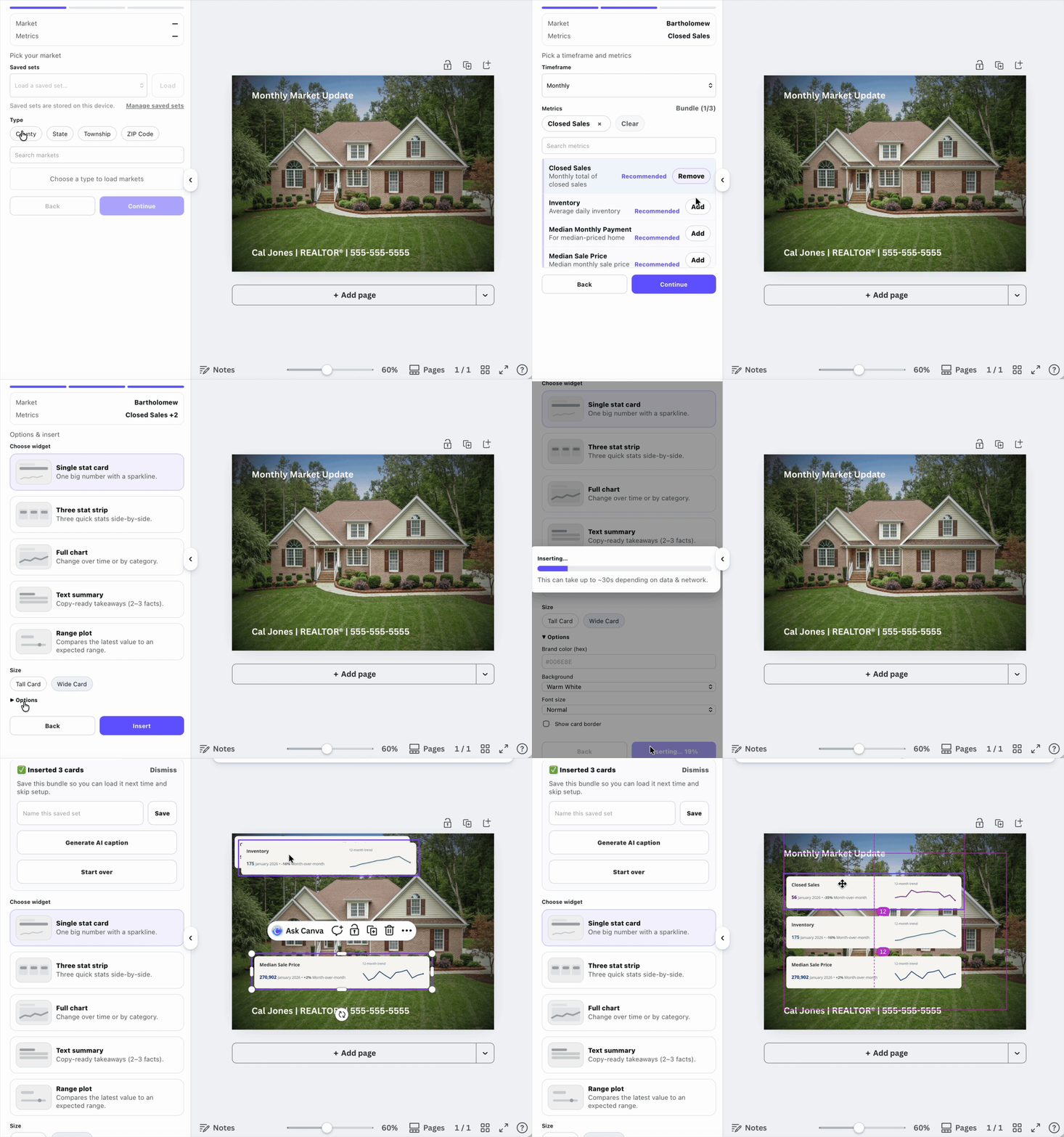
Two or three metrics give enough context without overwhelming the graphic. They fit cleanly on one slide, scan well on social feeds, and make changes in the market easier to spot month over month.
If you want more detail, put it in the caption or make a second slide.
Use the same 2–3 metrics each month. Consistency builds recognition and makes trends obvious over time.