
Use Spark to create and send a market update email
Open SparkAsk for a market update email for your market. Spark pulls the latest numbers and writes a draft with a subject line, and the email pins itself to your pinboard.
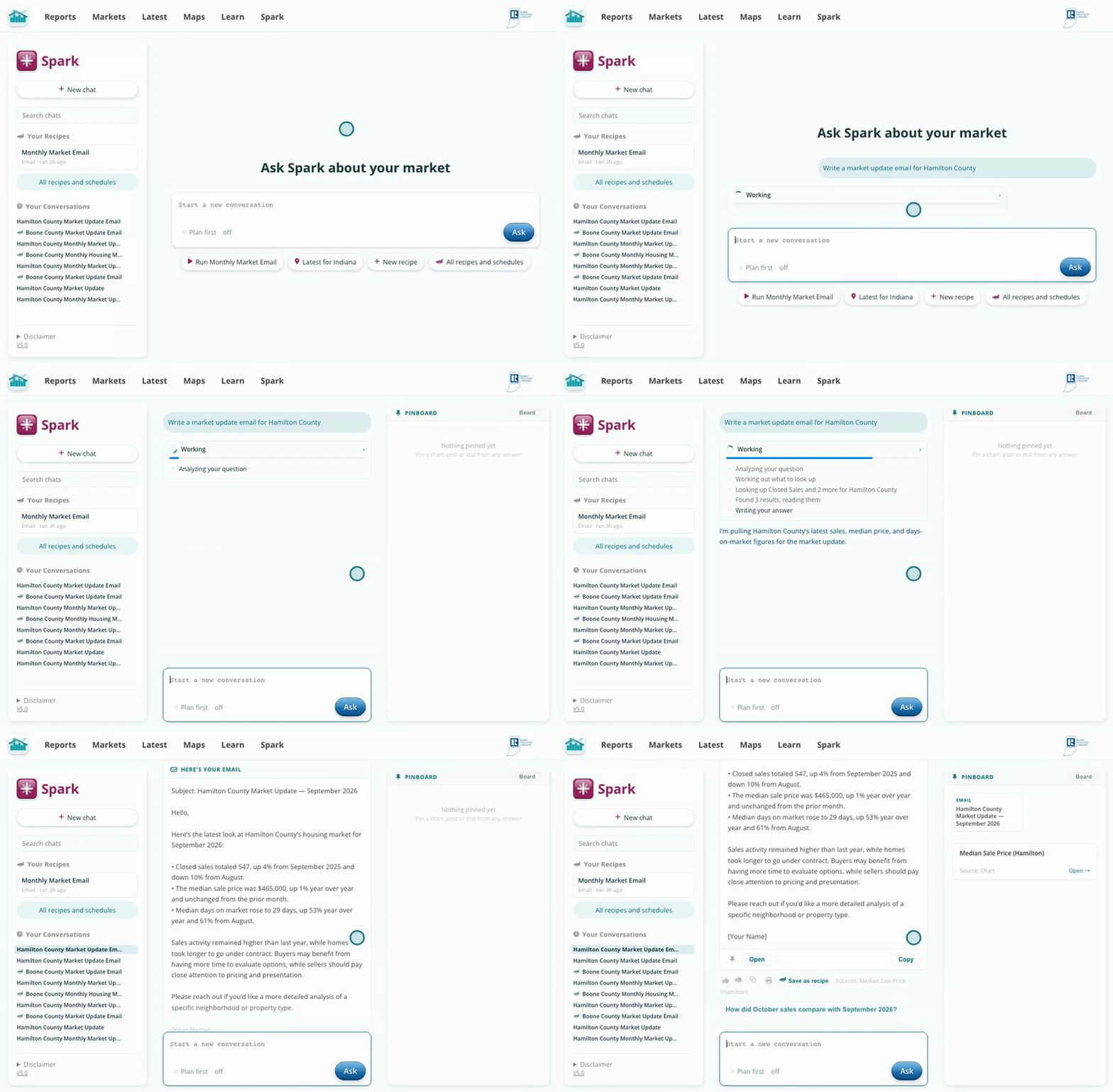
The email lands in the answer and on your pinboard.
Click Open on the email. Type straight into the text to change anything, or pick an audience under Rewrite for, like your sphere of influence or first-time buyers, and Spark rewrites it for them. Your edits save as you go.
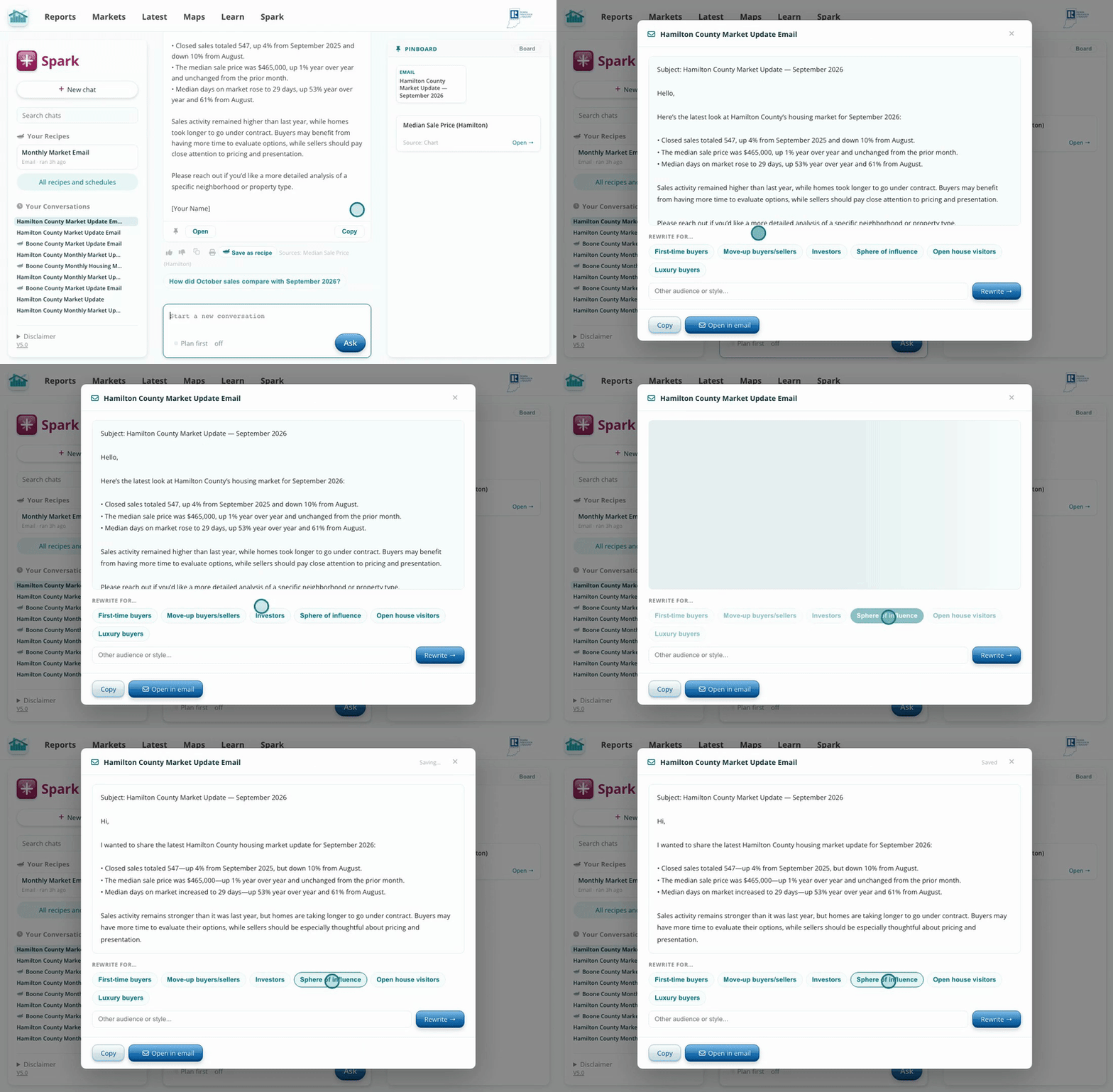
Pick an audience and Spark rewrites the email for them.
Ask for a chart to go with the email, like median sale price over the past year. Click Save as Image under the chart to download it.
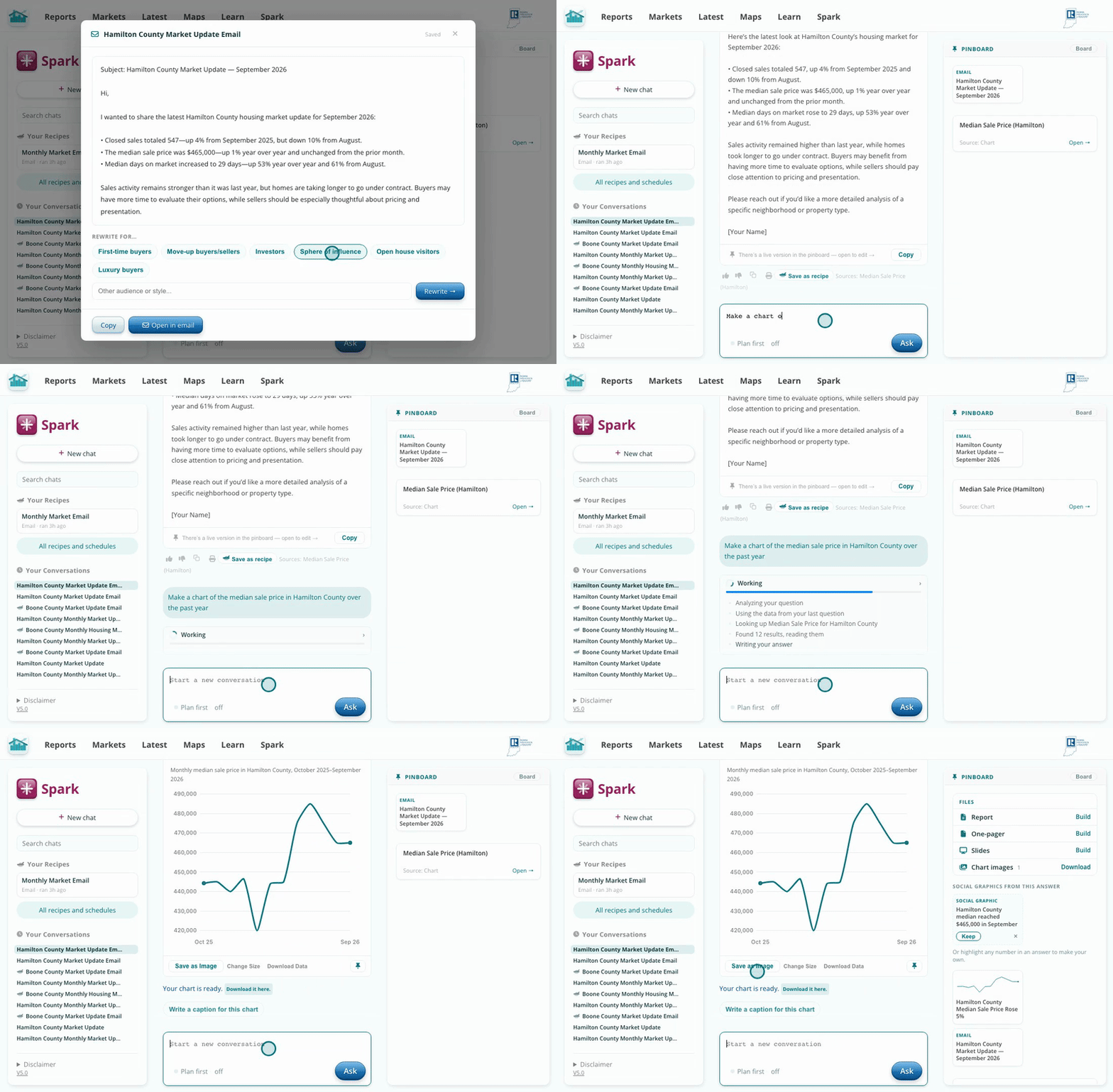
The chart downloads as an image you can attach or paste.
Open the email from your pinboard and click Open in email. Your mail app opens with the subject and text filled in. Attach the chart, add your recipients and signature, and send.
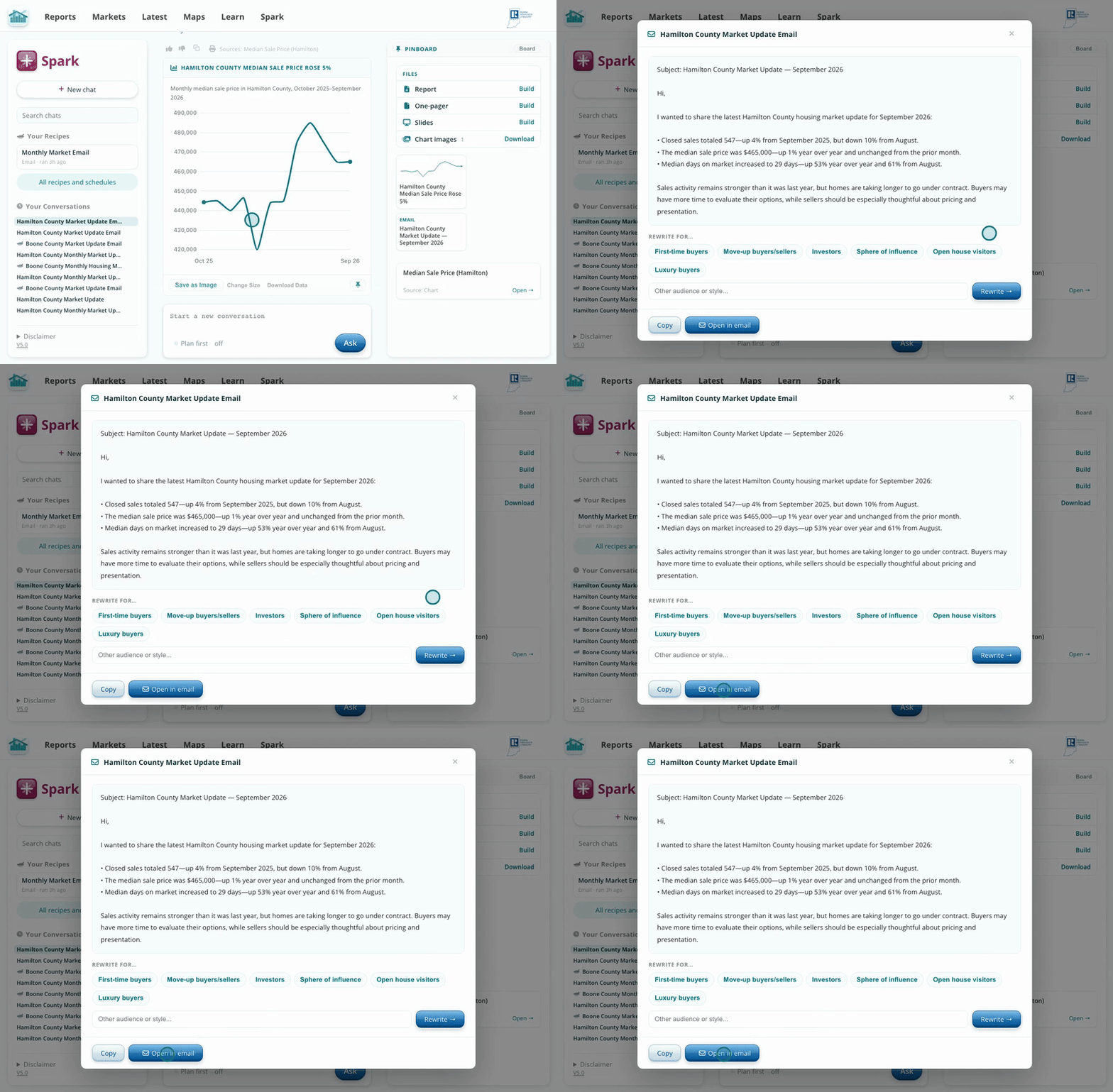
Open in email hands the finished text to your mail app.
The email is built from the same data as the Hub's market reports, so every number is current and sourced. Rewriting for an audience changes the framing without changing the facts, so a note to first-time buyers and a note to past clients can come from one draft.
Like the email? Click Save as recipe under the answer and you can run the same email for any market next month, or have it sent to you automatically.