
See a market at a glance, put your name on it, and print it for a client.
Pick a marketFrom any market dashboard, click Market snapshot. Your favorite markets in the sidebar open their snapshot too. The top line sums up the market in one sentence, and the heat score shows how hot it is next to the rest of Indiana.
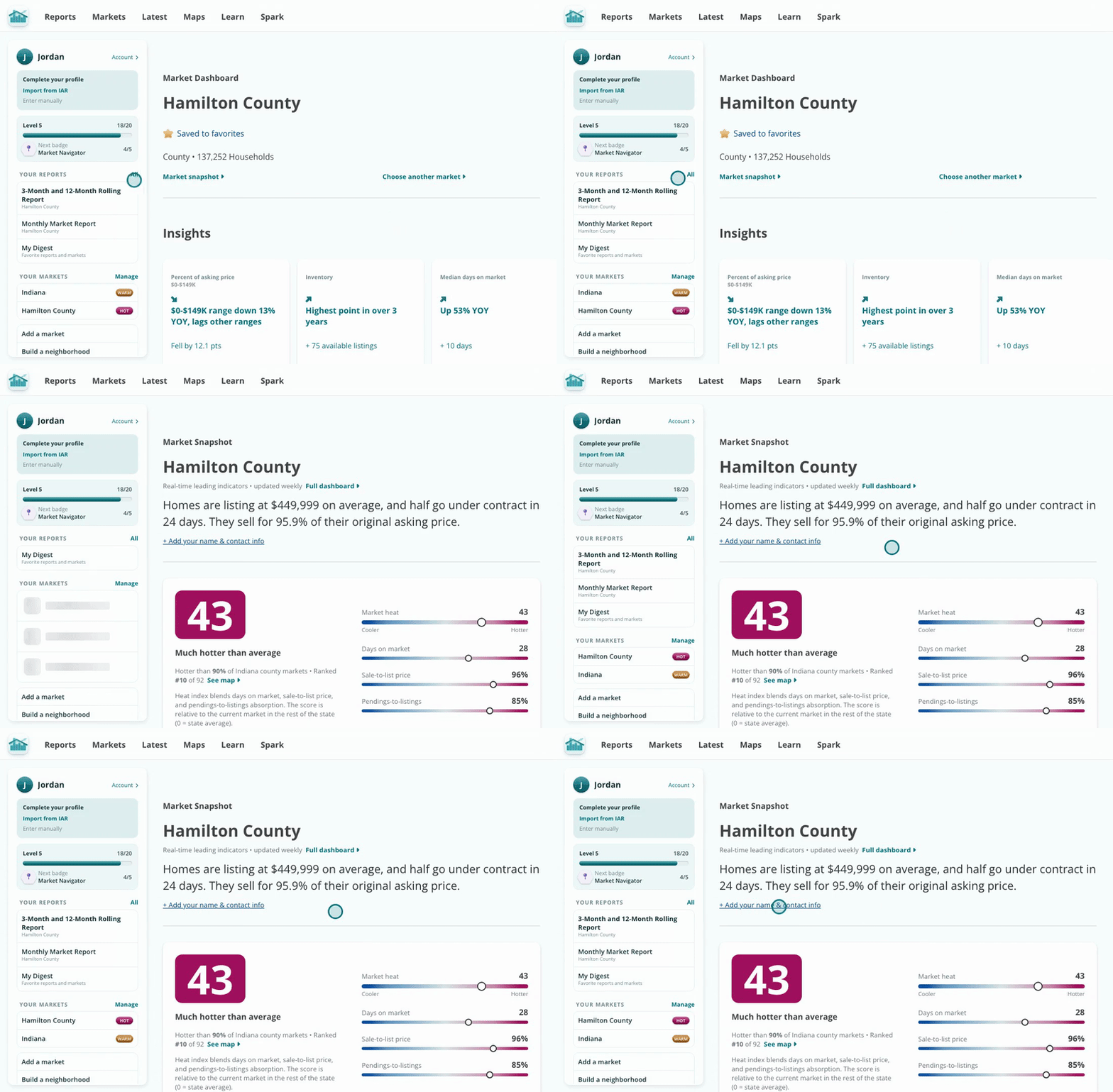
One screen that sums up a market, updated every week.
Click Add your name and contact info, type how you want to be credited, and click Save. Your name prints on the snapshot, so it is ready to hand to a client.
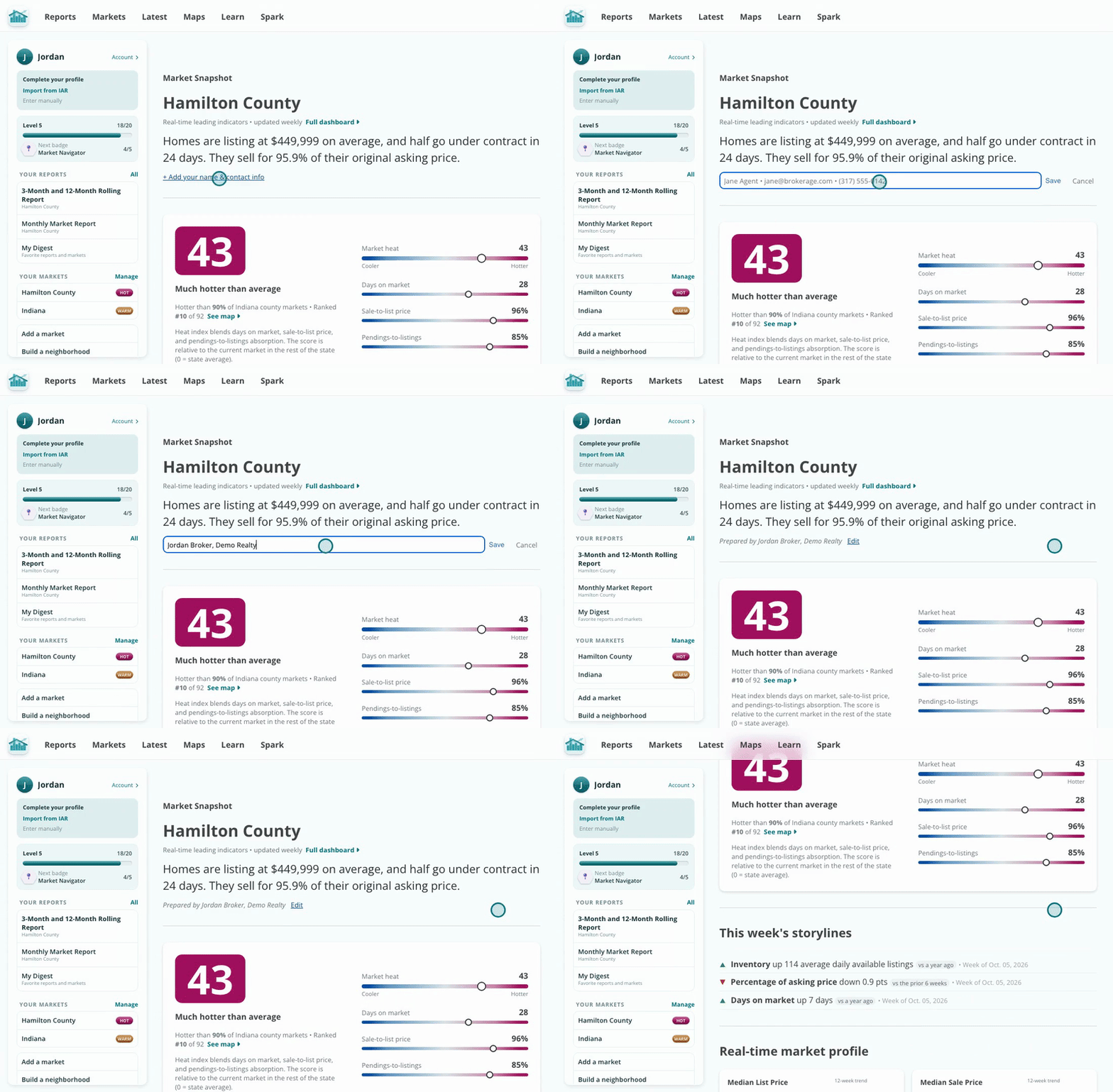
Prepared by you, on every page you print.
Scroll for this week's storylines, the real-time profile of prices, days on market and supply, and how the market compares to the places around it. Every number is a recent leading indicator, refreshed weekly.
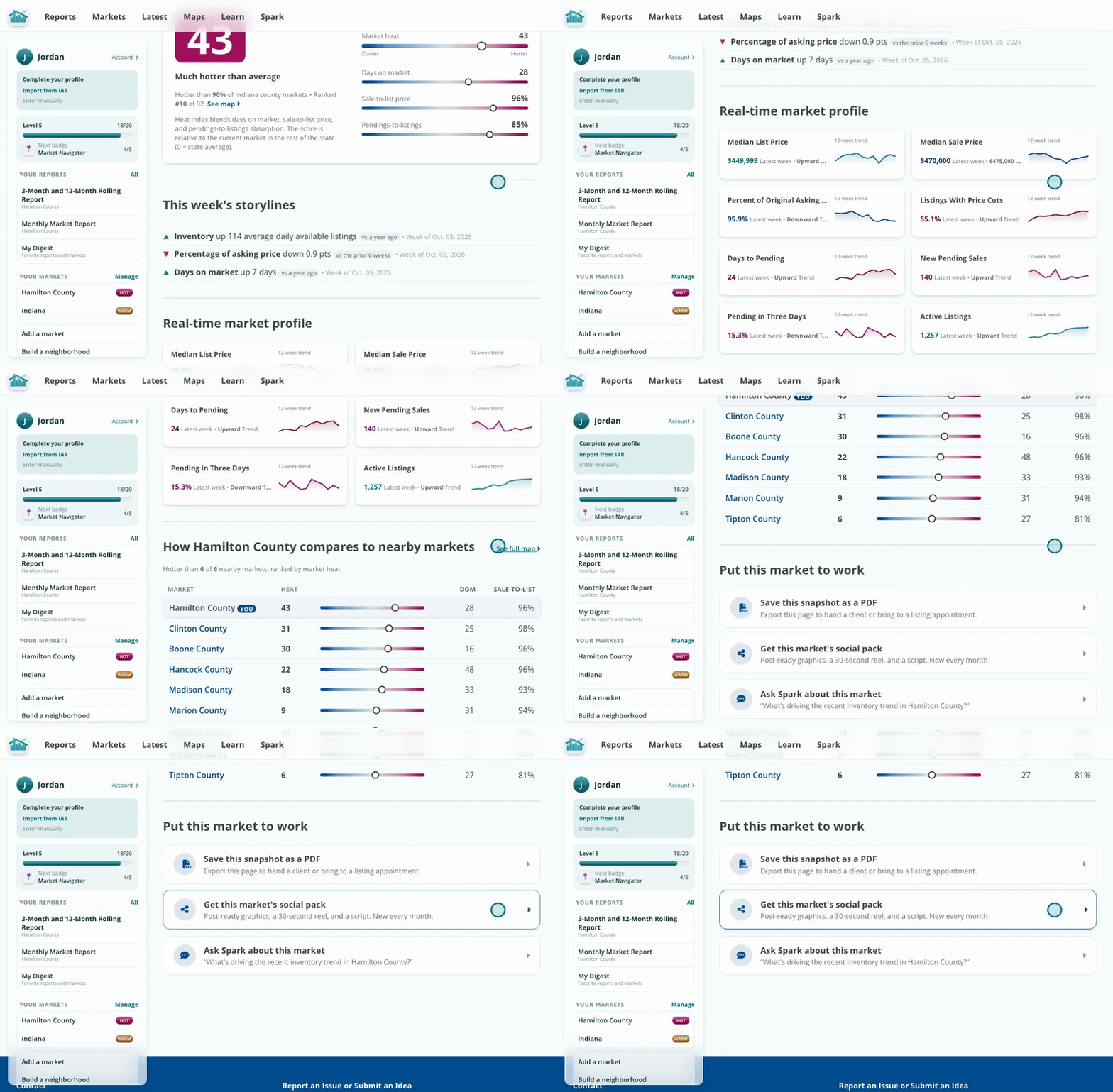
Storylines first, then the numbers behind them.
At the bottom, save the snapshot as a PDF for a listing appointment, get the market's social pack, or ask Spark about it with the question already filled in.
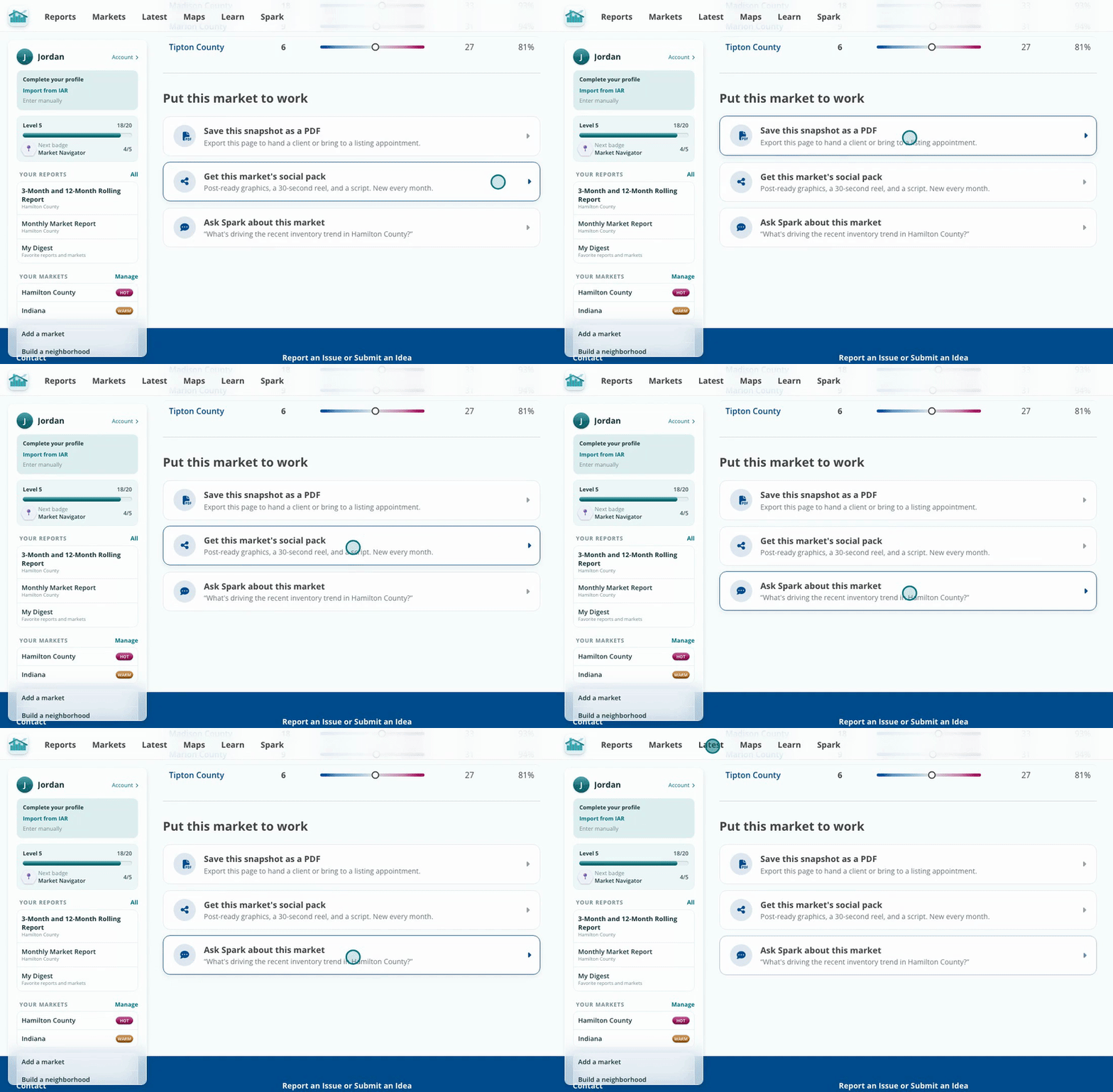
PDF, social pack or Spark, one click each.
The snapshot uses weekly leading indicators, so it shows where a market is heading now rather than where it was last month. The heat score puts every market on one scale, so you can tell a client how their market stacks up against the rest of the state.
Built a custom neighborhood? It gets the same snapshot. See Build a Custom Neighborhood Market.