
Use Spark to build a polished report about a ZIP Code market
Open SparkIn Spark, ask for a chart of weekly or monthly listings. This will give your clients a sense of the competition in their area. Pin a fact about overall listing trends to go with the chart.
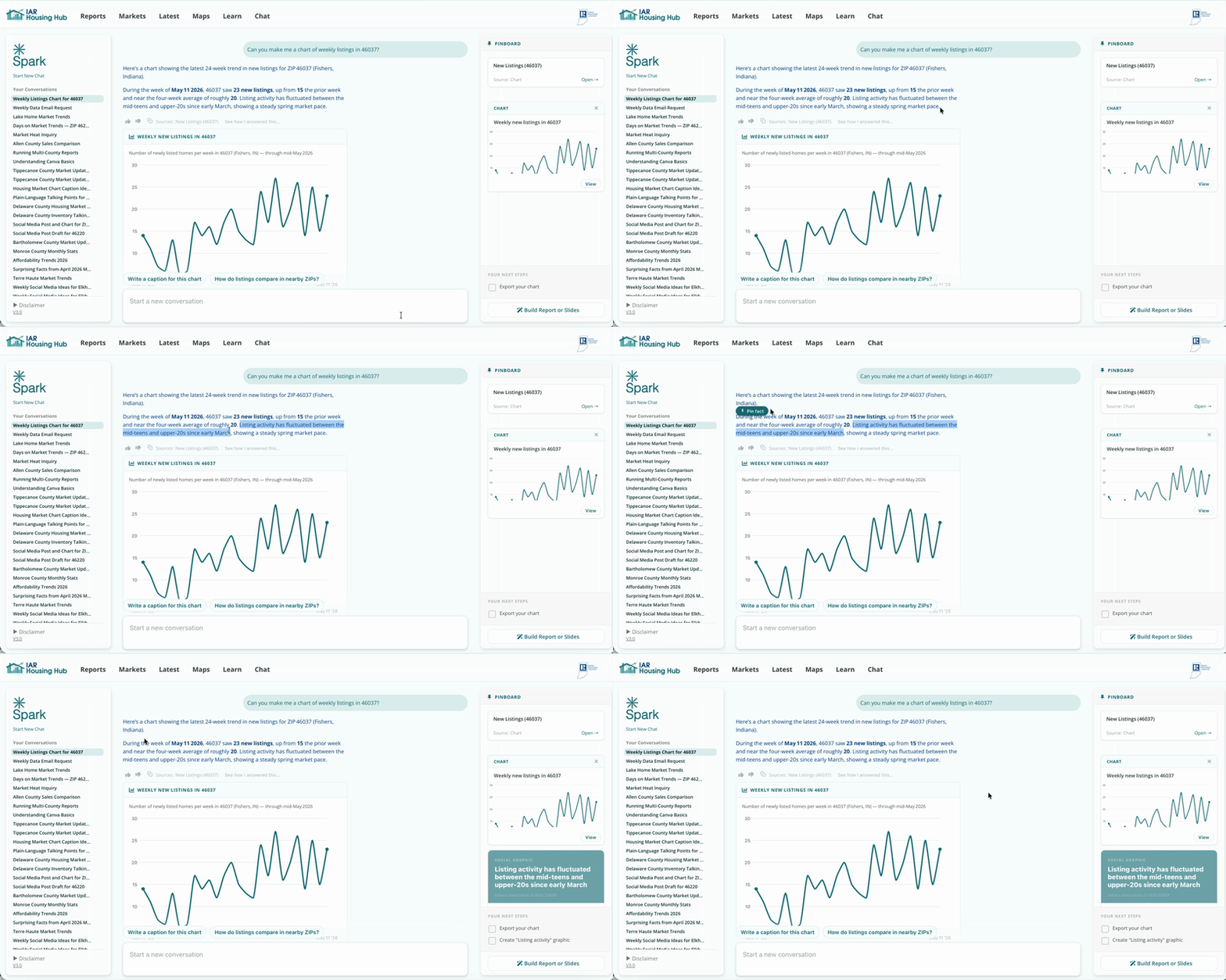
Ask for a chart of inventory levels. This tells you how many listings are actually active competition over the past weeks.
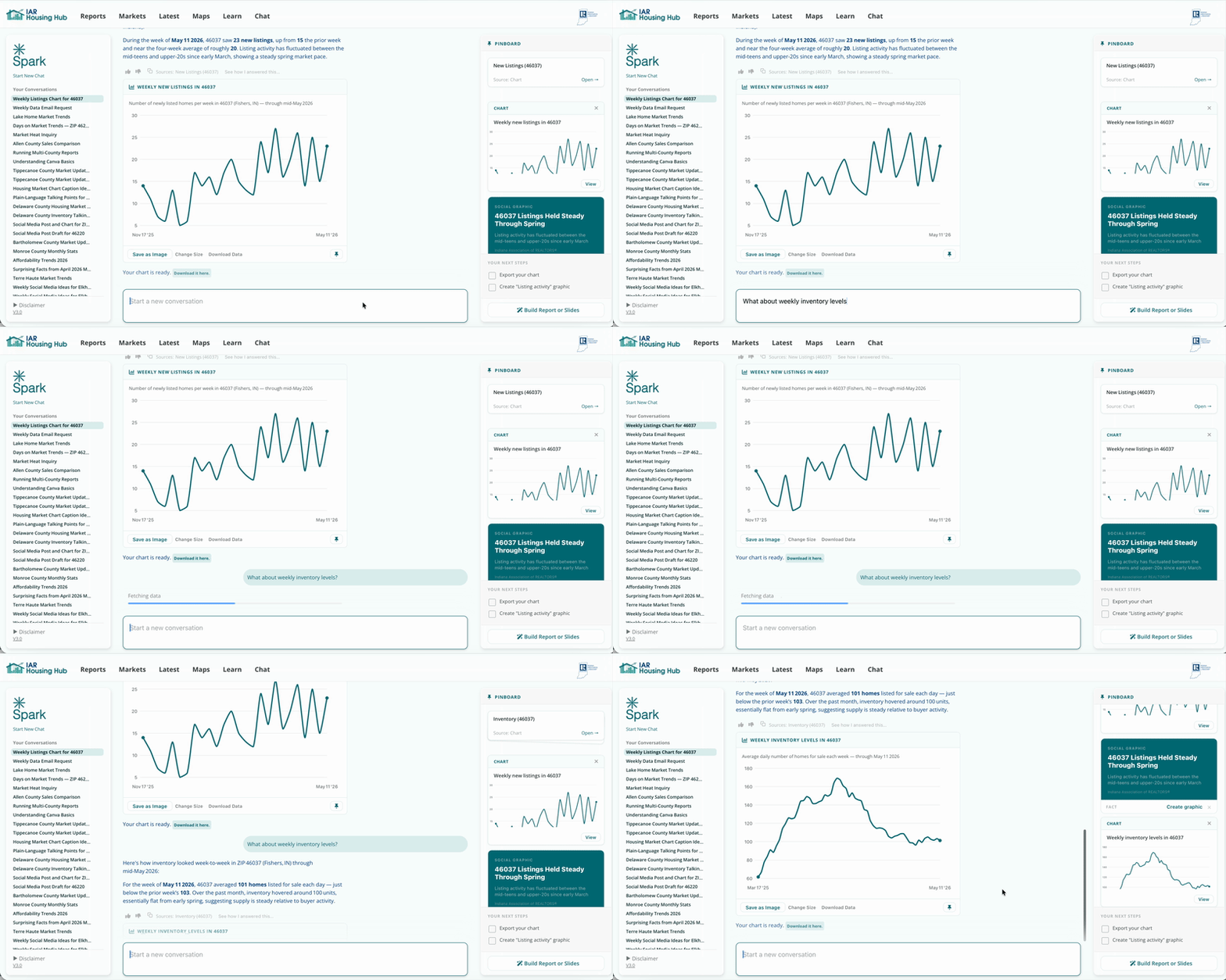
Now create a chart of inventory by price. This shows the number of active listings in each price bucket on the average day over the past 12 months. In this ZIP Code, there are no listings below $250K. A listing in the $750-$1M range will have very little competition.
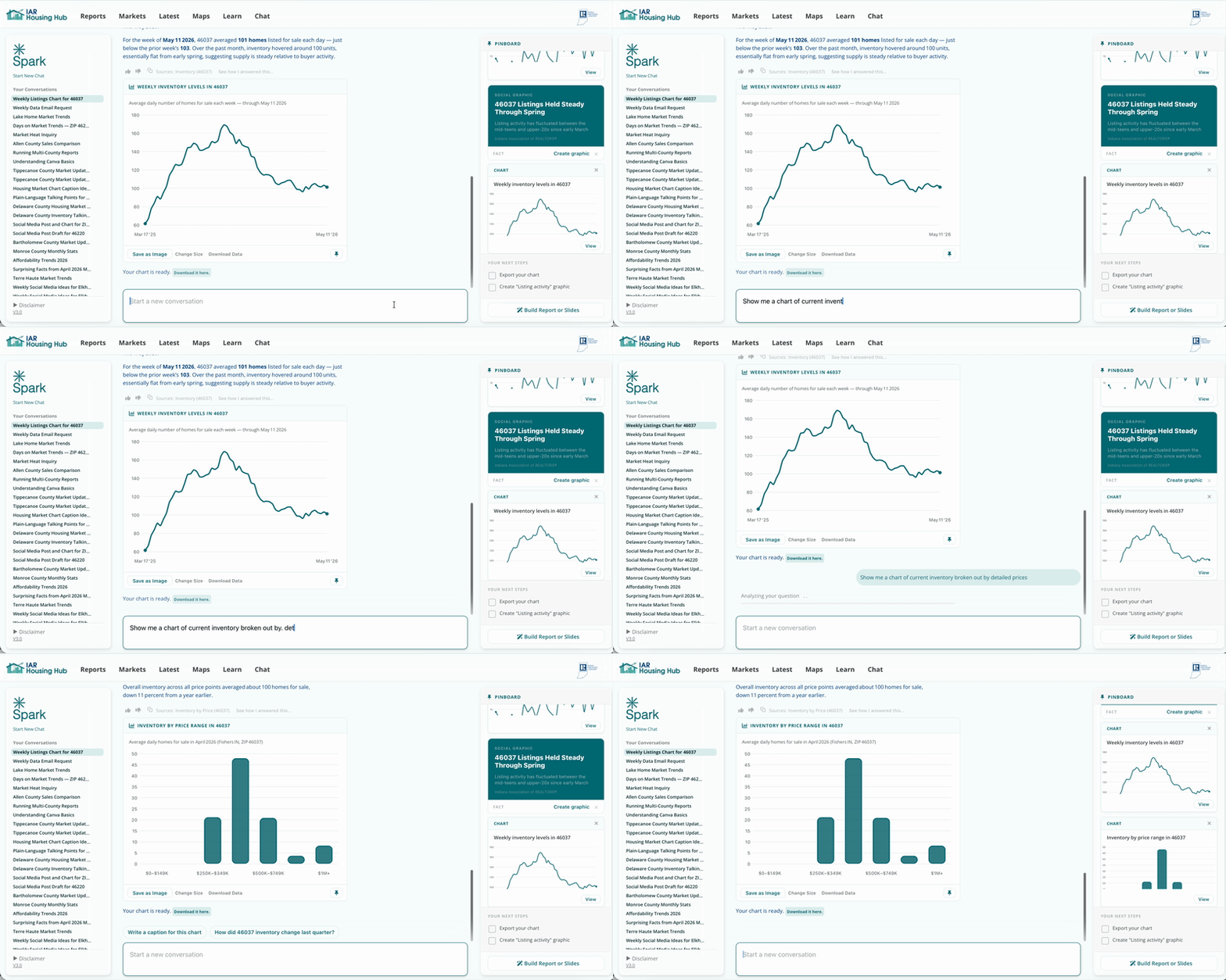
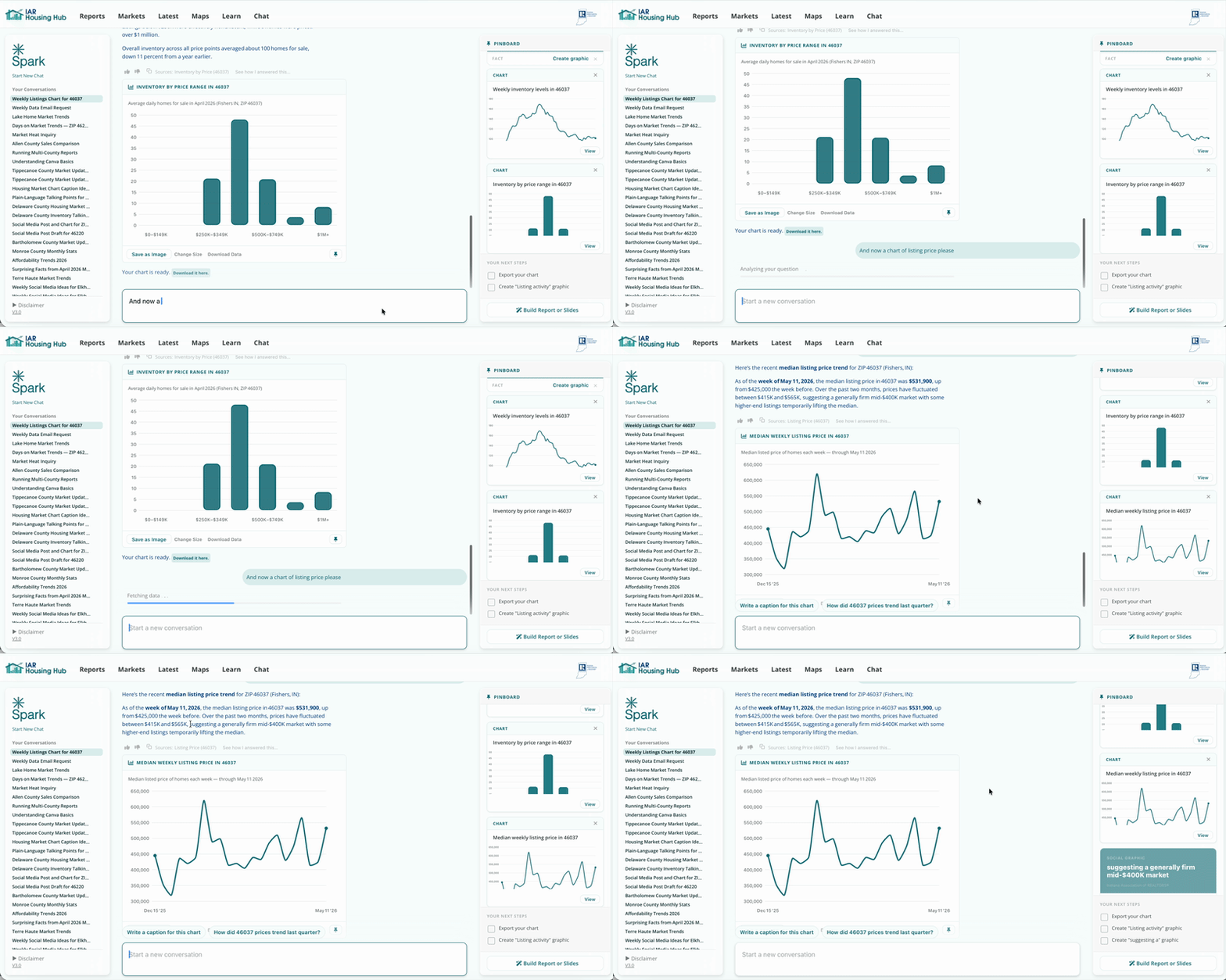
Build a chart of weekly listing price, and pin a fact with it if you find something interesting. Now you have a sense of what competing listings are asking.
Include a chart of days on market. This is important for setting seller expectations.
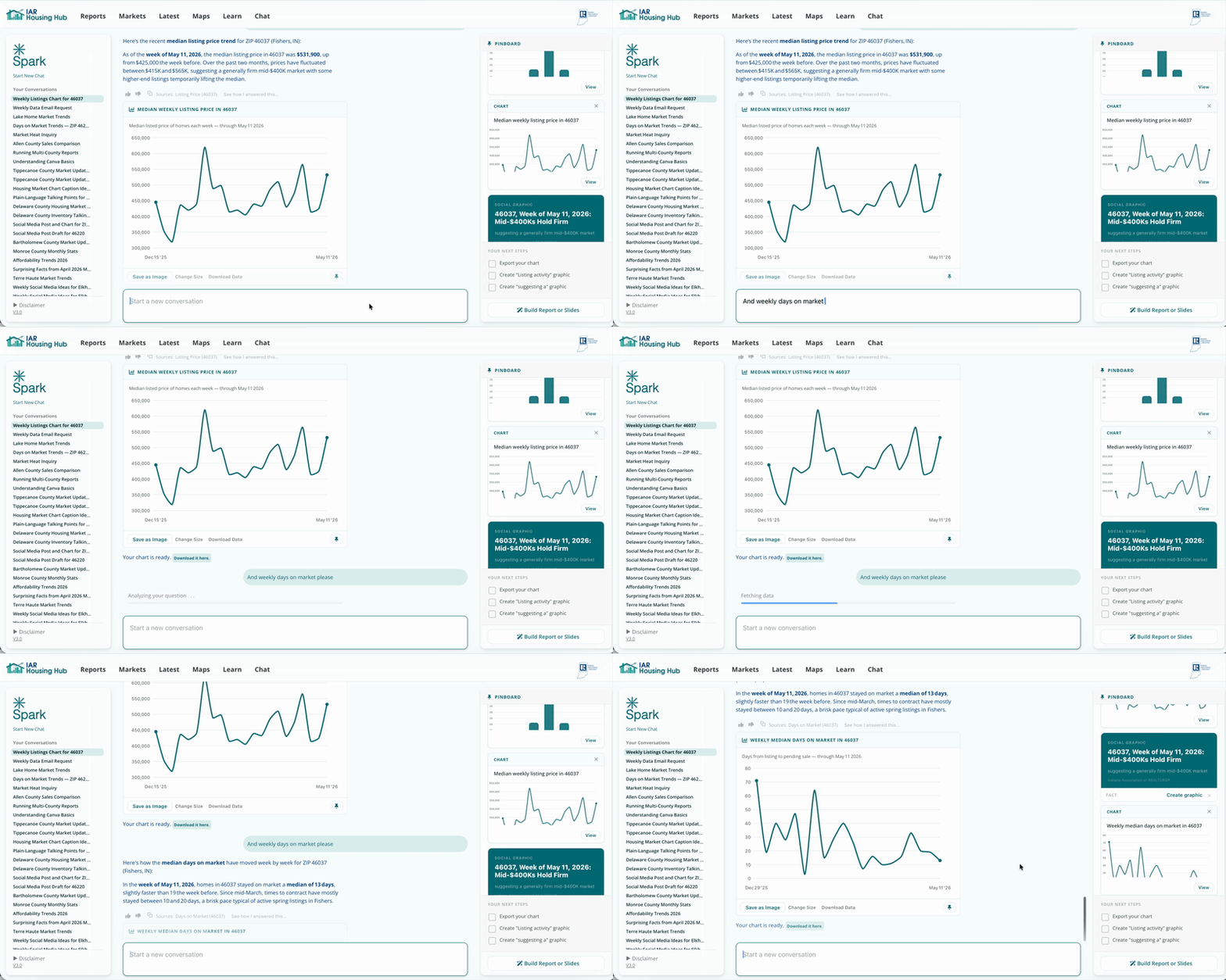
It can take much longer to sell a very high end home. Show the client a chart of days on market by price.
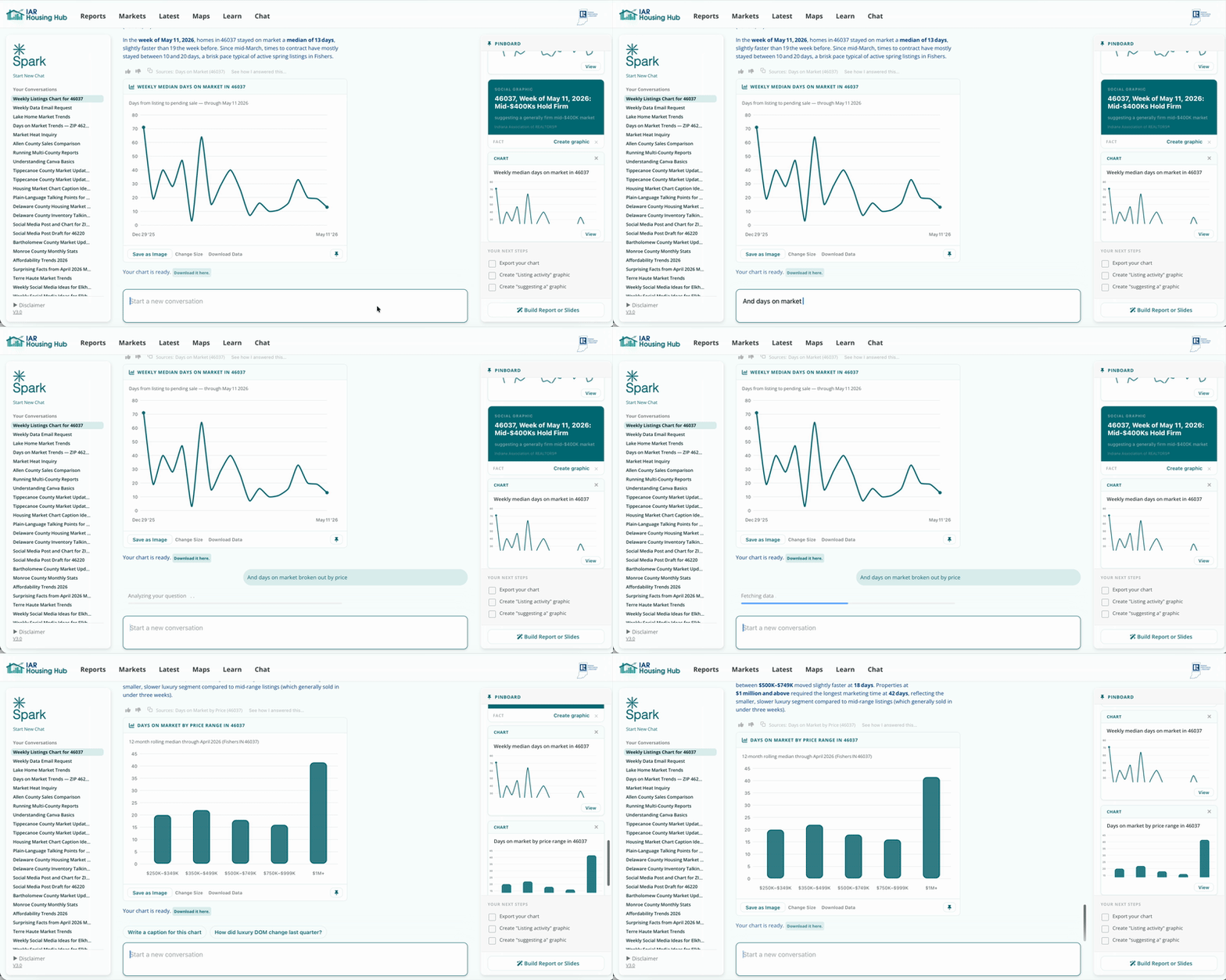
We've covered the supply side, which is the competition. Now let's look at how homes are selling.
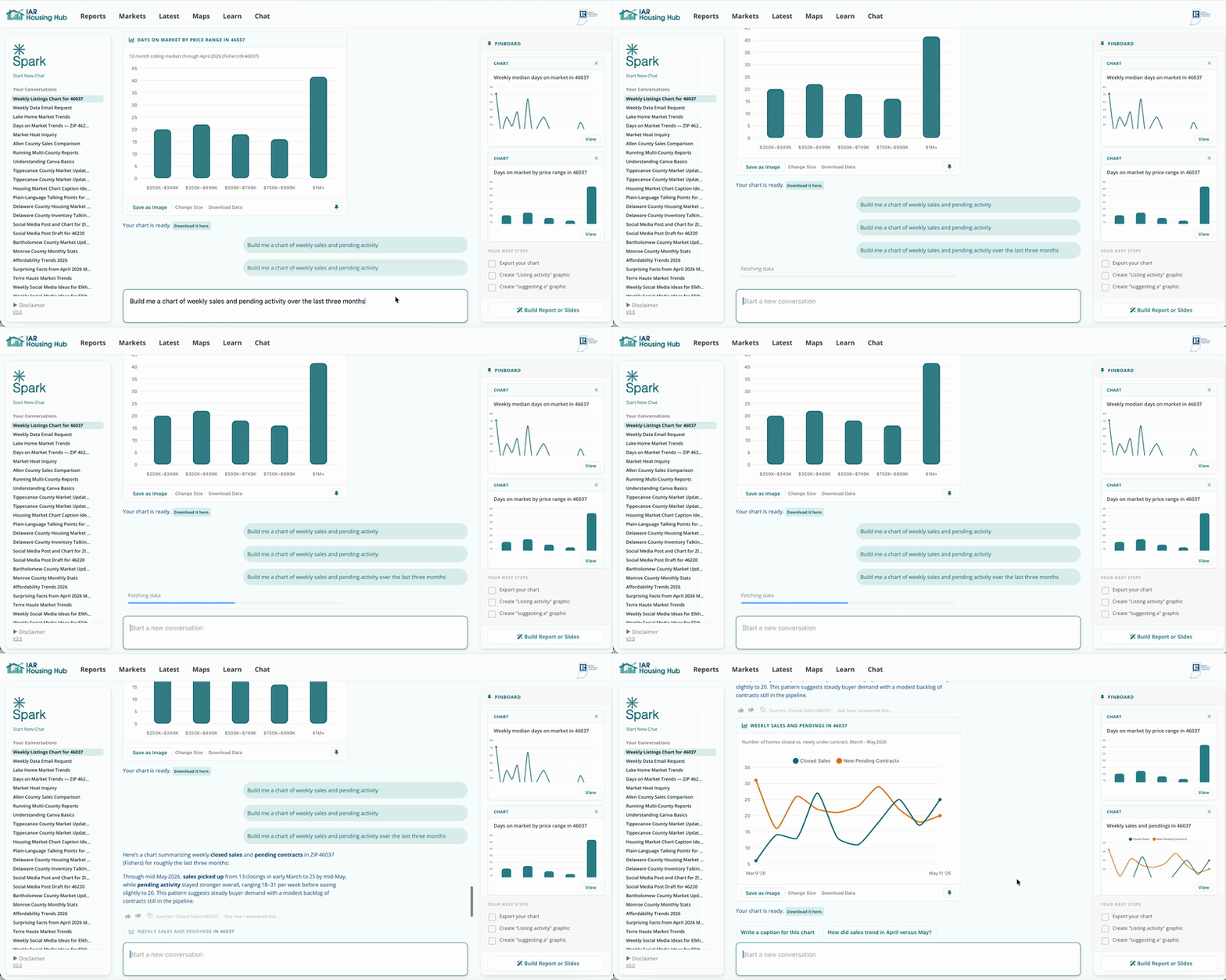
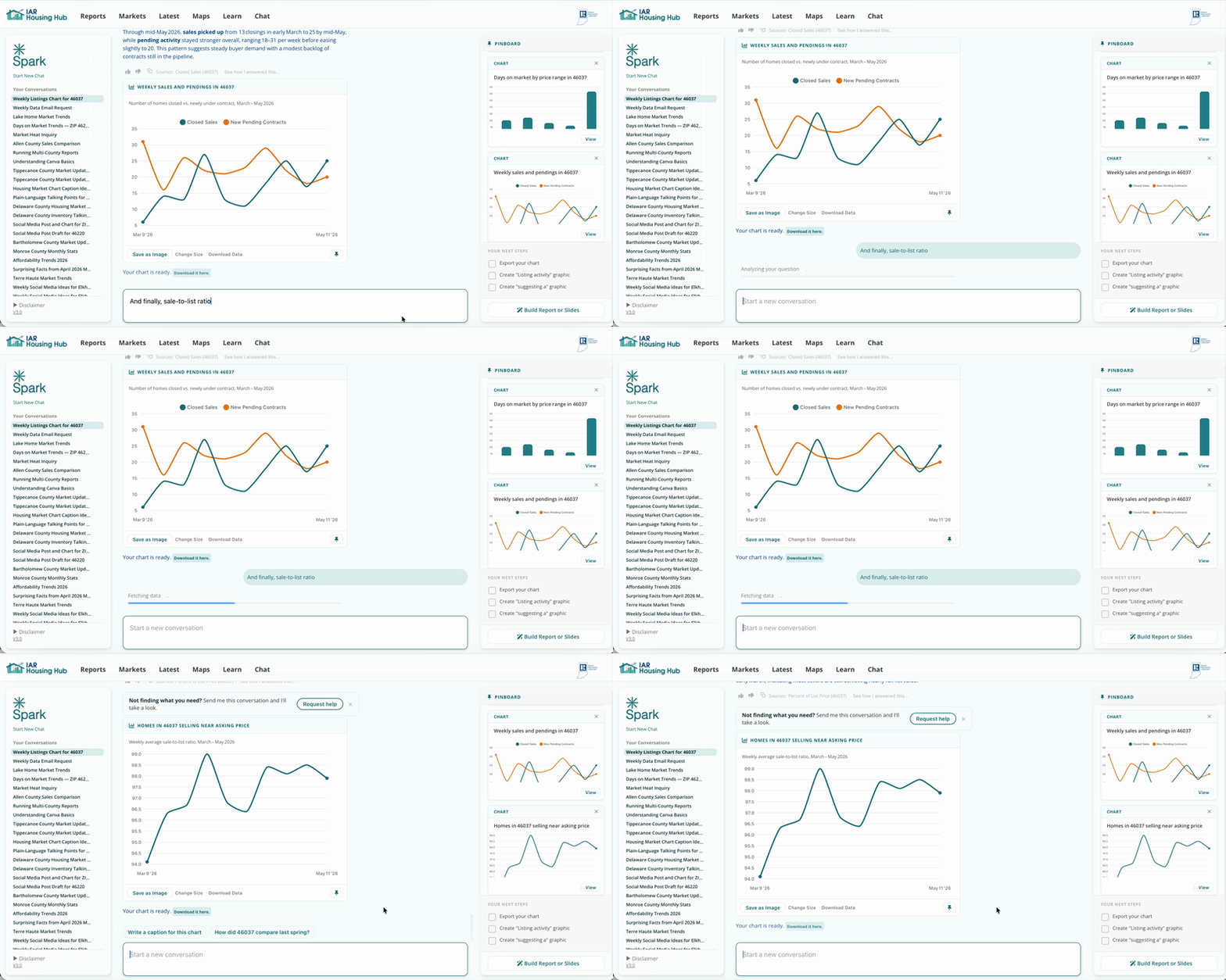
This chart is very important for seller expectations. Show them the percent of asking price the typical seller receives. You can also break this out by price.
Under Files at the top of the pinboard, click Build next to Report. We will generate a report that you can edit and export.
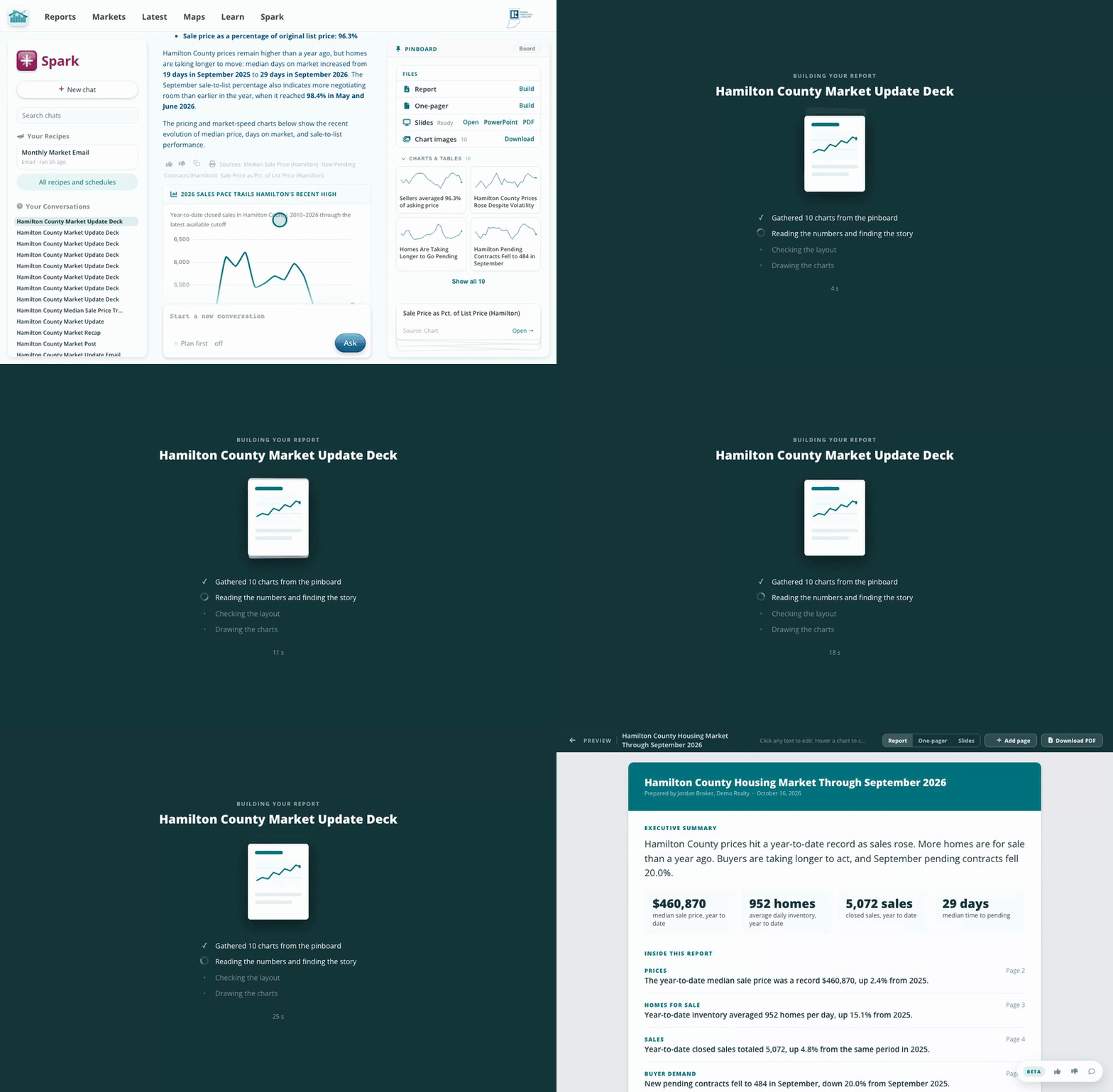
Click directly on the title to edit. Click away or hit return to save your edits. The report automatically saves after each edit.
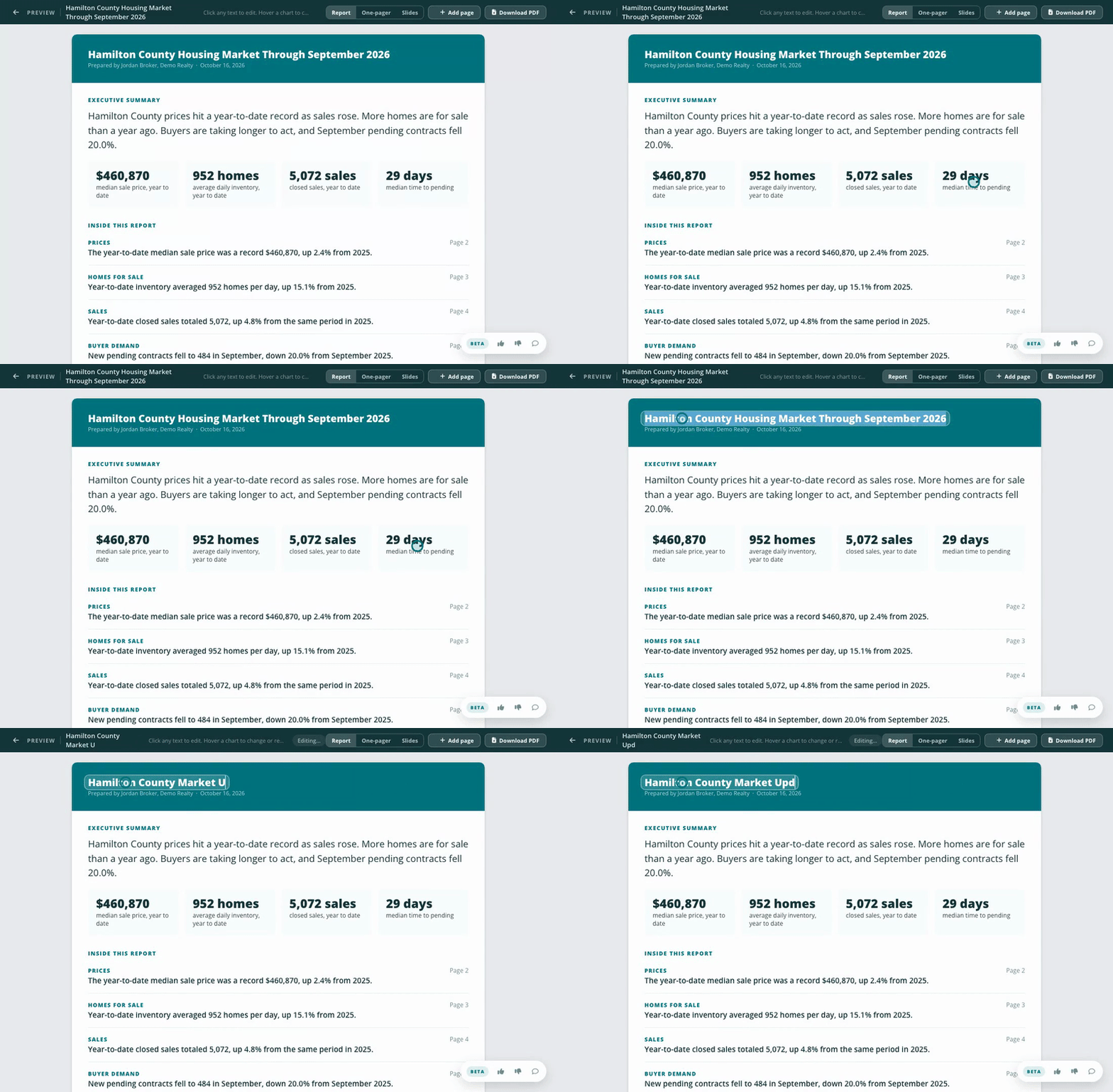
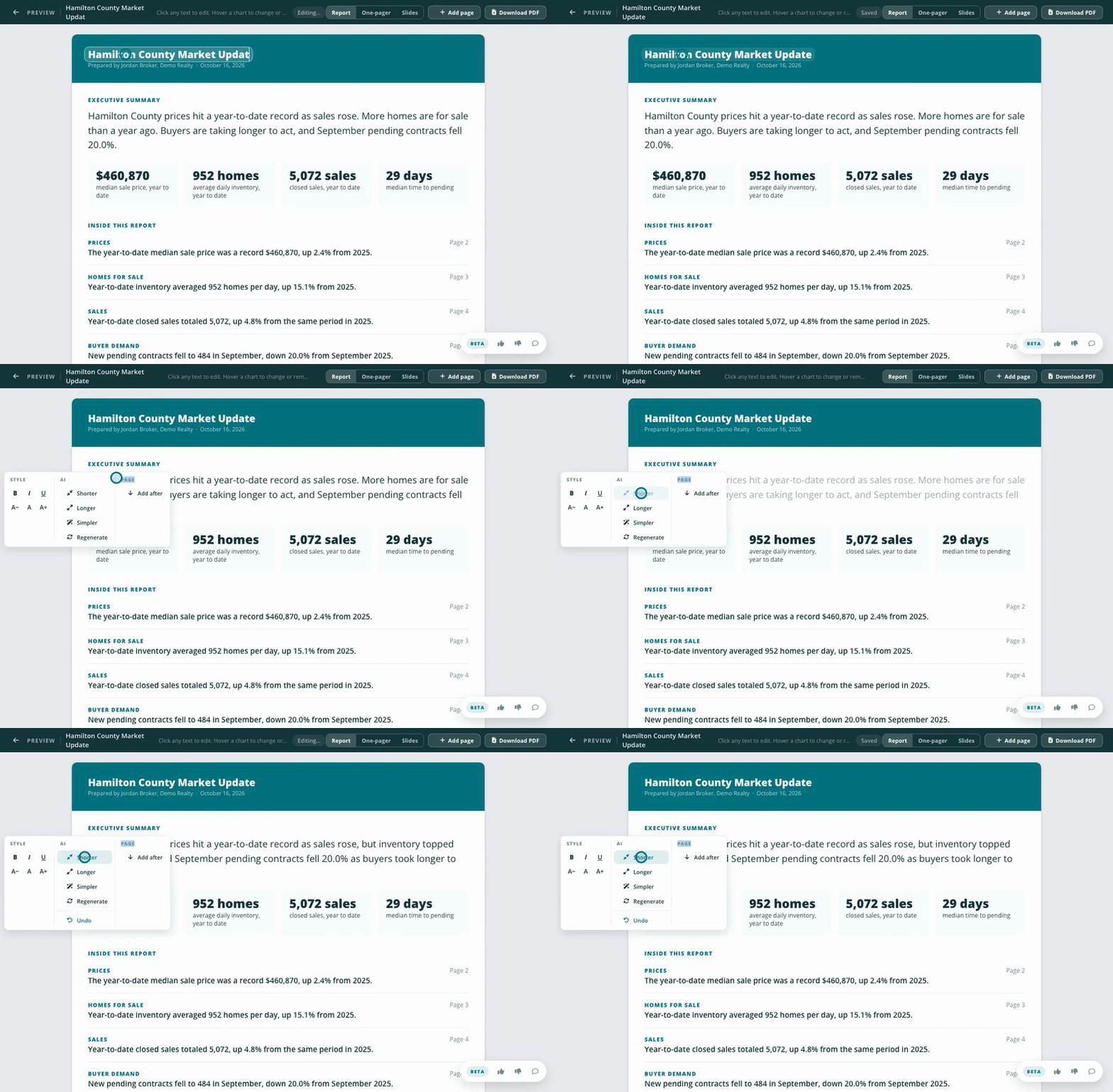
You can directly edit text in the report, or use AI to make it simpler, longer, or shorter, or to regenerate it. You can also change the size of the text or make it bold, italic, or underlined. The formatting applies to the entire text block.
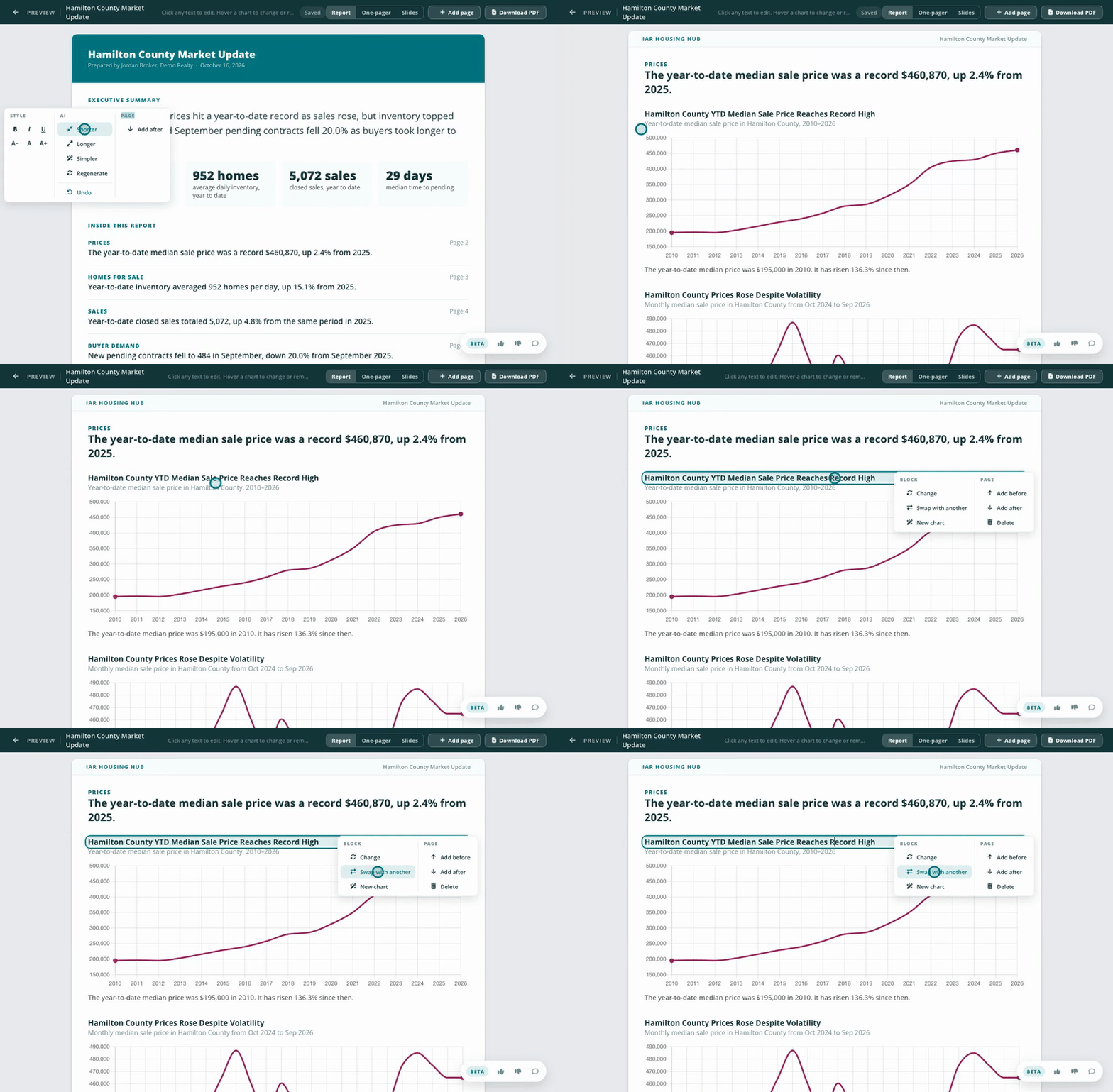
Click a chart or fact block to open its menu. Change picks different unused content or removes the block, Swap with another trades its place with another block, and New chart asks Spark for one. Under Page you can add a page before or after, or delete one. The report reshuffles its layout to fit.
Click "Download PDF". We will generate a PDF and save it to your downloads folder.
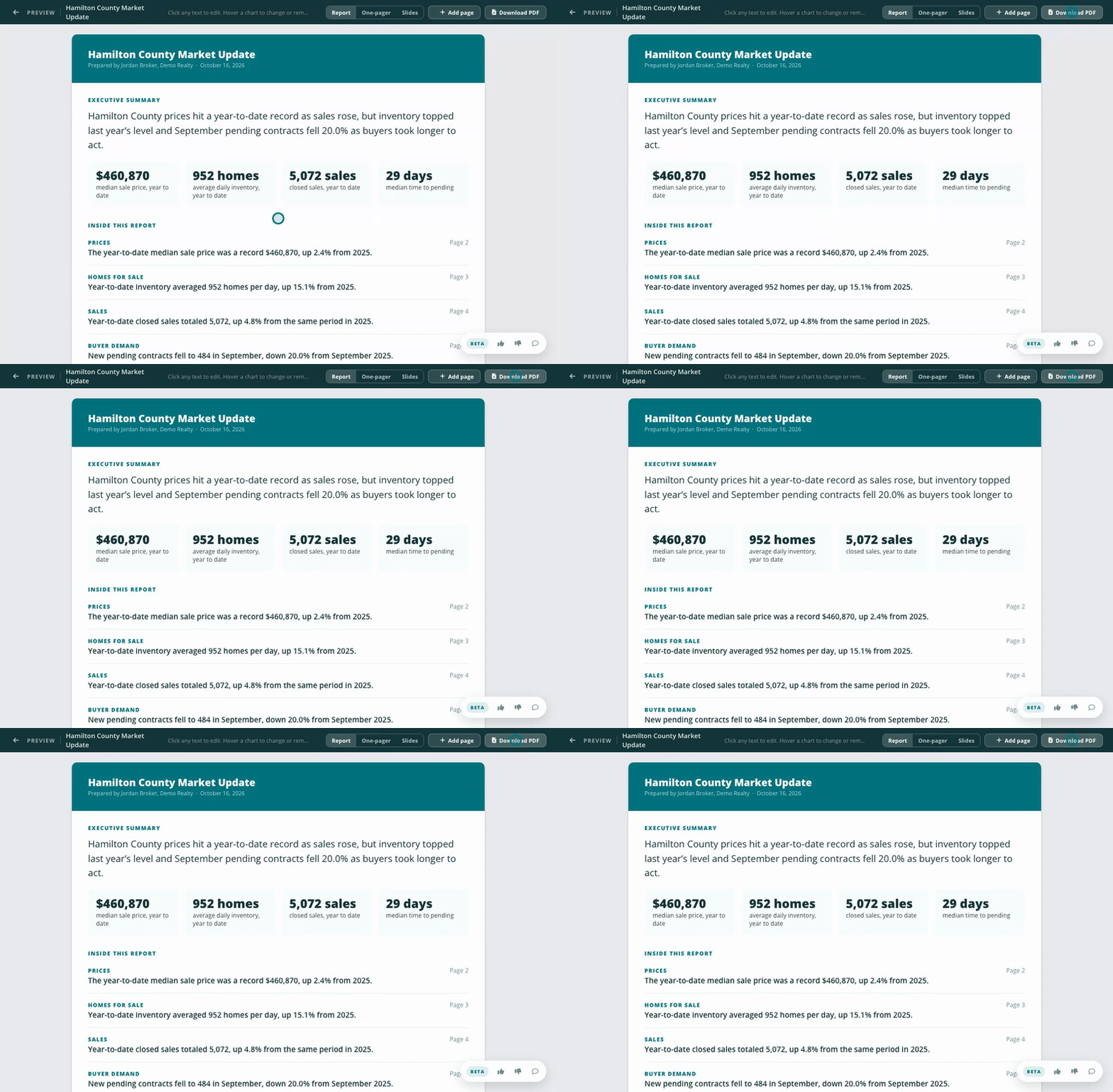
Carefully read and review the report. If you find any edits, you can make changes and export the report again. You can open a report you've previously created by loading that chat in Spark. Click the chat's name in the list of previous chat sessions in Spark. Then select "Build Report" again, and you will see your existing report with all previous changes.
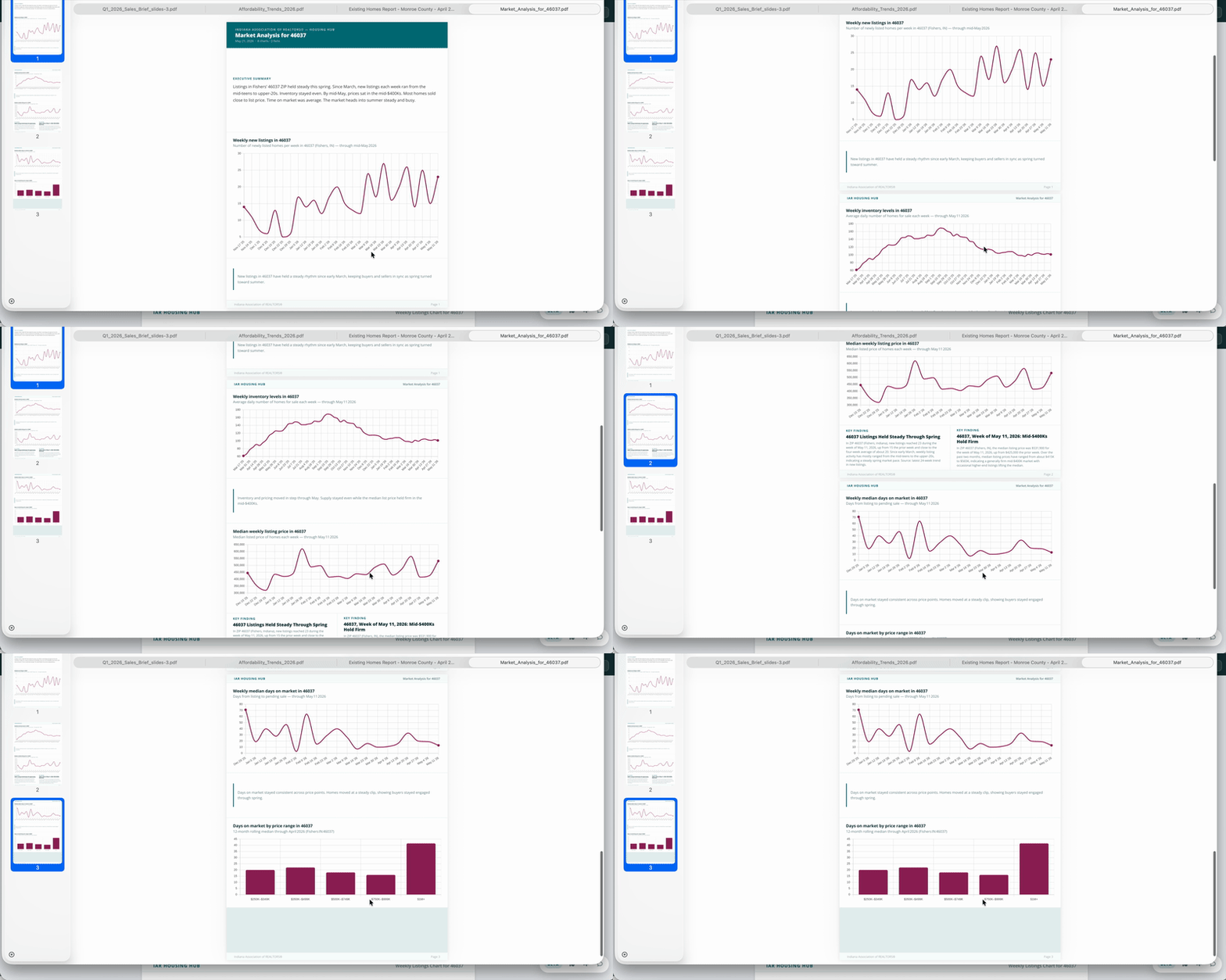
The report looks polished and professional but takes minutes to make. It brings in local housing data without you spending time on layout or downloading a dozen charts.
Think about the questions a client will have about their market and their home. Find data points that address those questions.