
Post a Monday morning market update with a chart
Choose the market where your primarily work. For weekly data, choose a market with enough activity to have stable data, like a county.
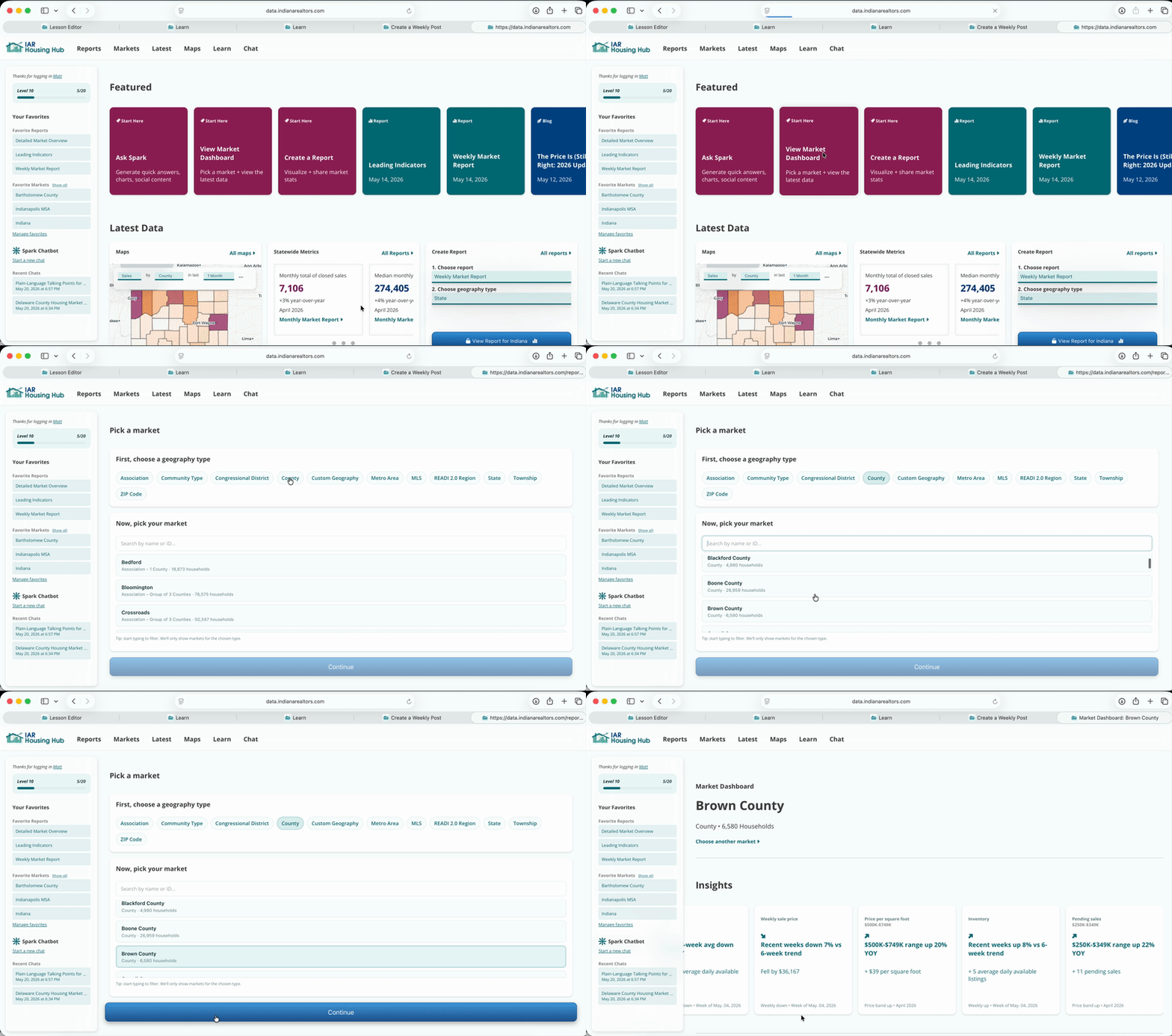
Look for an interesting trend in the insight cards. We've picked climbing inventory to encourage potential buyers that now is a good time to look.
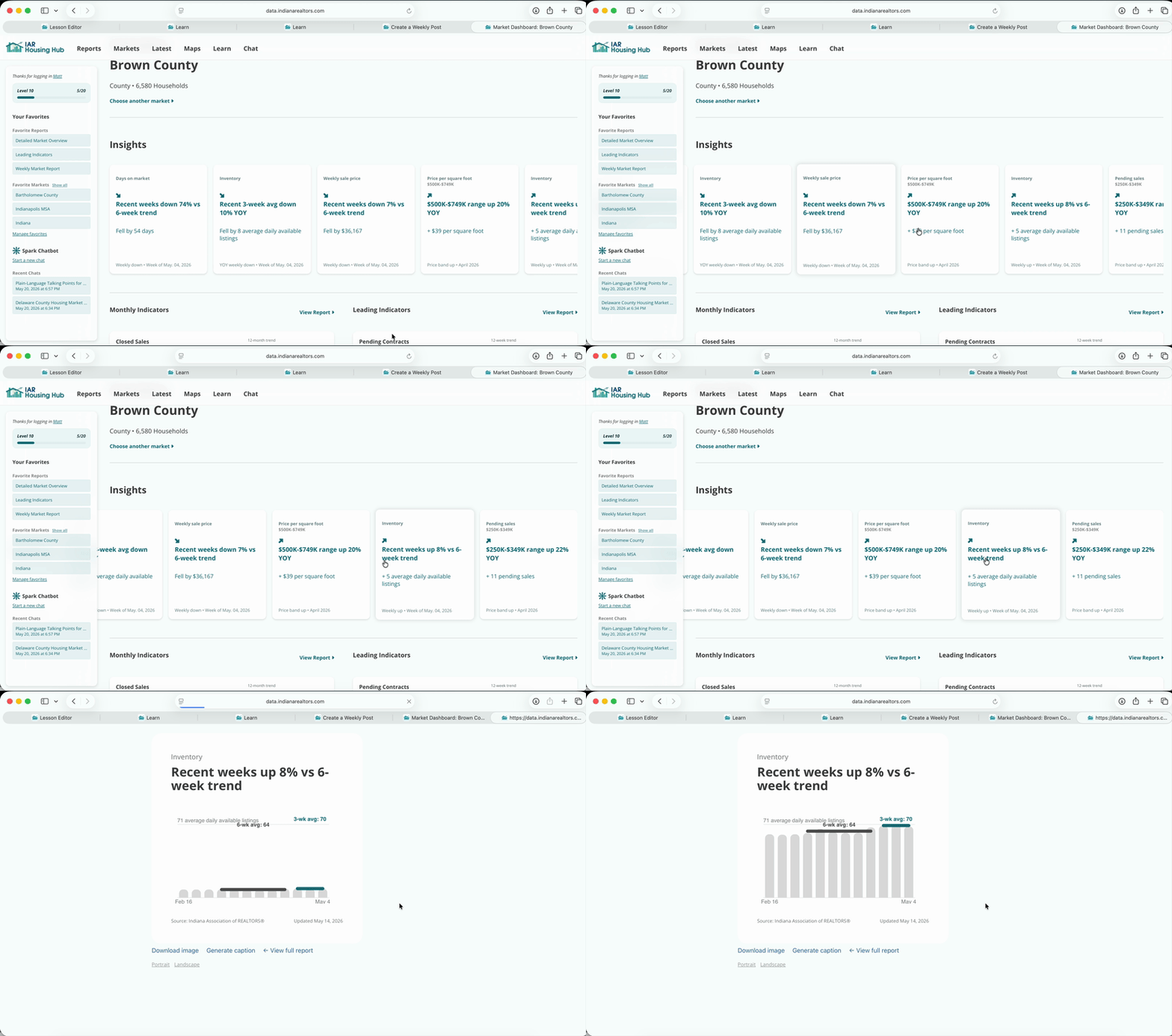
Open the Insight Card to see a chart.
This will be the image in your Instagram post.
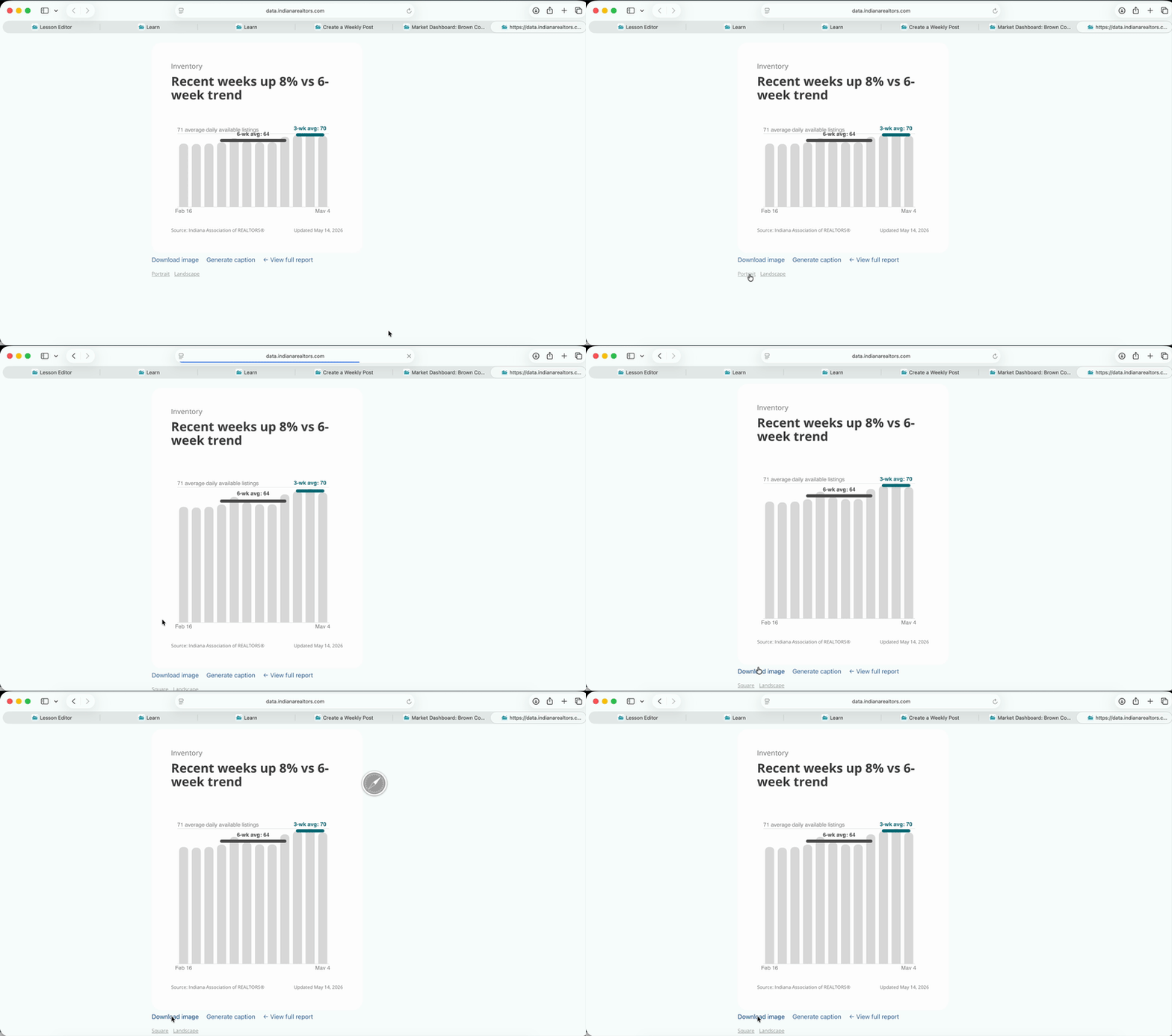
Click "Generate Caption" and spark will write the caption to go along with your post.
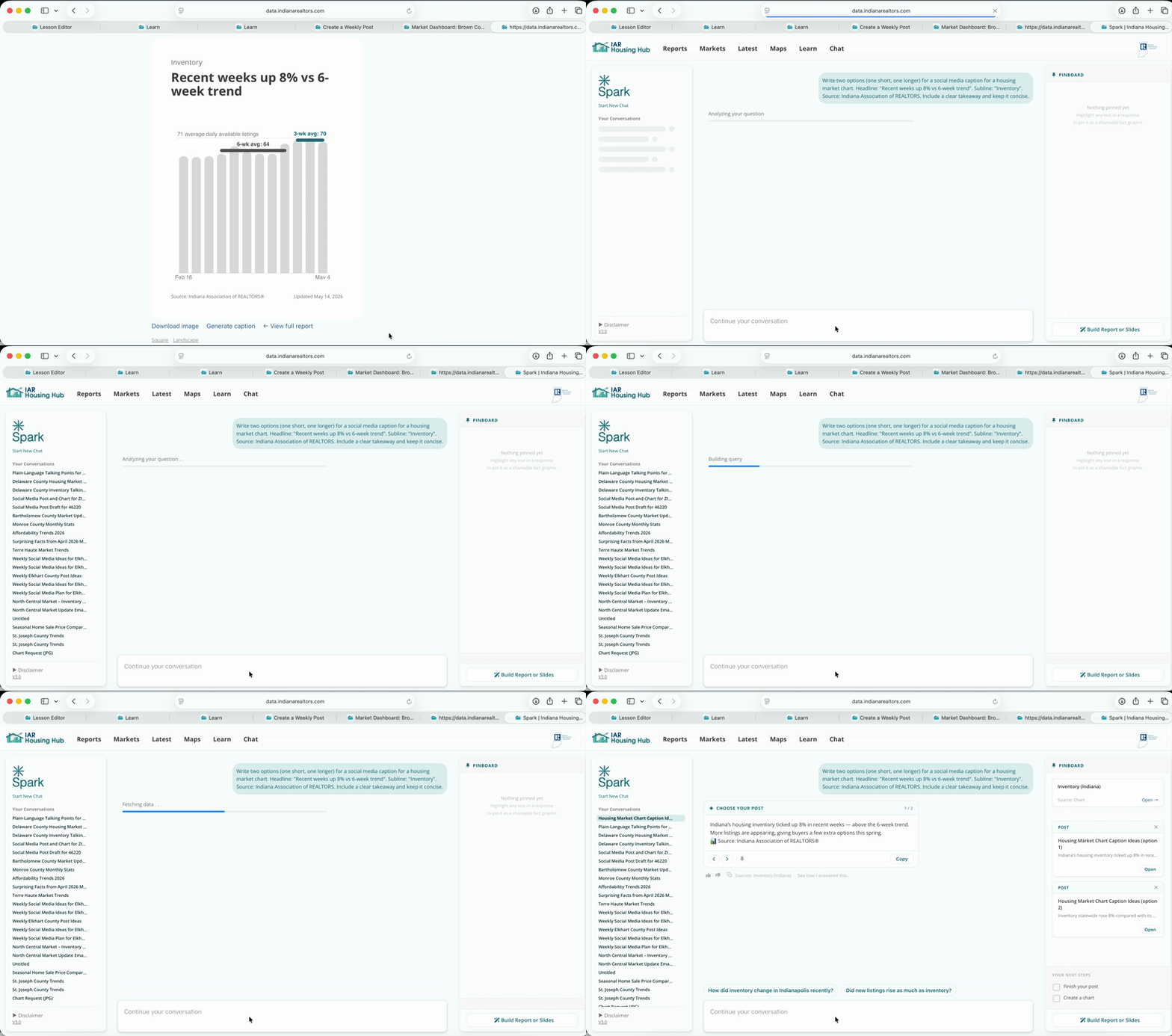
If you have multiple options, you can click the arrows to view them. Open an option to edit it. Tailor it to you a platform or an audience using AI, and make manual edits by typing in the text box directly. When you're done, click copy.
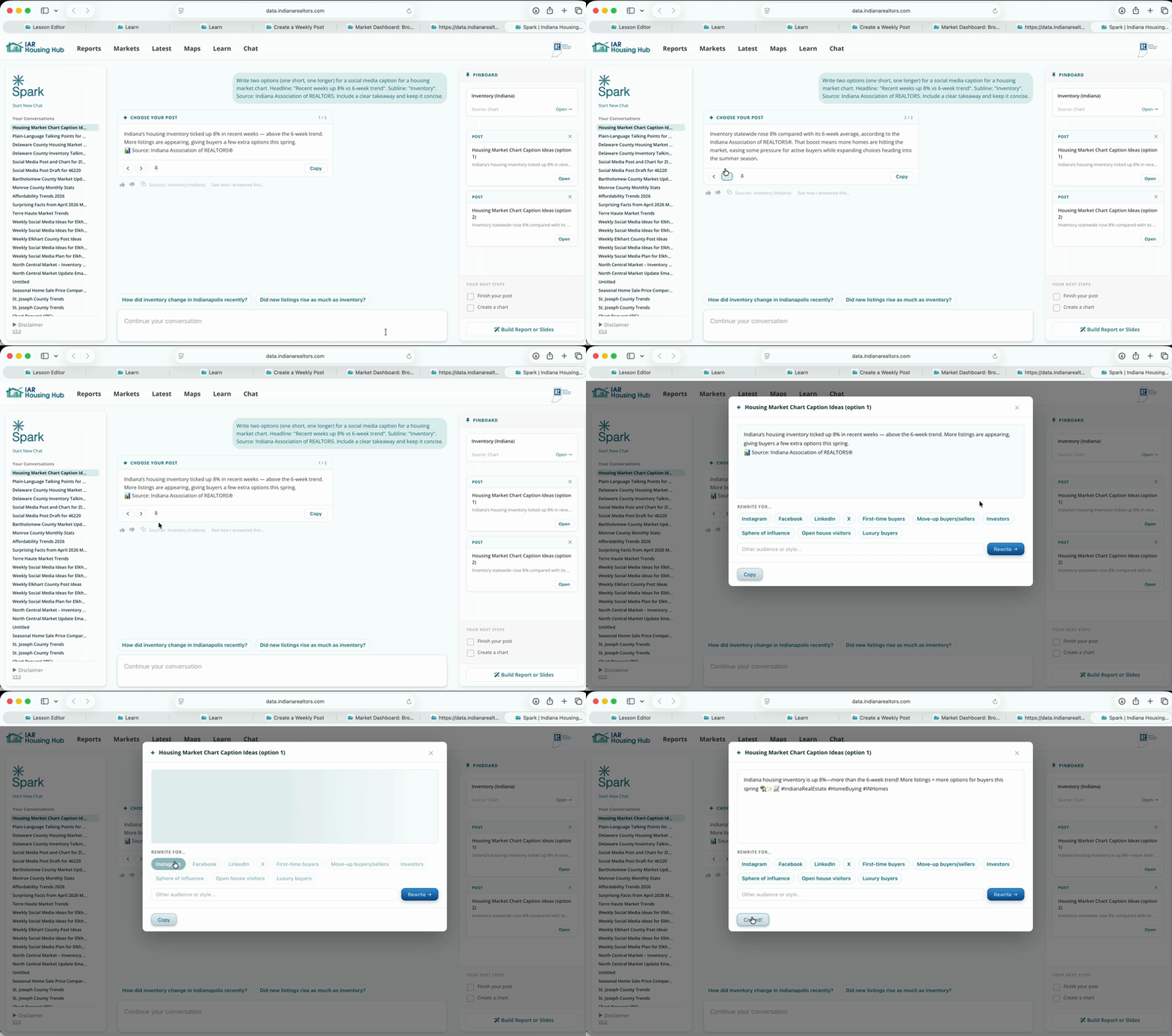
Now you have an image (in your downloads folder) and a caption you can paste. Post this in Instagram.
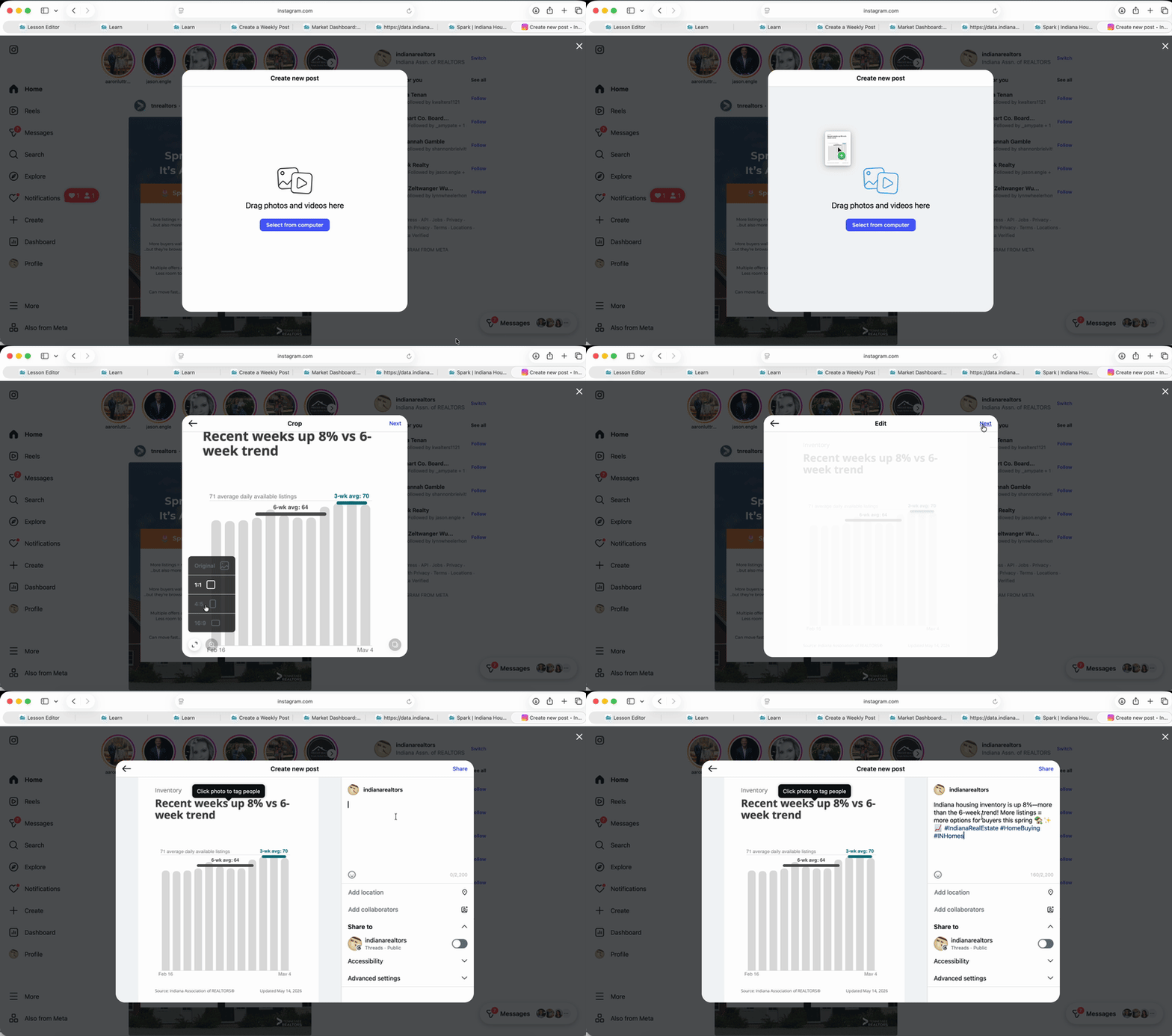
Make sure to fit the cropping to match the image. Pick "Original" if you're unsure.
Weekly updates don’t need depth, they need consistency. One clear chart and one sentence of context is enough to signal that you’re paying attention. Over time, this builds credibility without overwhelming your audience.
Find a trend that stands out, but make sure the change is not just weekly noise.