
Turn any report into a one-page, print-ready market dashboard for any Indiana market.
On the Reports page, look for the One-Pager link under a report's Select Report button. Click it and you land in the one-pager builder for that report.
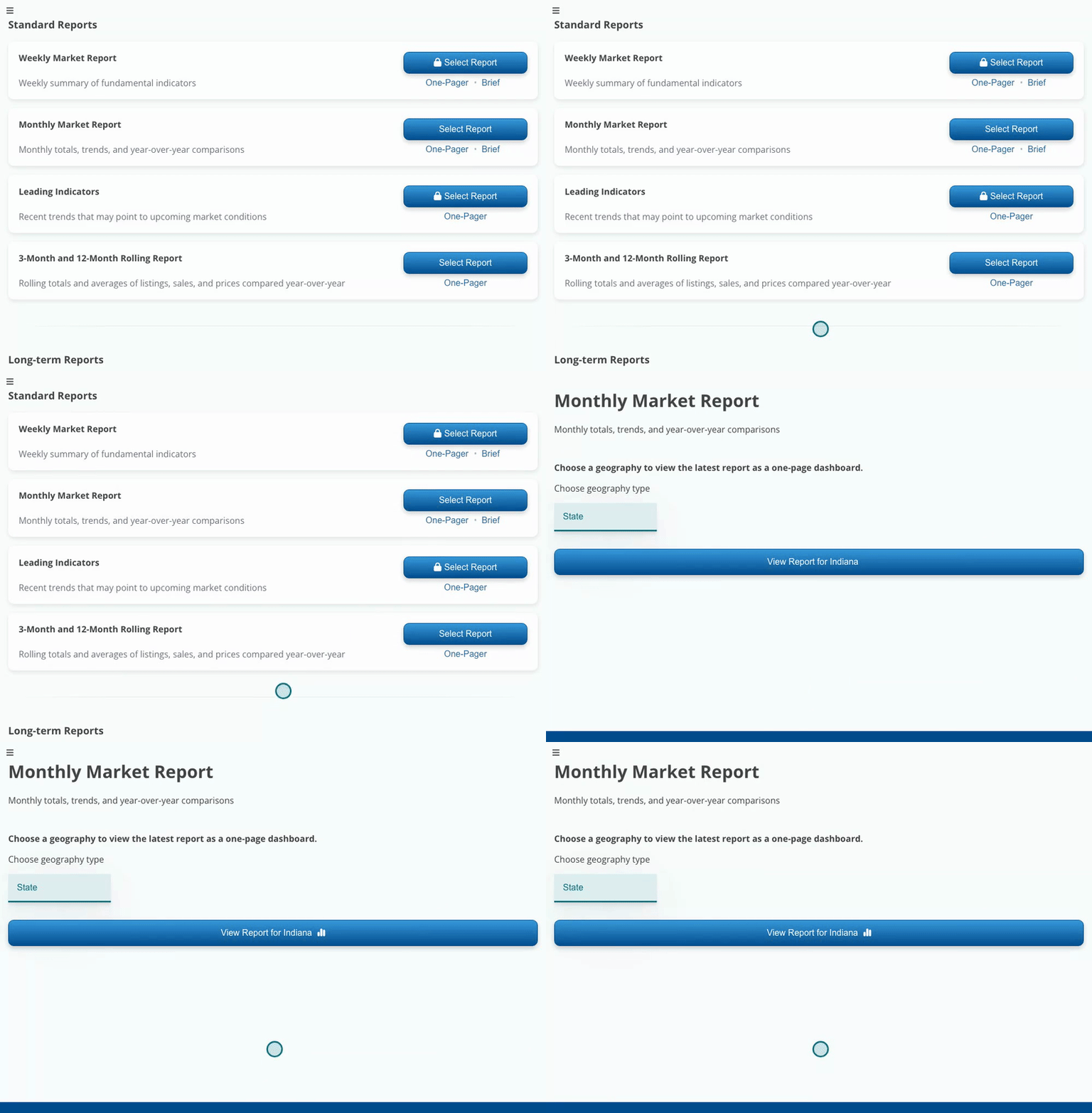
Every report with a One-Pager link can become a one-page dashboard.
Choose a geography type, then search for your market and pick it from the list. Click View Report and the latest data renders as a single-page dashboard, summary included.
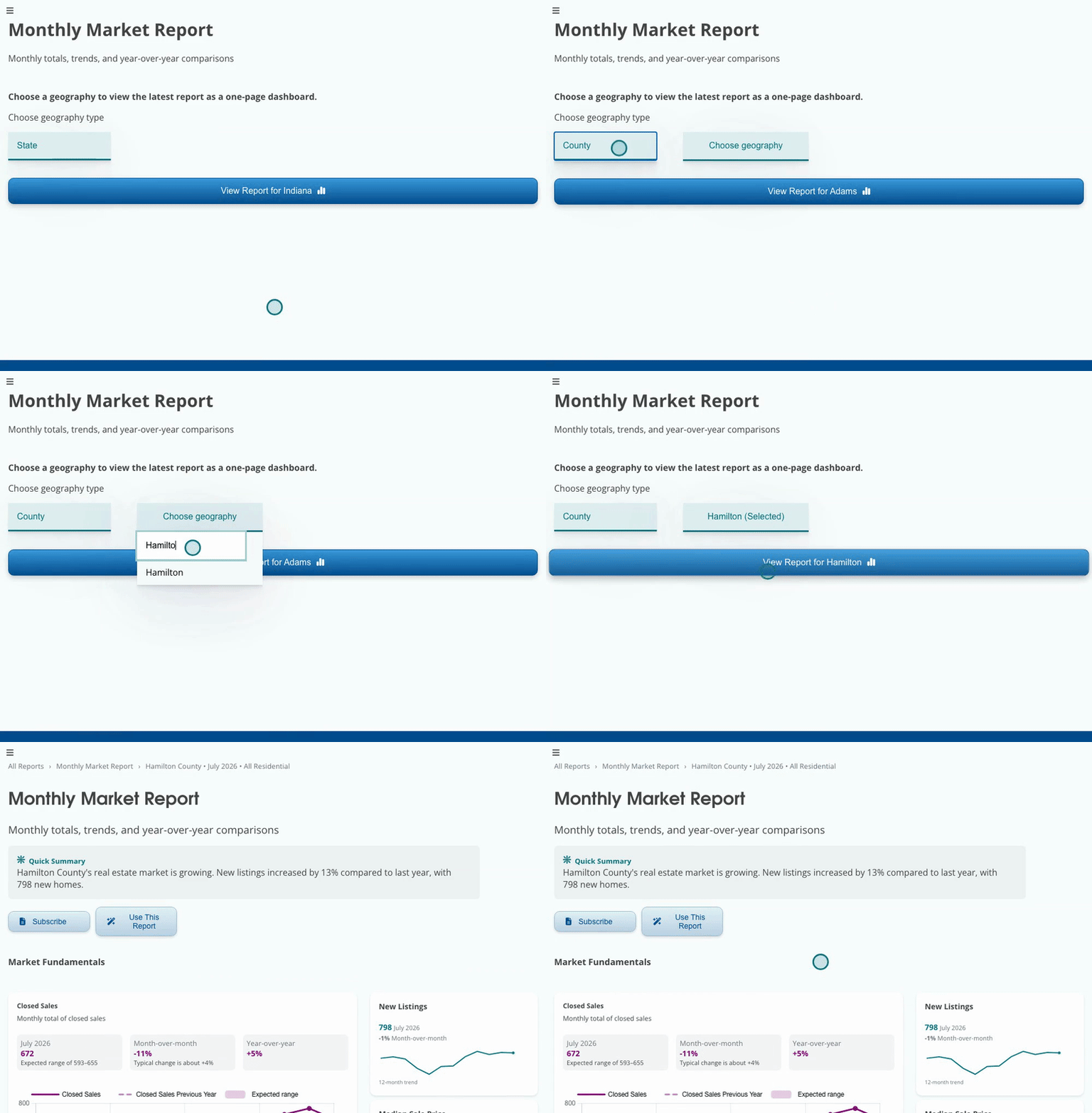
County, ZIP, metro, or township, the one-pager works for any geography.
Already inside a report? Click Use This Report, then Open One-Pager. It takes you to the exact same one-page view for the market you're looking at, no rebuilding.
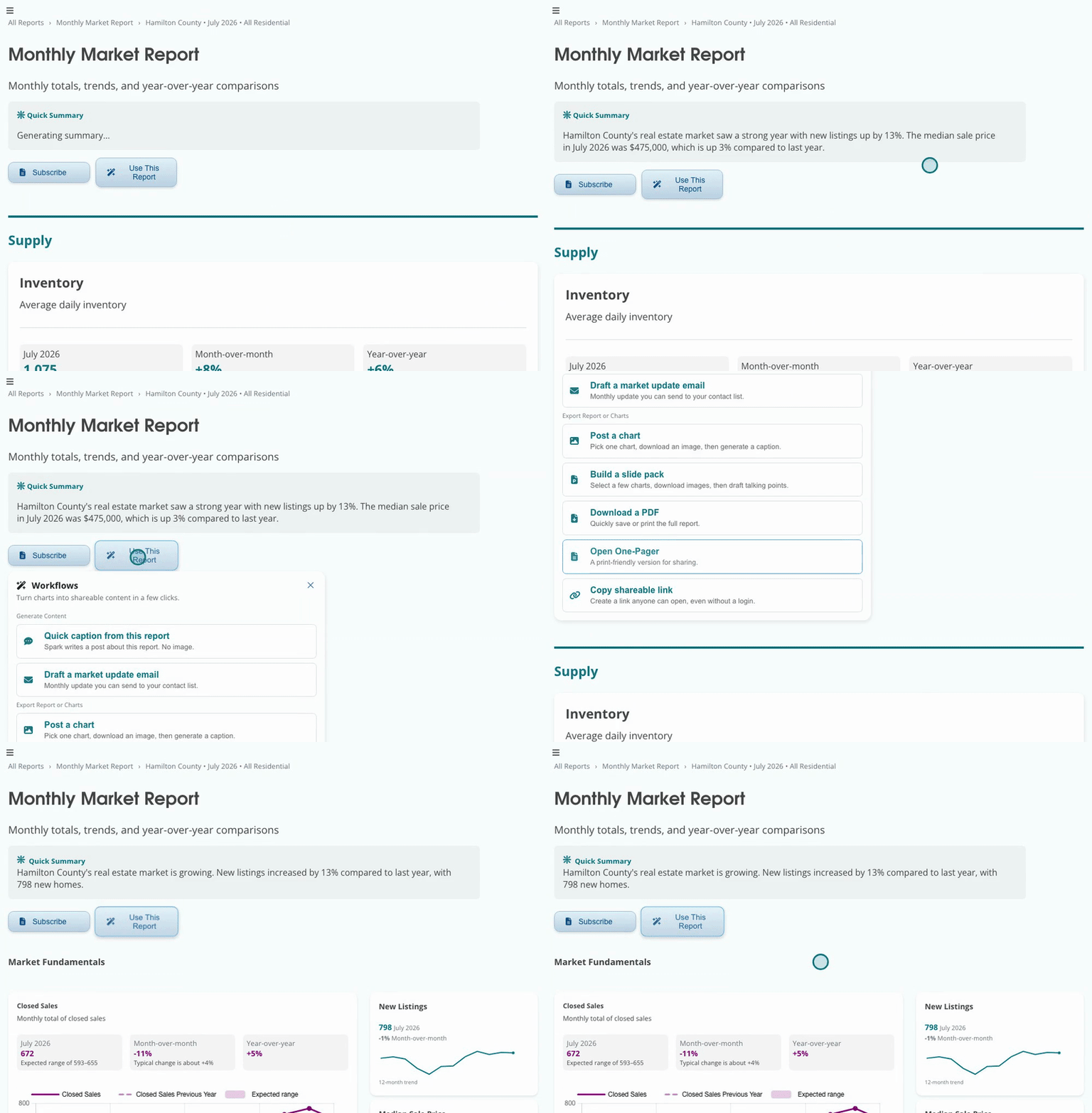
Both routes land in the same place, so start wherever you already are.
On the one-pager, click Use This Report, then Download a PDF. Your browser's print dialog opens, choose Save as PDF as the destination and you have a file ready to send or print.
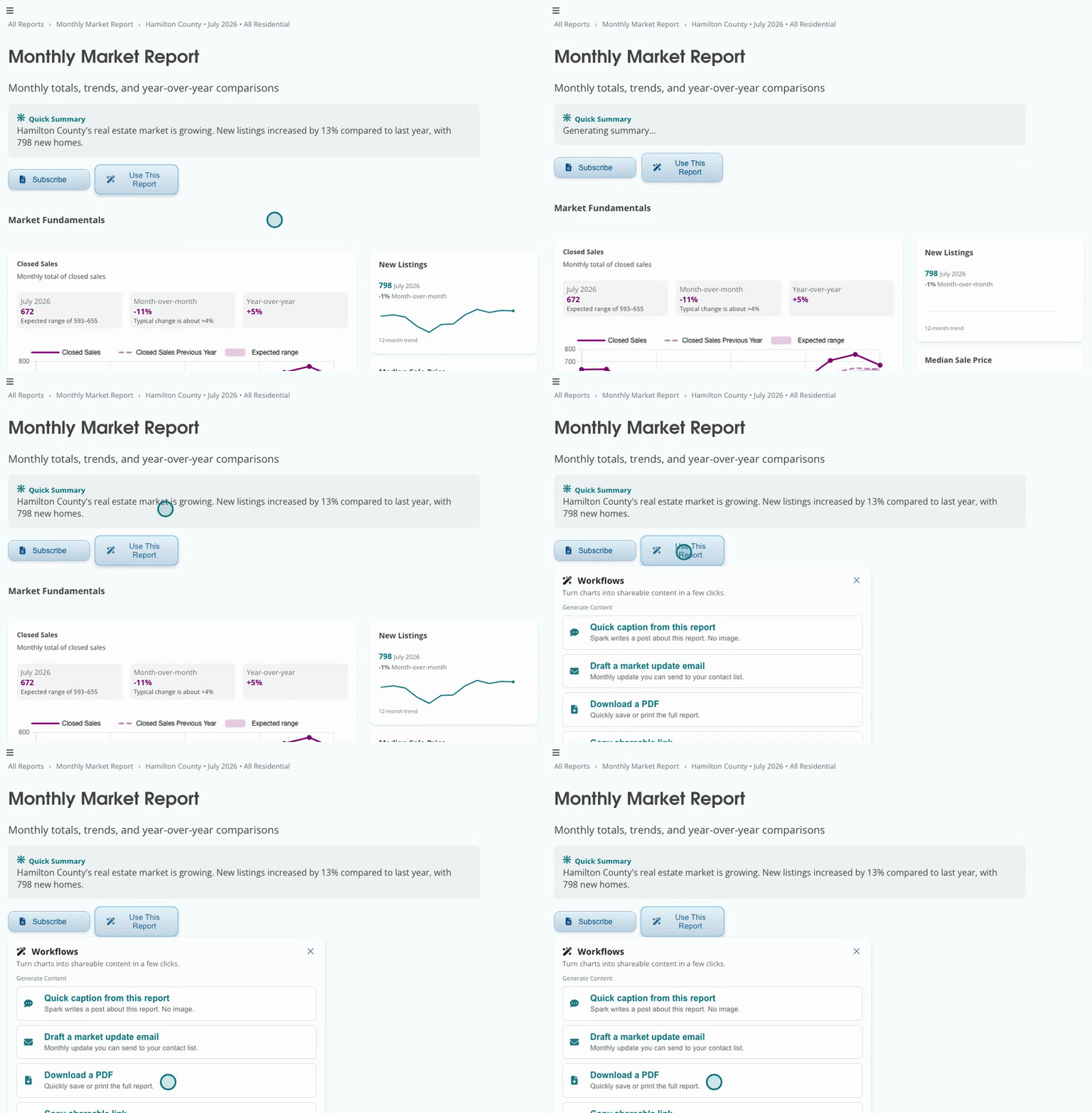
Pick Save as PDF in the print dialog to get a shareable file.
A full report is built for reading on screen, but most client moments call for something you can hand over. The one-pager distills the same current data into a single page that survives printing, so you walk into a listing appointment with numbers for their exact market instead of a stack of charts. Clients keep a page, they don't keep a link.
The PDF cleans itself up automatically, buttons disappear and the IAR logo rides the header, so what you save is client-ready with zero editing.