 Reports
Markets
Latest
Maps
Learn
Spark
Reports
Markets
Latest
Maps
Learn
Spark
Select 2-3 markets and see them side-by-side
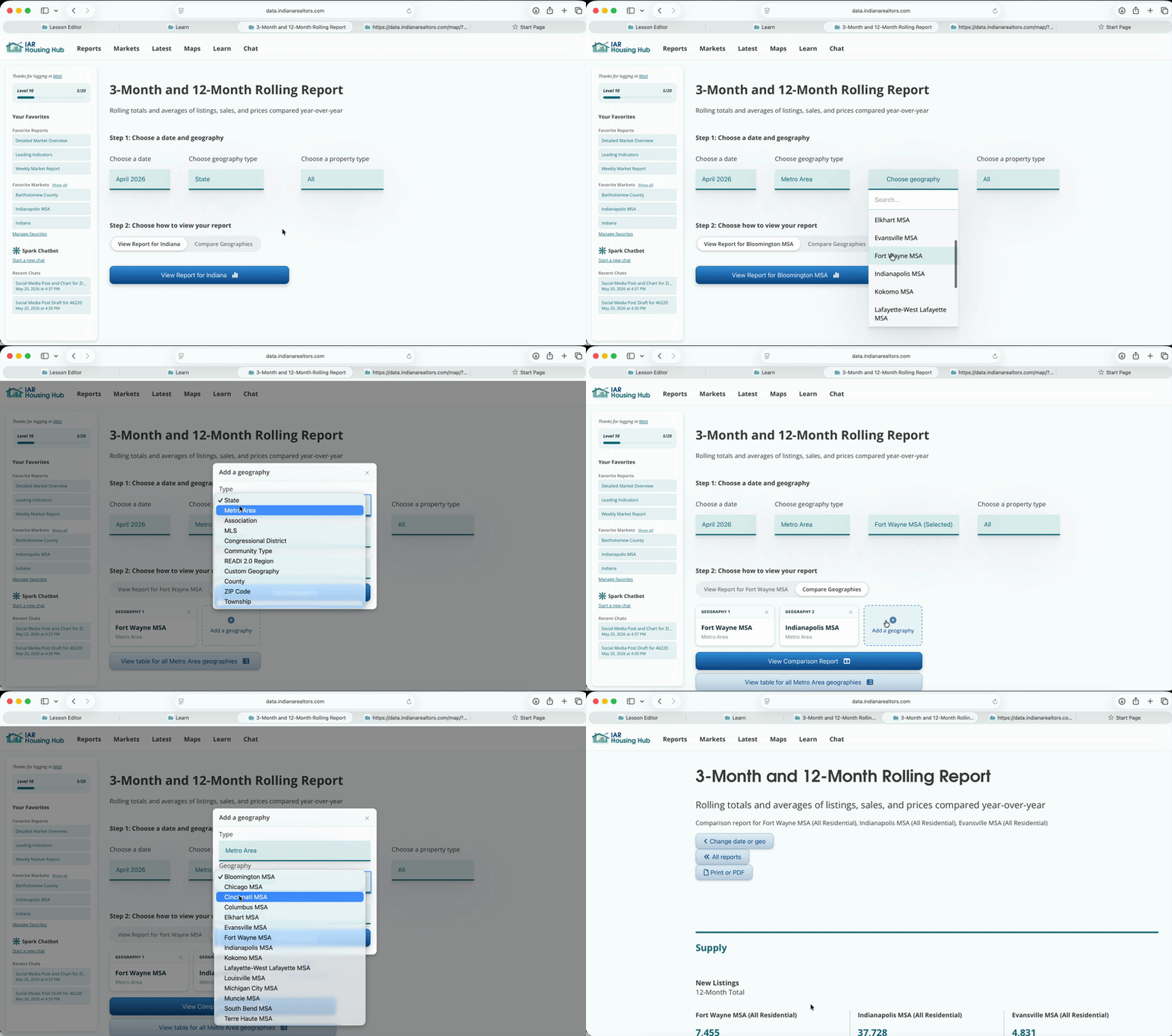
When you're building a report, choose "Compare Geographies". Add up to two more geographies. They don't need to be the same type. For some reports, you even compare different property types for the same geography.
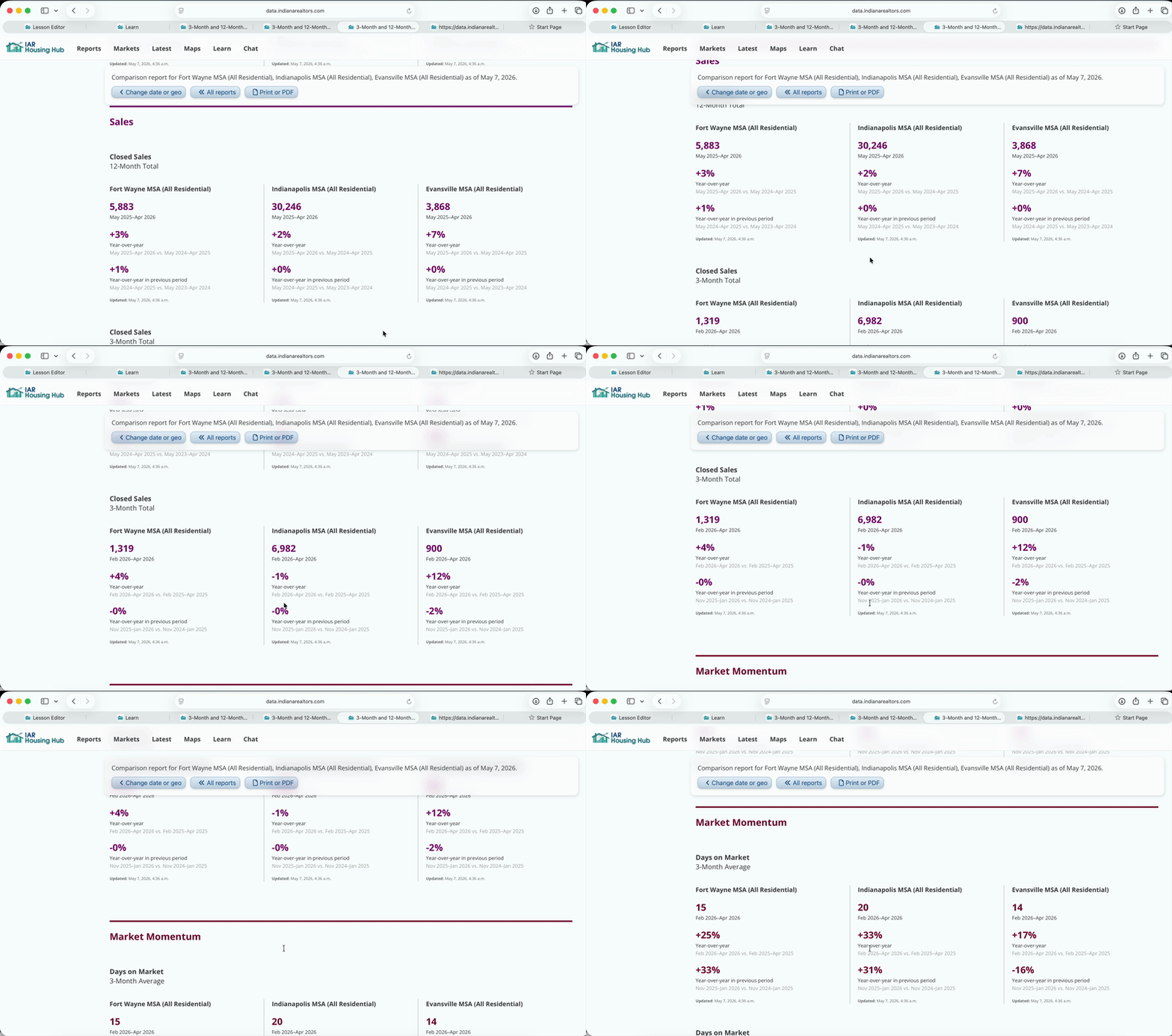
In this comparison view, reports show tables instead of charts. Indicators like days on market or price are directly comparable. For counts (listings, sales, inventory) focus on comparing the trends (year-over-year change).