 Reports
Markets
Latest
Maps
Learn
Chat
Reports
Markets
Latest
Maps
Learn
Chat
Save a market, metrics, and layout once—then load and insert it in seconds next time.
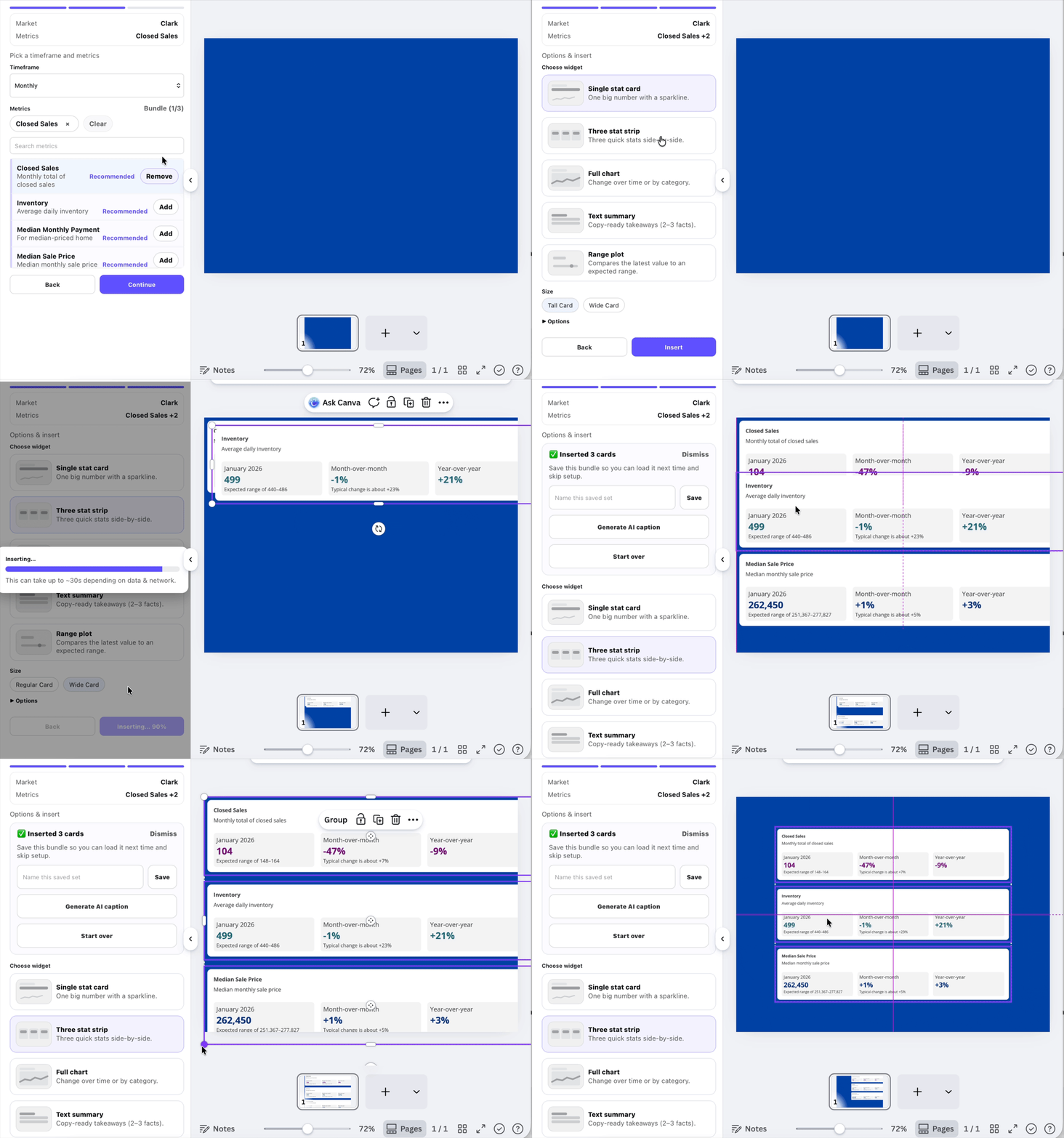
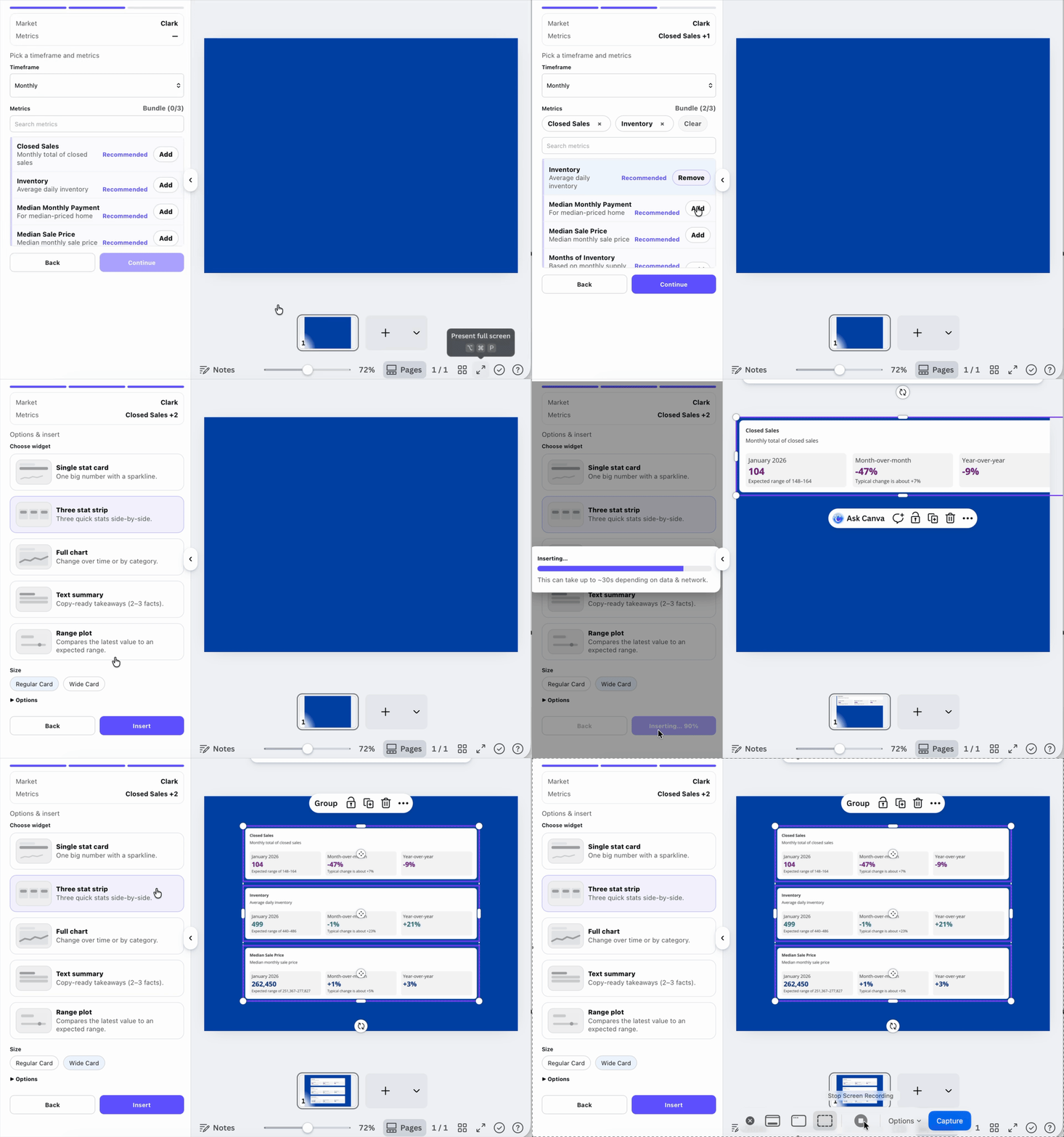
Most agents post the same market update every week or month. Saved sets let you reuse the exact same market, metrics, and layout without repeating setup.
This keeps your posts consistent over time and reduces the process to just two clicks: load and insert.
Create one saved set per market and timeframe (for example: “Allen County – Monthly”). Consistency makes trends easier to recognize for your audience.